cnPilot Enterprise AP User Guide CAMBIUM NETWORKS
System Configuration
This section describes the System, Management, Time Settings, and Event Logging functionalities
of cnPilot Enterprise AP.
System
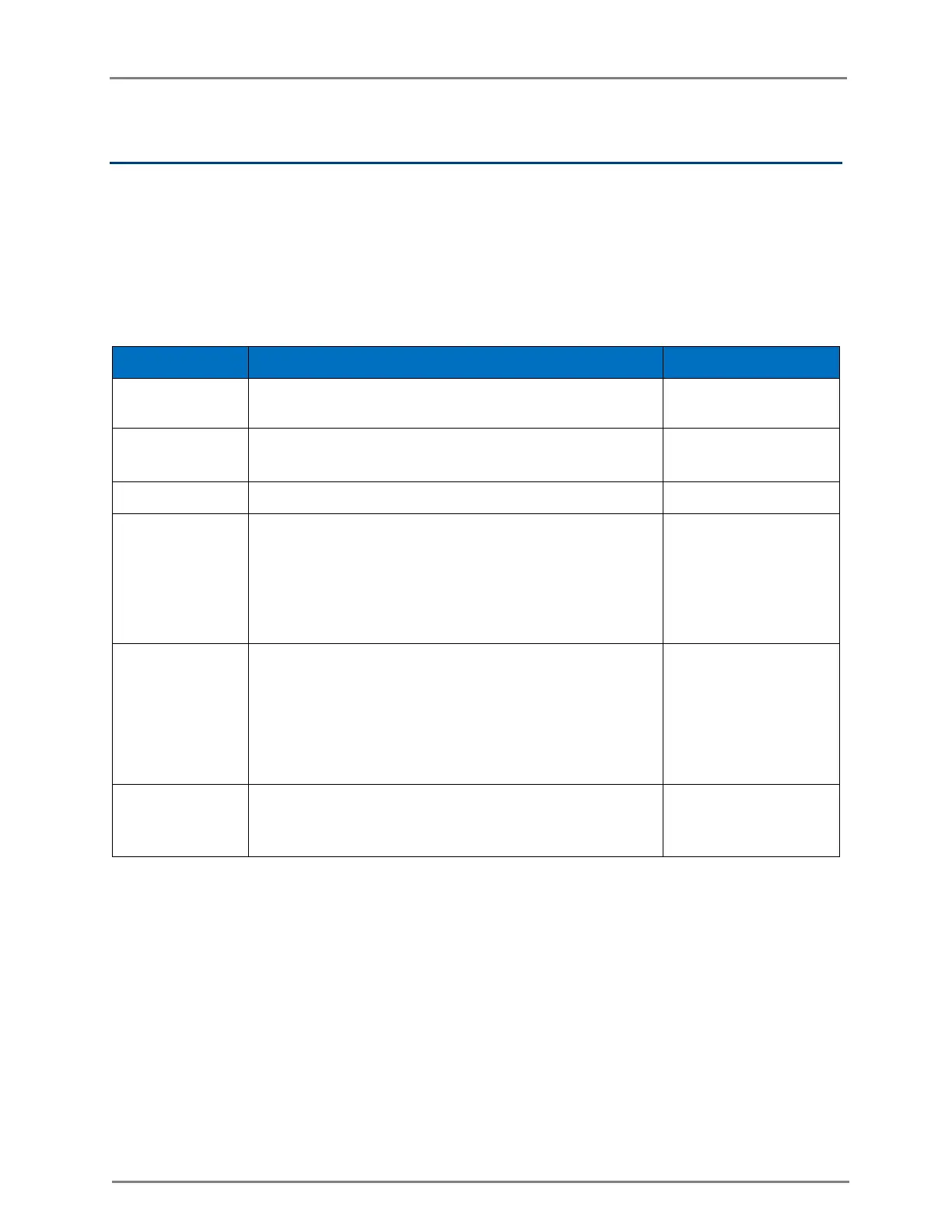
The following table lists the fields that are displayed in the Configuration > System page:
Table 1: Configuration: System parameters
Hostname of the device. The maximum length of name is
64 characters.
The location where the device is placed. The maximum
length of location is 64 characters.
Contact information for the device.
To be set by the administrator to the country-of-operation
of the device. The allowed operating channels and the
transmit power levels on those channels depends on the
country of operation. Radios remain disabled unless this is
set. The list of countries supported depends on the SKU of
the device (FCC, ROW etc).
(Only for ePMP
1000 Hotspot)
Enable to make the AP provide power an auxiliary device
connected to its ETH2 interface. Note that the Eth2
interface provides Cambium PoE (not standard 802.3af) and
only supported Cambium devices should be plugged into
that port, when POE-Out is enabled (devices such as other
ePMPs, PMP450-SM).
Select the LED checkbox for the device LEDs to be ON
during operation.
You can configure the above parameters through the UI or CLI.
In the UI
1. Navigate to the Configuration > System tab. The following fields are displayed in System:
a. Enter the hostname of the device in the Name text box.
b. Enter the location where this device is placed in the Location text box.
c. Enter the contact details of the device is placed in the Contact text box.
d. Select the appropriate country code for the regulatory configuration from the Country-Code text
box.



 To Next Page