cnPilot Enterprise AP User Guide CAMBIUM NETWORKS
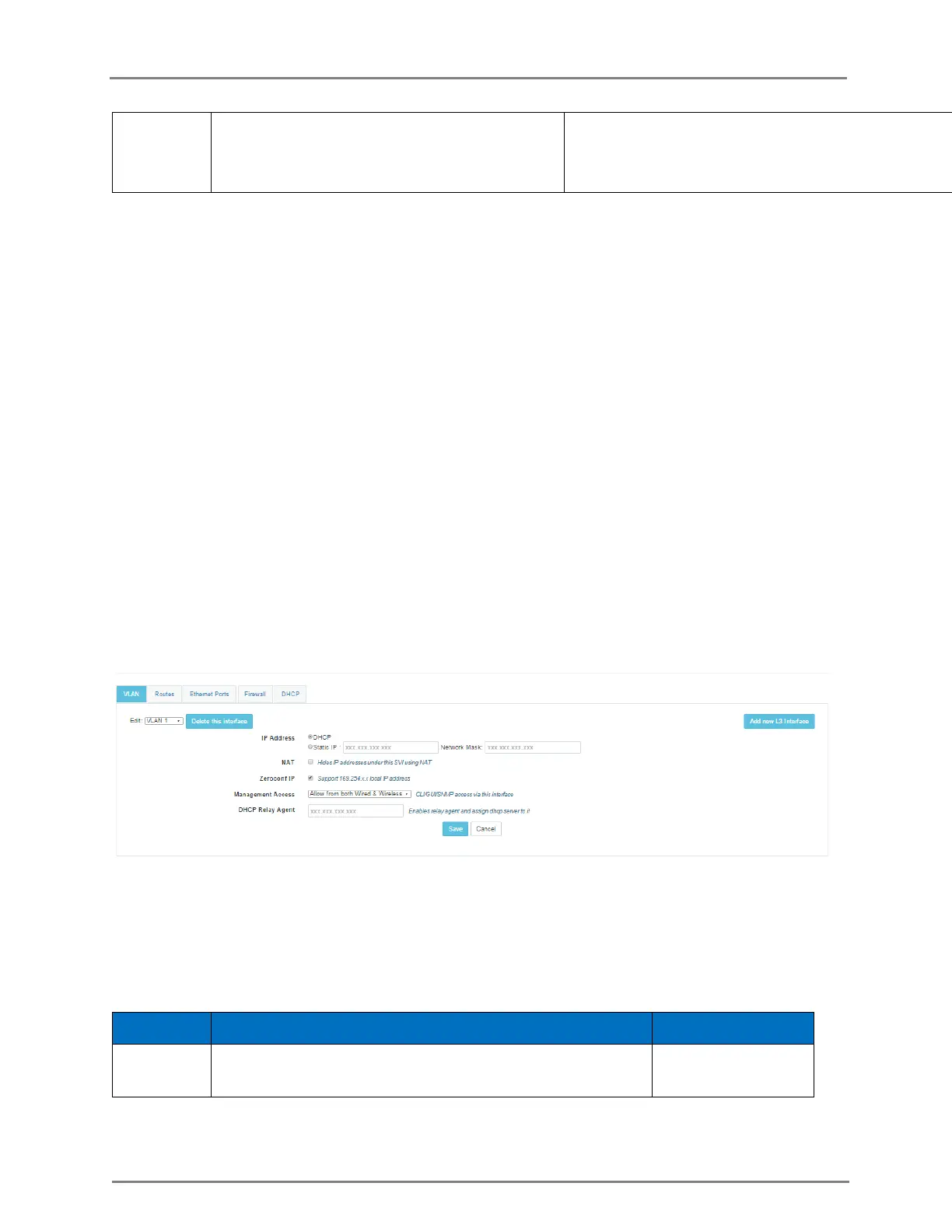
Creates additional zeroconf IP (169.254.x.y)
on the interface alias.
Only valid for SVI with VLAN 1.
You can configure the above parameters through the CLI.
In the CLI
To switch from configuration context to SVI context:
(cnPilot Enterprise AP) (configure)# interface vlan vlan-id
To configure IP address mode to DHCP client:
(cnPilot Enterprise AP) (configure)# ip address dhcp
To configures static IP address with a network mask of x bits:
(cnPilot Enterprise AP) (configure)# ip address a.b.c.d /x
To configures zeroconf (169.254.x.y) IP on SVI:
(cnPilot Enterprise AP) (configure)# ip address zeroconf
To disable zeroconf IP on an interface:
(cnPilot Enterprise AP) (configure)# no ip address zeroconf
To display all the created SVIs along with their VLAN and IP address information:
(cnPilot Enterprise AP) (configure)# show ip interface brief
Figure 14: Configure: Network > VLAN page
DHCP Server
Configures on board DHCP server on a particular SVI. User can configure different DHCP servers
on up to 16 SVIs. Mapping between DHCP server and SVI is done through SVI IP address &
network parameter of DHCP server configuration.
Table 14: Configure: DHCP Server parameters
Specifies the range of IP address to be used for assigning
to the clients.
start-ip-address to
end-ip-address



 To Next Page