EasyManua.ls Logo

Cambium cnPilot E400 - User Manual

Cambium cnPilot E400
103 pages
Print Icon
To Next Page IconTo Next Page
Loading...
System Release 2.0
Product Description
Configuration
Operation and
Troubleshooting
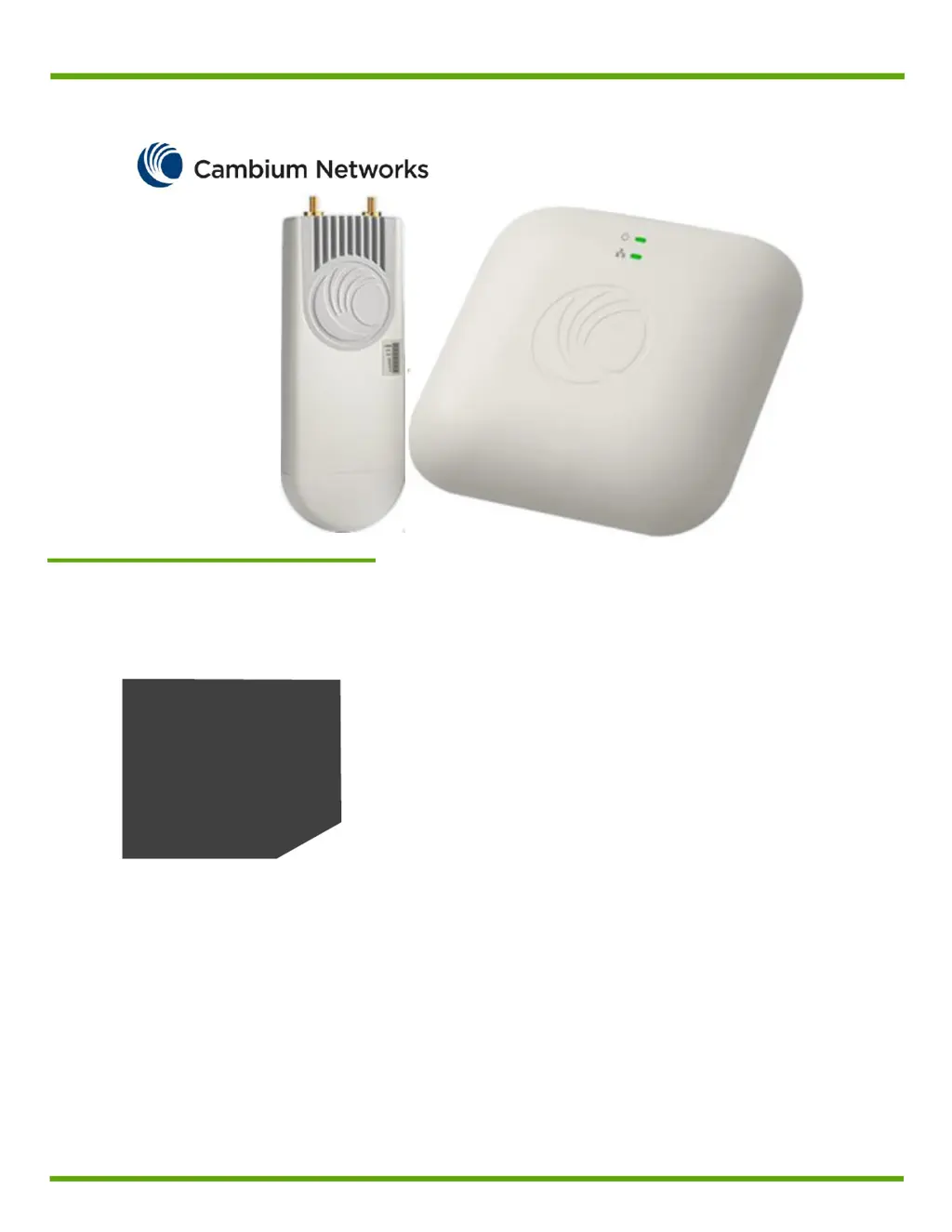
cnPilot Enterprise AP
User Guide

Table of Contents

Questions and Answers

Summary

Safety and Regulatory Information

Important Safety Information

Essential safety guidelines for installing and operating the equipment.

Important Regulatory Information

Guidelines on frequency bands, radar systems, and country-specific regulations.

USA and Canada Specific Information

FCC interference statement and compliance for US/Canada markets.

About this User Guide

Intended Audience

Specifies who the guide is designed for: system designers and administrators.

Contacting Cambium Networks

Provides contact details for support, website, and community resources.

Purpose of the Guide

Explains the guide's objective to instruct and assist personnel with the AP.

Problems and Warranty

Reporting Problems

Steps to follow when encountering installation or operation issues with the equipment.

Warranty Information

Details on Cambium's standard hardware warranty coverage, duration, and claims.

Security Advice

Security Best Practices

Recommendations for securing the system, including default credentials modification.

Warnings, Cautions, and Notes

Explains the usage and formatting of warnings, cautions, and notes in the document.

Product Description

Overview of cnPilot Enterprise AP

High-level overview of AP features, use cases, and hardware components.

Key Features

Lists the main capabilities and specifications of the cnPilot Enterprise AP models.

Default Settings

Information on default IP addresses, username, and password for initial setup.

LED Status Indicators

Explains the meaning of different LED indicators on the AP for status monitoring.

Command Line Interface (CLI)

CLI Overview and Usage

Describes the CLI structure, modes, and common commands for device management.

CLI Examples

Provides examples of frequently used CLI commands for configuration and information retrieval.

System Configuration

System Parameters

Details on configuring system settings like hostname, location, country code, and LEDs.

Management Settings

Configuration options for device management access, SNMP, and cnMaestro integration.

Time and NTP Settings

How to configure NTP servers and timezone for accurate device time synchronization.

Event Logging Configuration

Configuration of syslog servers for logging device events and messages.

Onboarding to cnMaestro

cnMaestro Integration Steps

Procedures for enabling remote management and onboarding the AP to cnMaestro.

Wireless Configuration

Radio Configuration

Settings for configuring the 5GHz and 2.4GHz radio bands, including channel and transmit power.

Advanced Radio Settings

Advanced radio features like Auto Channel Select and Enhanced Roaming for optimizing wireless performance.

WLAN Configuration

Setup of Wireless Local Area Networks, including SSID, security, VLAN, and client settings.

RADIUS Server Configuration

Details on setting up RADIUS servers for authentication and accounting for wireless clients.

Wireless Mesh

Mesh Overview and Deployment

Explanation of mesh capabilities, topology, and setup between APs.

Configuring Wireless Mesh

Steps to configure APs in Base or Client mode for wireless mesh networking.

Typical Use-Cases for Mesh

Examples of scenarios where wireless mesh functionality is beneficial.

Guest Access

Guest Access Configuration

How to set up guest access, including access policies, splash pages, and whitelisting.

Network Configuration

Ethernet Ports Configuration

Setting up Ethernet ports in trunk or access mode, including VLAN tagging.

Switched Virtual Interface (SVI)

Configuration of virtual interfaces mapped to VLANs, including IP addressing.

DHCP Server and Relay

Setting up the on-board DHCP server and configuring DHCP relay for IP address assignment.

DNS Proxy Configuration

Enabling and configuring the DNS proxy for local caching of DNS entries.

Management VLAN Access

Restricting device access via VLANs and network connections.

NAT and Port Forwarding

Configuring Network Address Translation (NAT) and port forwarding for network access.

Firewall and Access Control

Firewall Configuration

Enabling firewall options for DoS protection, IP spoofing, and ICMP fragmentation.

Access Control Lists (ACL)

Configuring traffic filtering rules based on IP, MAC, or protocol for network security.

DNS ACL Configuration

Setting up domain name-based URL filtering for DNS requests.

Firmware Management

Firmware Upgrade Process

Instructions for upgrading the AP firmware via CLI or UI.

System Operations

Device Reboot and Client Management

Options for rebooting the device, downloading support files, and disconnecting clients.

Troubleshooting

Packet Capture and Logs

Using packet capture and system logs for diagnosing network issues.

Configuration Management

Importing, exporting, and deleting device configurations, including factory resets.

Unconnected Clients Analysis

Identifying and troubleshooting reasons for client connection failures.

Legal and Reference Information

General Legal Notices

Important legal information and cautions regarding equipment modification and warranty.

End User License Agreement

License Agreement Terms

Comprehensive legal terms and conditions governing the use of the software and documentation.

Cambium cnPilot E400 Specifications

General IconGeneral
BrandCambium
ModelcnPilot E400
CategoryWireless Access Point
LanguageEnglish

Related product manuals