cnPilot Enterprise AP User Guide CAMBIUM NETWORKS
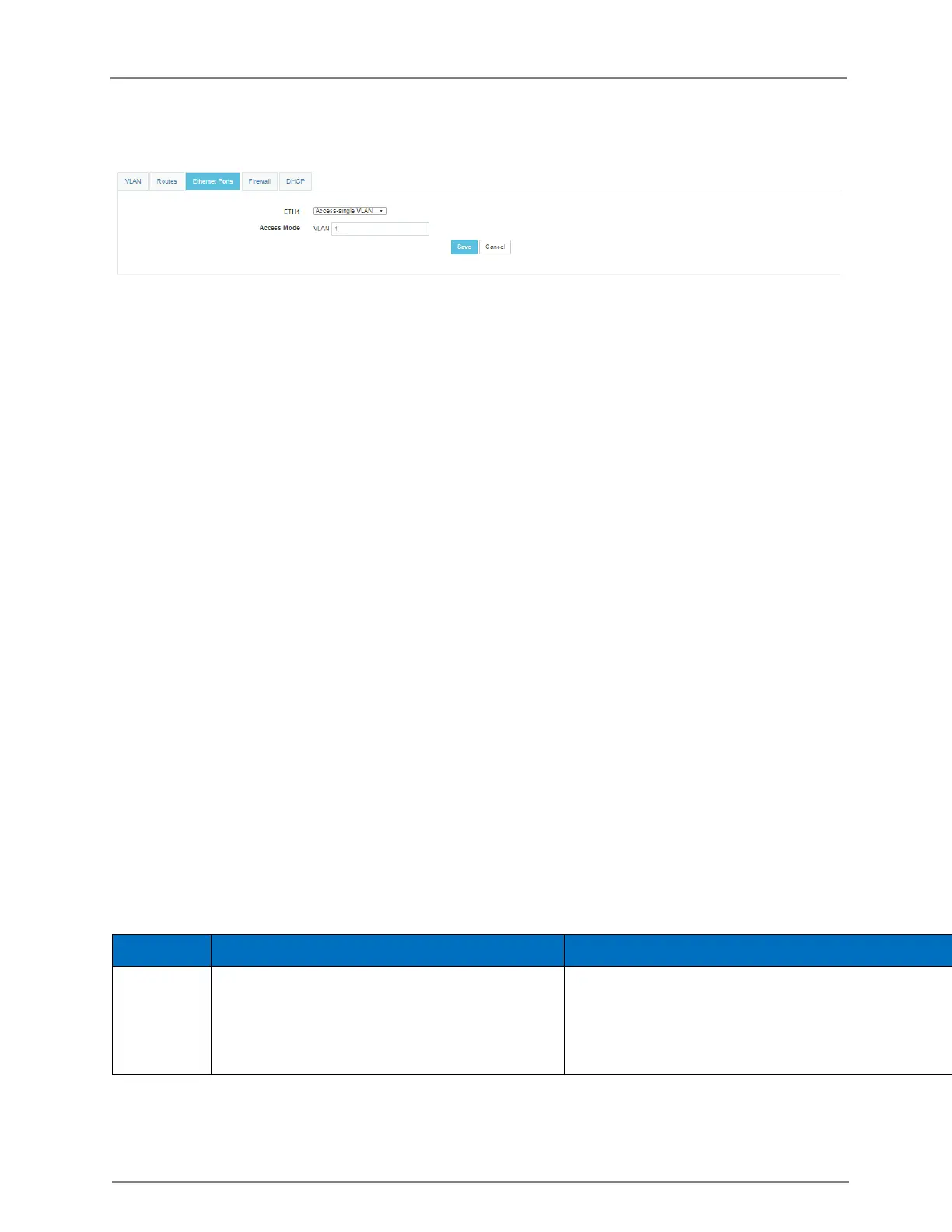
Figure 13: Configure: Network Configuration page
In the CLI
To switch from configuration context to interface context:
(cnPilot Enterprise AP) (configure)# interface eth port-num
To configure port mode (default is trunk mode):
(cnPilot Enterprise AP) (configure)# switchport mode access/trunk
To configure default VLAN of access port (default 1):
(cnPilot Enterprise AP) (configure)# switchport access vlan vlan-id
To configure allowed VLAN range for trunk port (defaults 1 to 4094):
(cnPilot Enterprise AP) (configure)# switchport trunk allowed vlan vlan-range
To specify native VLAN for the trunk port (default 1):
(cnPilot Enterprise AP) (configure)# switchport trunk native vlan vlan-id
To enable native VLAN tagging:
(cnPilot Enterprise AP) (configure)# switchport trunk native tagged
To disable native VLAN tagging:
(cnPilot Enterprise AP) (configure)# no switchport trunk native tagged
To display L2 parameters of the ports:
(cnPilot Enterprise AP) (configure)# show interface brief
Switched Virtual Interface (SVI)
SVI represents virtual interfaces each mapped to a specific VLAN. Each SVI can have static IP or
assigned from external DHCP server.
Table 13: Configure: SVI parameters
Configures either IP mode to DHCP or static
IP to the SVI.
Note: Each SVI should have IP in unique
subnet.



 To Next Page