cnPilot Enterprise AP User Guide CAMBIUM NETWORKS
To destroy the specified DHCP pool:
(cnPilot Enterprise AP) (configure)# no ip dhcp pool pool-num
To display the pool status, SVI on which DHCP pool is attached & assigned leases to all client from this pool:
(cnPilot Enterprise AP) (configure)# show dhcp-pool pool-num
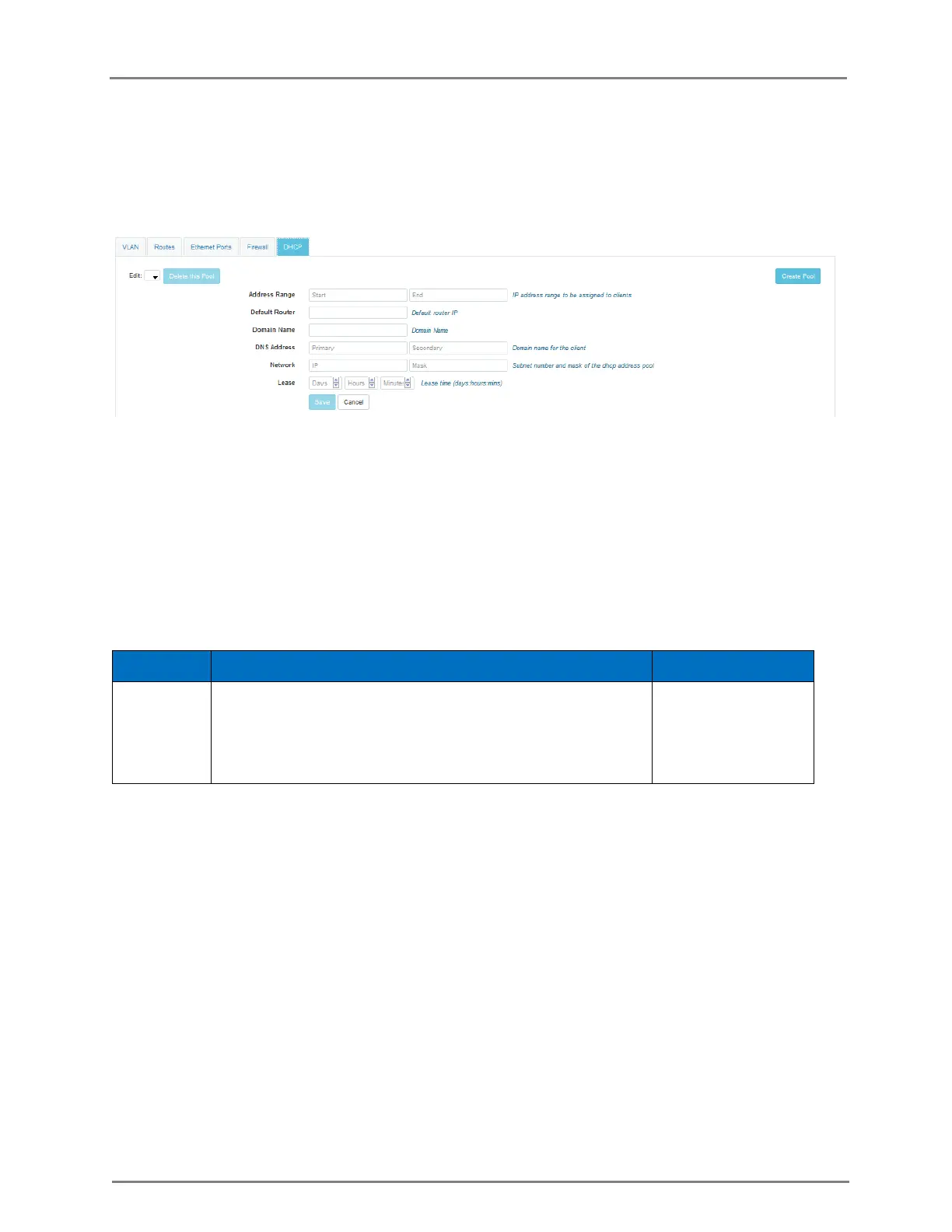
Figure 15: Configure: Network > DHCP page
DHCP Relay
DHCP relay allows DHCP server in one subnet to be shared by clients in other subnet by relaying
DHCP requests. Relay agent configuration is specific to SVI. i.e. any SVI / subnet looking for DHCP
server in different subnet needs to have relay agent configured for it.
Table 15: Configure: DHCP Relay parameters
Specifies the IP address of the DHCP server which should
be used of the given subnet.
Note: It automatically enables relay w/o any additional
command.
You can configure the above parameters through the CLI.
In the CLI
To switch from configuration context to SVI context.
(cnPilot Enterprise AP) (configure)# interface vlan vlan-id
To configure DHCP relay for the SVI with a.b.c.d as the DHCP server IP address.
(cnPilot Enterprise AP) (configure)# ip dhcp relay server a.b.c.d
To display relay:
(cnPilot Enterprise AP) (configure)# no ip dhcp relay
DNS Proxy



 To Next Page