cnPilot Enterprise AP User Guide CAMBIUM NETWORKS
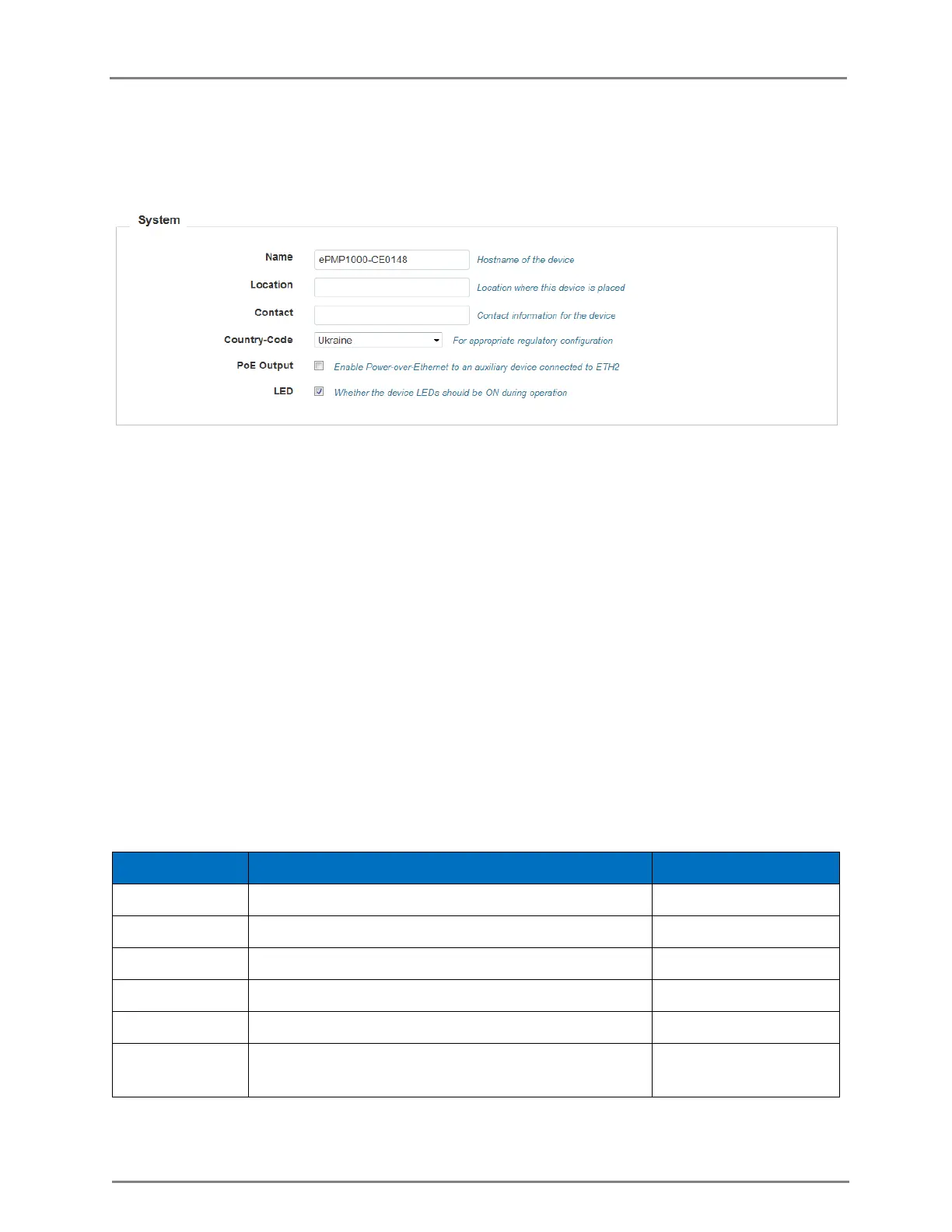
e. Select the LED checkbox for the device LEDs to be ON during operation.
2. Click Save.
Figure 1: Configuration: System page
In the CLI
To change the hostname:
(cnPilot Enterprise AP) (configure)# hostname <name>
To change the location:
(cnPilot Enterprise AP) (configure)# location
To change the country-code:
(cnPilot Enterprise AP) (configure)# country-code
To view the list of all country-codes:
(cnPilot Enterprise AP) # show country-code
Management
The following table lists the fields that are displayed in the Configuration > System > Management
page:
Table 2: Configuration: System > Management parameters
Password for authentication of UI and CLI sessions.
Enable Telnet access to the device CLI.
Enable SSH access to the device CLI.
Enable HTTP access to the device UI.
Enable HTTPS access to the device UI.
Enable support for Cambium Remote Management of this
device.



 To Next Page