cnPilot Enterprise AP User Guide CAMBIUM NETWORKS
Firmware Management
The running software on the cnPilot Enterprise AP can be upgraded to newer firmware from either the CLI
or the UI. When upgrading from the CLI the user must specify a TFTP or FTP server from where the firmware
file would be downloaded by the Access Point. When upgrading from the UI the user can upload the
firmware file from the browser. The same process can be followed to downgrade the Access Point to a
previous firmware version if required. Configuration is maintained across the firmware upgrade process.
Note
Once a firmware upgrade has been initiated, the Access Point should not be rebooted
or power cycled until the process completes, as this might leave the Access Point
inoperable.
You can configure the above parameters through the UI or CLI.
In the UI
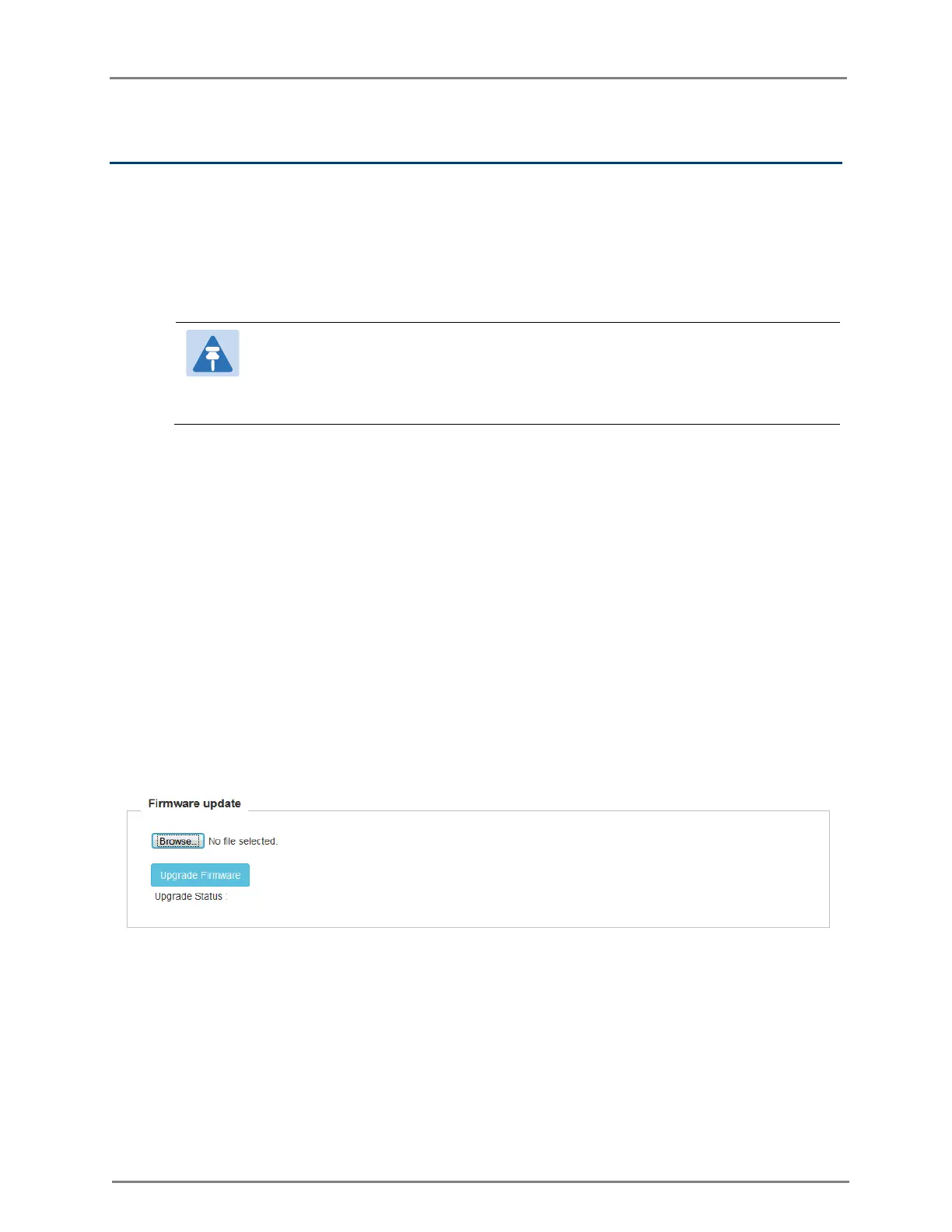
5. Navigate to the Operations > Firmware Upgrade tab. The following fields are displayed:
6. To upgrade the firmware manually:
Click Browse and select the downloaded image file.
7. To upgrade the firmware automatically:
Click Upgrade Firmware.
8. You can view the status of upgrade in the Upgrade Status field.
9. Click Save.
Figure 22: Operations: Firmware Upgrade page
In the CLI
To upgrade firmware:
(cnPilot Enterprise AP) (configure)# upgrade



 To Next Page