cnPilot Enterprise AP User Guide CAMBIUM NETWORKS
• Extend range outdoors
• An ePMP1000 Hotspot in a parking lot outside a building, with E400s providing WiFi
within the building
• Plug coverage holes
• Add an AP indoor/outdoor for the areas that are difficult to reach
Configuring Wireless Mesh
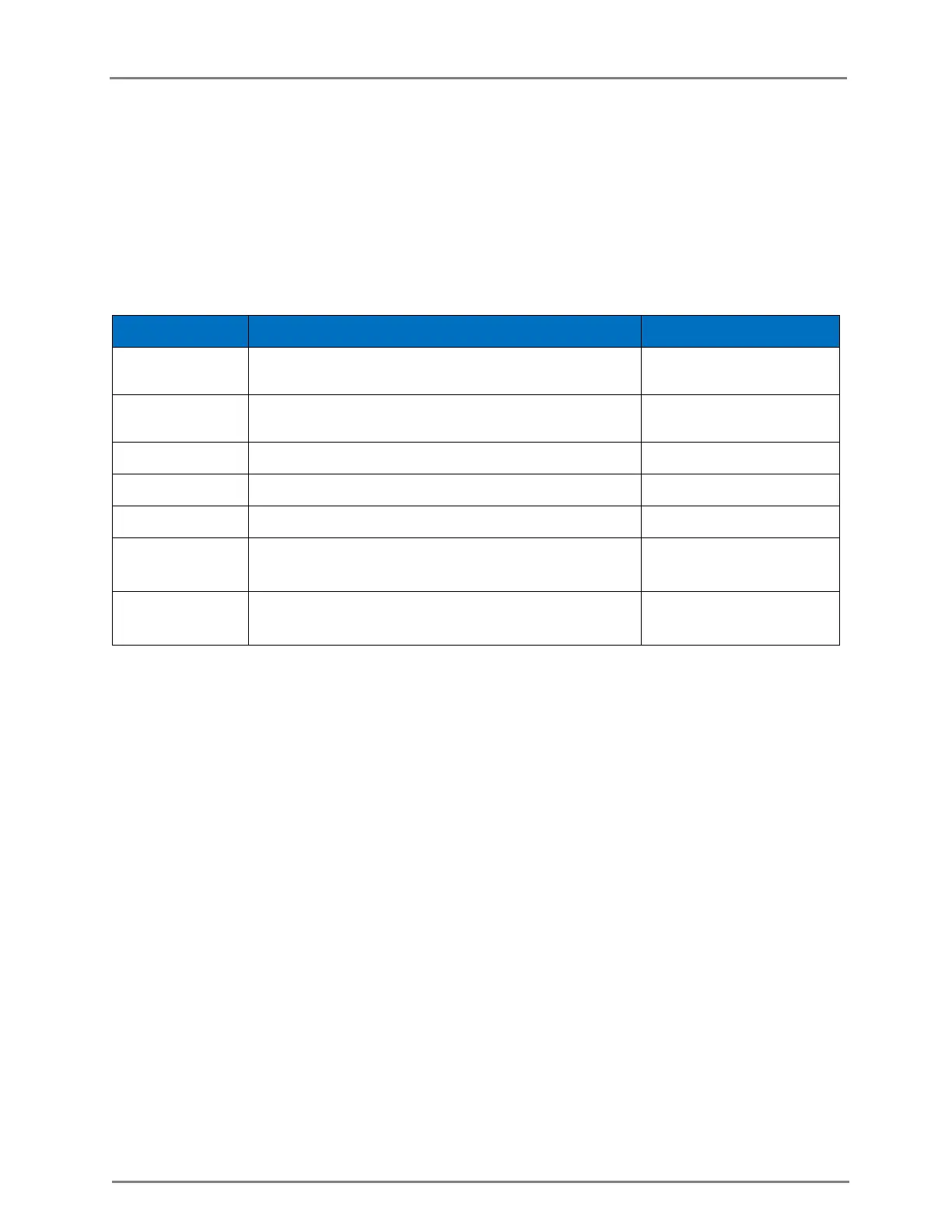
The following table lists the fields that are displayed in the Configure > WLAN > Basic page:
Table 10: Configure: WLAN > Basic parameters
Configures the Mesh feature. Select Base, Client or
Off from the Mesh list.
The WLAN name that is seen by the wireless
clients.
The VLAN ID to be used for this WLAN.
Select the security type for this client.
The WPA2 pre-shared security passphrase or key.
The RADIO type on which this WLAN should be
supported.
Select this option for not broadcasting the SSID in
beacons.
The wireless Mesh can be configured by using the UI or the CLI.
To configure the Mesh Client or Mesh Base:
In the UI
1. Navigate to the Configure > WLAN > Basics tab. The following fields are displayed:
a. Select Enable checkbox.
b. Choose Base, Client or Off from the Mesh drop-down list.
c. Enter the name of the WLAN in the SSID textbox.
d. Select the security type for this client as open or WPA2 Pre-Shared Keys from the Security
drop-down list.
e. Enter the WPA2 pre-shared passphrase or key in the Passphrase textbox.
f. Choose the RADIO type (5GHz or 2.4GHz) on which the WLAN should be
supported from the Radios drop-down list.
g. Select the Hide SSID checkbox for not broadcasting the SSID.
2. Click Save.



 To Next Page