cnPilot Enterprise AP User Guide CAMBIUM NETWORKS
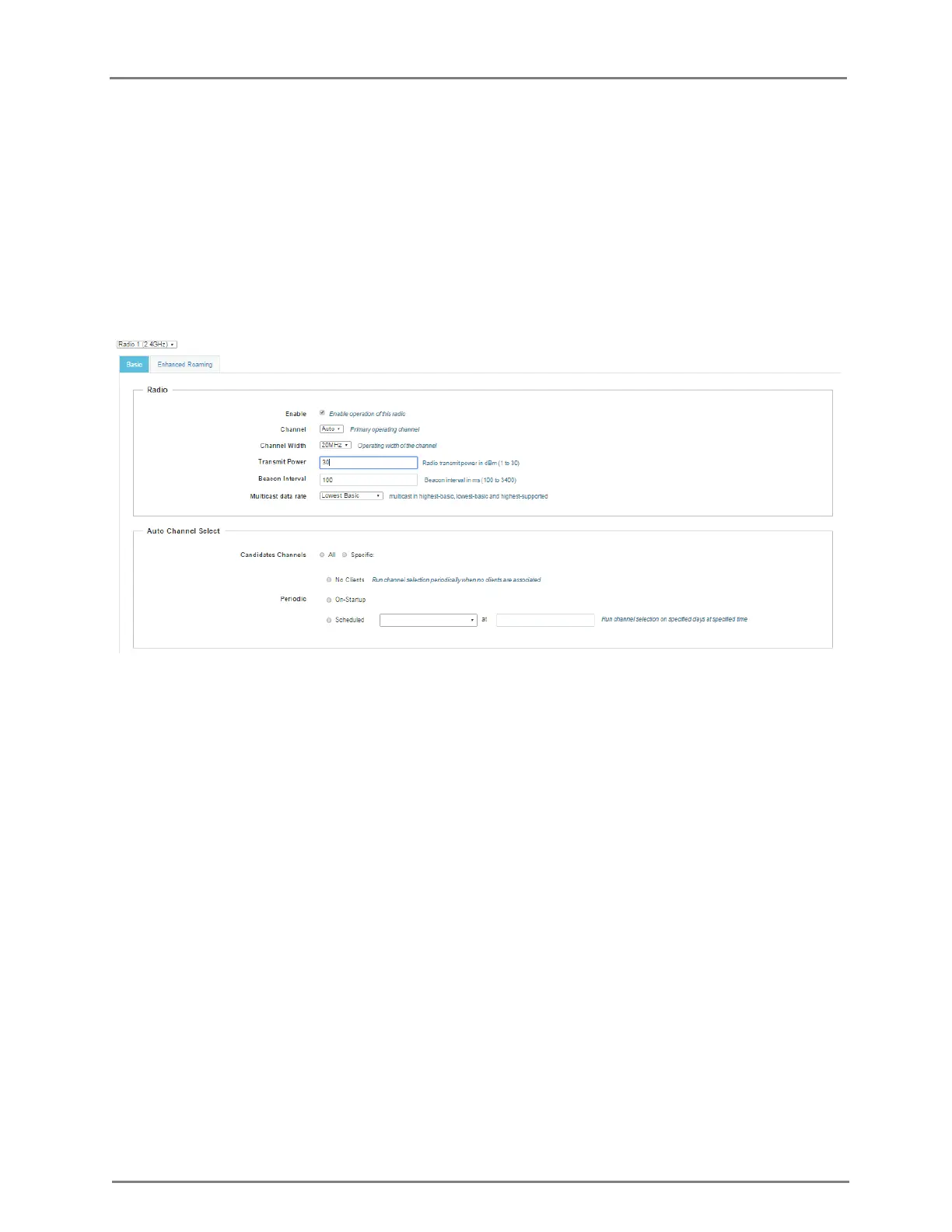
c. Select the operating width (20 MHz, 40 MHz, or 80 MHz) of the channel from the Channel
Width drop-down list for 5 GHz only. We do not support 40 MHz and 80 MHz in 2.4 GHz.
d. Enter the radio transmit power in the Transmit Power text box.
e. Enter the antenna gain of connected antenna in the Antenna Gain text box.
2. Enter the beacon interval in the Beacon Interval text box.
3. Select Highest Basic or Lowest Basic or Highest Supported from the Multicast data rate
drop-down list.
4. Click Save.
Figure 5: Configure: Radio page
You can configure the radio parameters through the UI or CLI.
In the CLI
To configure radio:
(cnPilot Enterprise AP) (configure)# wireless radio 1
Advanced Radio Settings
You can configure the following advanced radio settings on cnPilot Enterprise AP:
Scheduled ACS (Auto Channel Select) - When Scheduled ACS is configured, the radio
scans all the channels available in the frequency band and selects the best available
channel. Scheduled ACS can be configured to scan on-startup or periodic. (Run channel
selection on specified days at specified time).



 To Next Page