cnPilot Enterprise AP User Guide CAMBIUM NETWORKS
Table 6: Configure: Radio > Auto Channel Select parameters
Select available channel.
Run channel selection on specified days at
specified time.
You can configure the above parameters through the UI or CLI.
In the UI
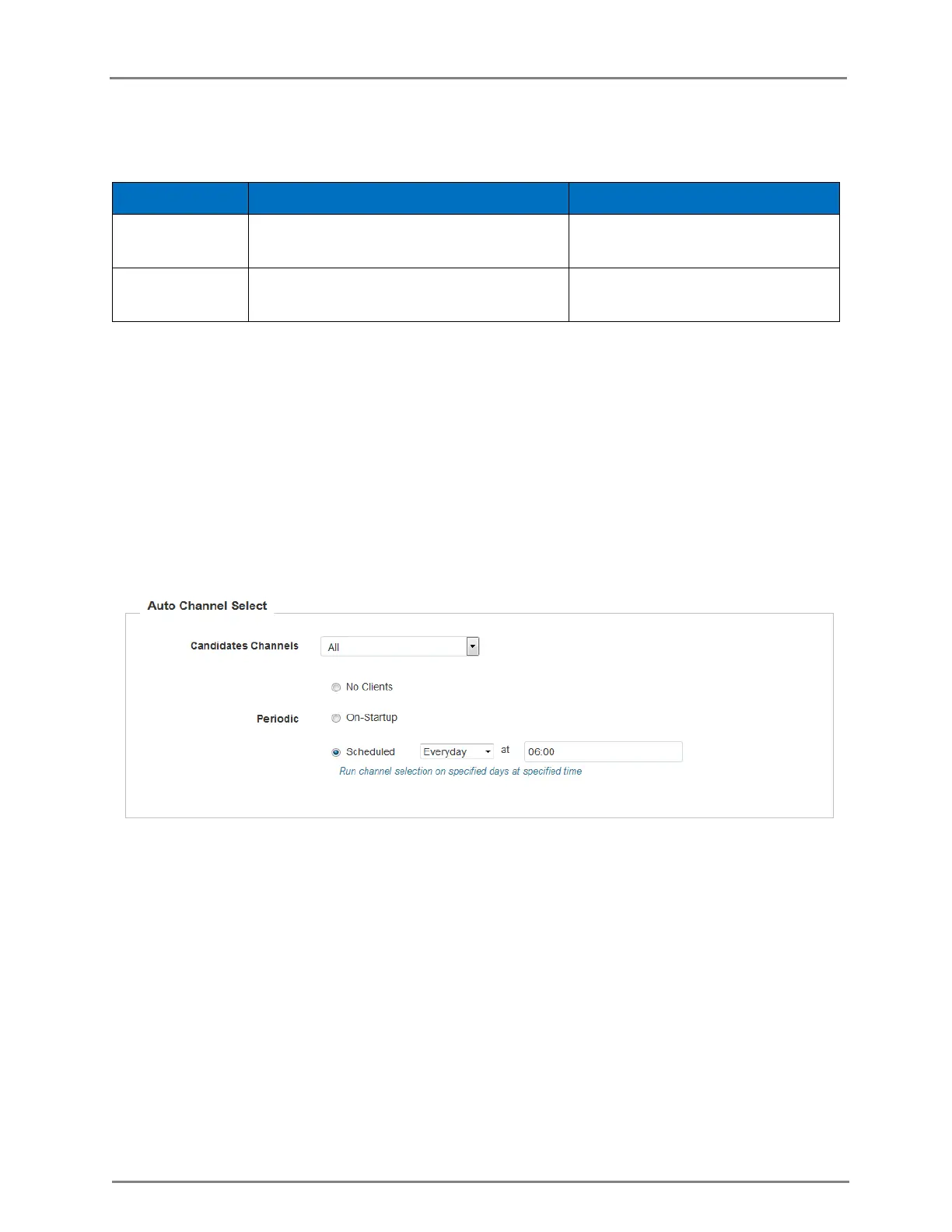
1. Navigate to the Configure > Radio tab. The following fields are displayed:
a. Select the Channel as Auto.
b. Select No Clients radio button if clients are not connected.
2. Click Save.
Figure 6: Configure: Auto Channel Select page
In the CLI
To configure Auto Channel Select:
(cnPilot Enterprise AP) (configure)# wireless radio 1
(cnPilot Enterprise AP) (config-radio-1)# channel-list
(cnPilot Enterprise AP) (config-radio-1)# auto-channel-select
Enhanced Roaming - When enhanced roaming is enabled, the clients are forced to roam
when the SNR is below the configured value. This is useful when clients are connected to
the AP that is far away and stick to that AP. With enhanced roaming, the AP disconnects
the client is the SNR is less than the configured which makes client to find the better AP
and roam to it. This is useful in a dense environment and multi-AP setup. It is disabled by
default and user should understand his deployment topology and then only enable this,



 To Next Page