cnPilot Enterprise AP User Guide CAMBIUM NETWORKS
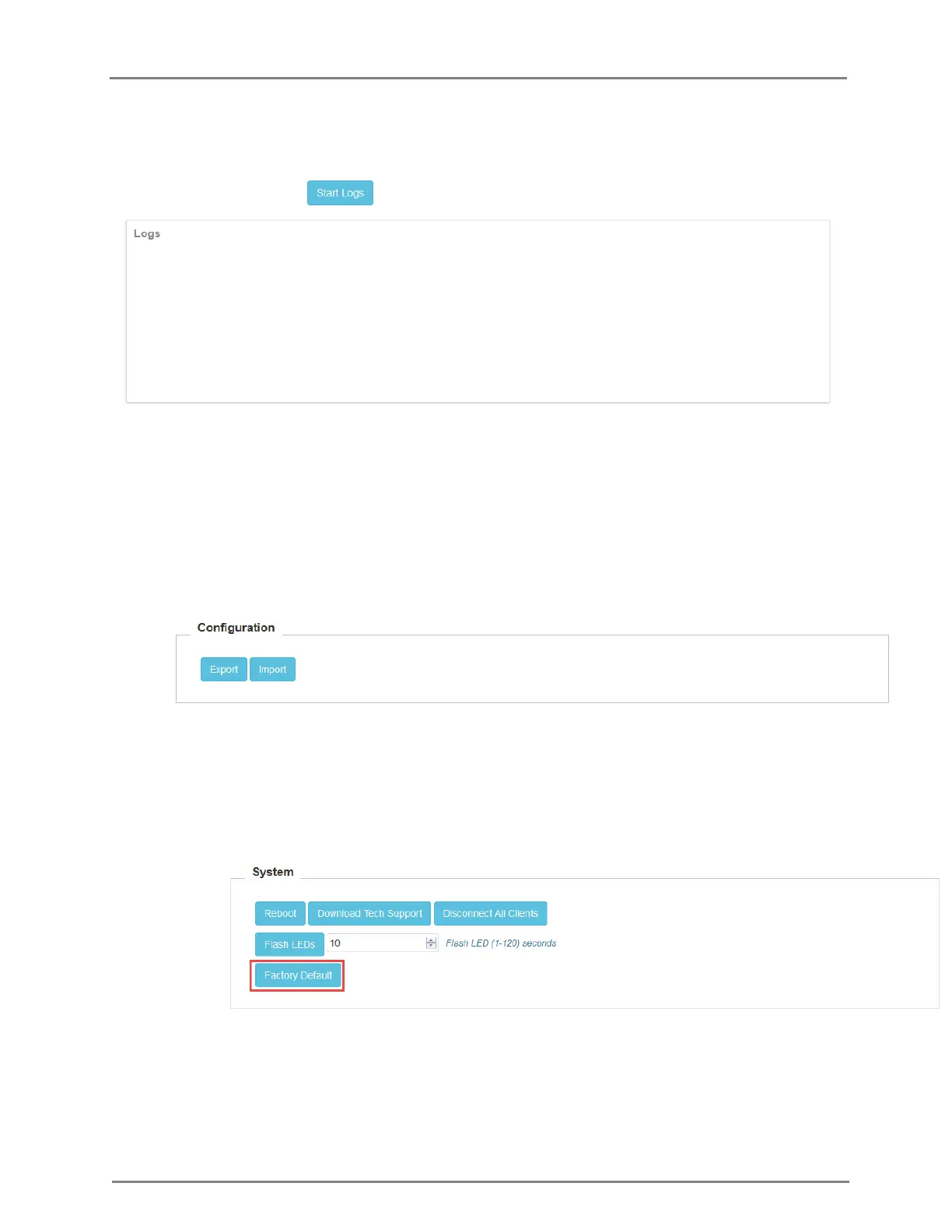
Figure 25: Logs page
3. Configuration Import, Export, Delete: The device configuration can either be exported from
the device as a text file of CLI commands, or imported into the device from a previous
backup. The delete configuration option will factory-reset the device. All configuration,
configured onboarding parameters are reset to default when the configuration is deleted
and the device rebooted. Note that when a configuration file is imported onto the device, a
reboot is necessary to activate that new configuration.
Figure 26: Import/Export Configuration
4. Factory Default: There are two ways a device can be reset back to factory default:
1. Using the ‘Factory Default’ option in the Operations panel of the GUI or by using
the ‘delete config’ CLI command.
Figure 27: Factory Default
2. By pressing down the reset tab on the Access Point for about 10 seconds
until the AP reboots (indicated by the power LED changing color from Green to
Orange).



 To Next Page