cnPilot Enterprise AP User Guide CAMBIUM NETWORKS
• Source or destination port information.
A maximum of 256 rules per network interface and rules are processed in the order of precedence
(1=high; 256=low).
Configuring ACL
You can configure ACL using the UI and the CLI.
In the UI
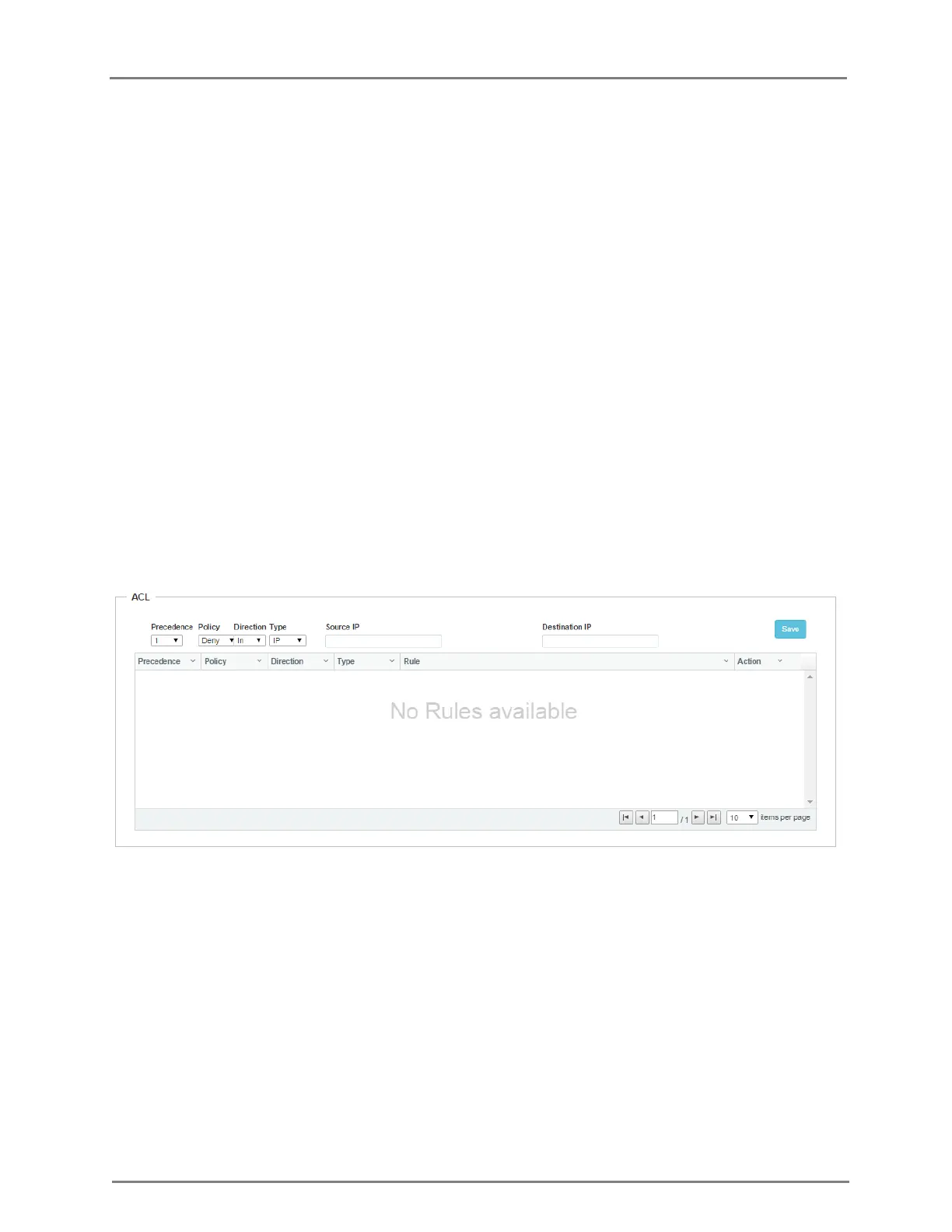
1. Navigate to the Configure > WLAN > Access tab. The following fields are displayed:
a. Select preference from the Preference drop-down list.
b. Select type of policy from Policy drop-down list.
c. Select direction from the Direction drop-down list.
d. Select type from the Type drop-down list.
e. Enter IP address of source in the Source IP text box.
f. Enter IP address of destination in the Destination IP text box.
2. Click Save.
Figure 20: Configure: Network > ACL page
In the CLI
(cnPilot Enterprise AP) (config-wlan-1# acl {deny, permit}
(cnPilot Enterprise AP) (config-wlan-1# acl deny {ip, mac, proto}
(cnPilot Enterprise AP) (config-wlan-1)# acl permit ip
acl permit ip PRECEDENCE (SOURCE-IP{/{mask|prefix-length}}|any) (DESTINATION-IP{/{mask|/prefix-
length}}|any) (in|out|any)
Example: acl permit ip 255 any any any
(cnPilot Enterprise AP) (config-wlan-1)# acl permit proto



 To Next Page