p. 17 - Manual FA00943-EN - 01/2018 - © CAME S.p.A. - Translation of the original instructions
Adding a user
You can register up to 50 users; over 50, the PRG LED will fl ash quickly and any additional users will not be saved.
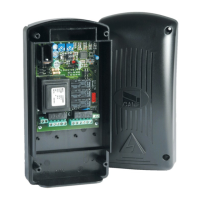
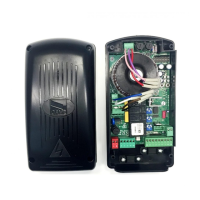
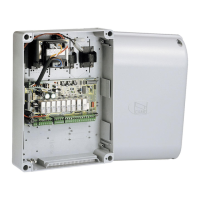
❶Keep pressed the PROG button on the control board. The LED fl ashes quickly.
❷Press any key on the transmitter you want to memorize. The LED stays on to indicate thatthe saving is complete.
Release the PROG button. Repeat the procedure for adding additional users. Dip-switch4 must be set to OFF.


 To Next Page
 Loading...