Zooming
I
To
change the operating mode, refer to About the Operating Modes
(CO
11).
(CIMEIlA·~!!)
:
In
addition to the 25x optical zoom, the 1
OOOx
digital zoom
is
also available
(CO
33).
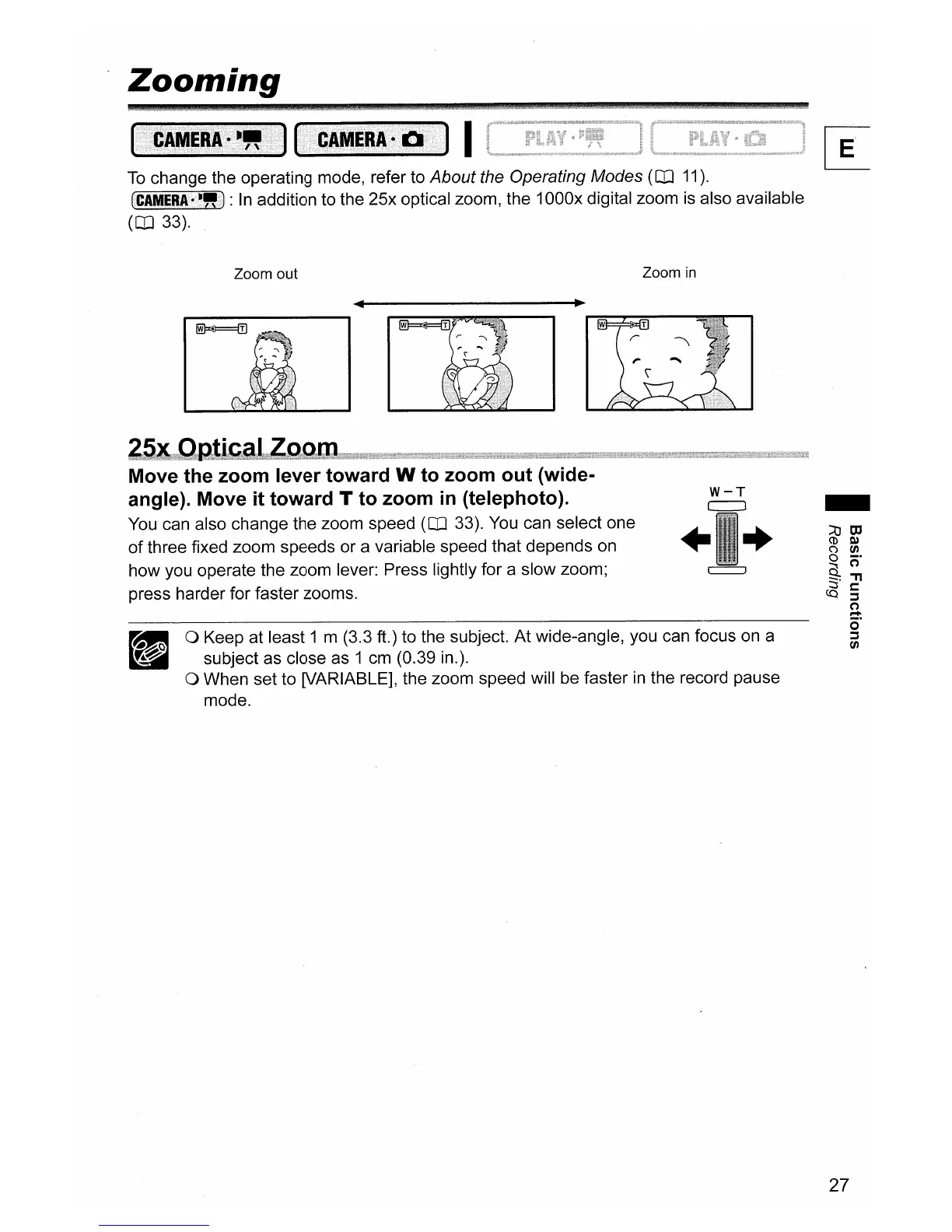
Zoom out Zoom
in
o Keep at least 1 m (3.3
ft.)
to the subject.
At
wide-angle, you can focus on a
subject as close as 1 cm (0.39 in.).
o When set to [VARIABLE], the zoom speed will be faster
in
the record pause
mode.
-
W-T
c:==J
+ +
Move the zoom lever toward W to zoom out (wide-
angle). Move it toward T to zoom
in
(telephoto).
You can also change the zoom speed
(CO
33). You can select one
of
three fixed zoom speeds or a variable speed that depends on
how you operate the zoom lever: Press lightly for a slow zoom;
press harder for faster zooms.
27



 To Next Page