An
Introduction
to
DVDs
You
have probably heard
of
DVD discs and they come
in
various types and
in
two
the more common 12 cm DVDs and 8 cm Mini DVDs. This camcorder uses commercially
available 8 cm DVD-R or DVD-RW discs.
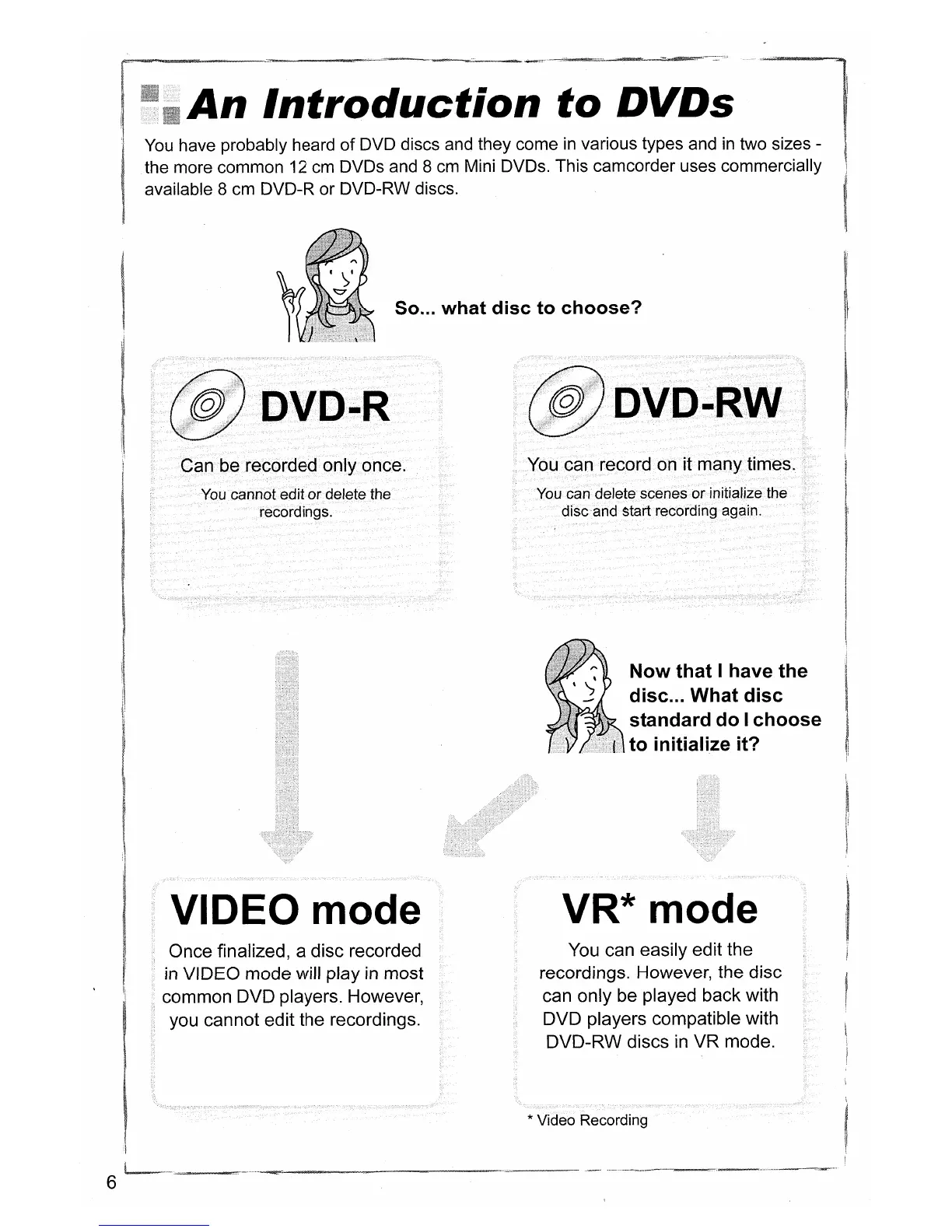
So... what disc to choose?
You
cannot edit
or
delete the
recordings.
DVD-RW
You can record on it many times.
You can delete scenes or initialize the
disc and start recording again.
Now that I have the
disc
... What disc
standard do I choose
to initialize it?
6
VIDEO mode
Once finalized, a disc recorded
in
VIDEO mode will play
in
most
common DVD players. However,
you cannot edit the recordings.
VR* mode
You can easily edit the
recordings. However, the disc
can only be played back with
DVD players compatible with
DVD-RW discs
in
VR mode.
* Video Recording



 To Next Page