34
IFOCUS PRI.
I(CIMERA-IIVi)
[mJ
ON],
[rm
OFF]
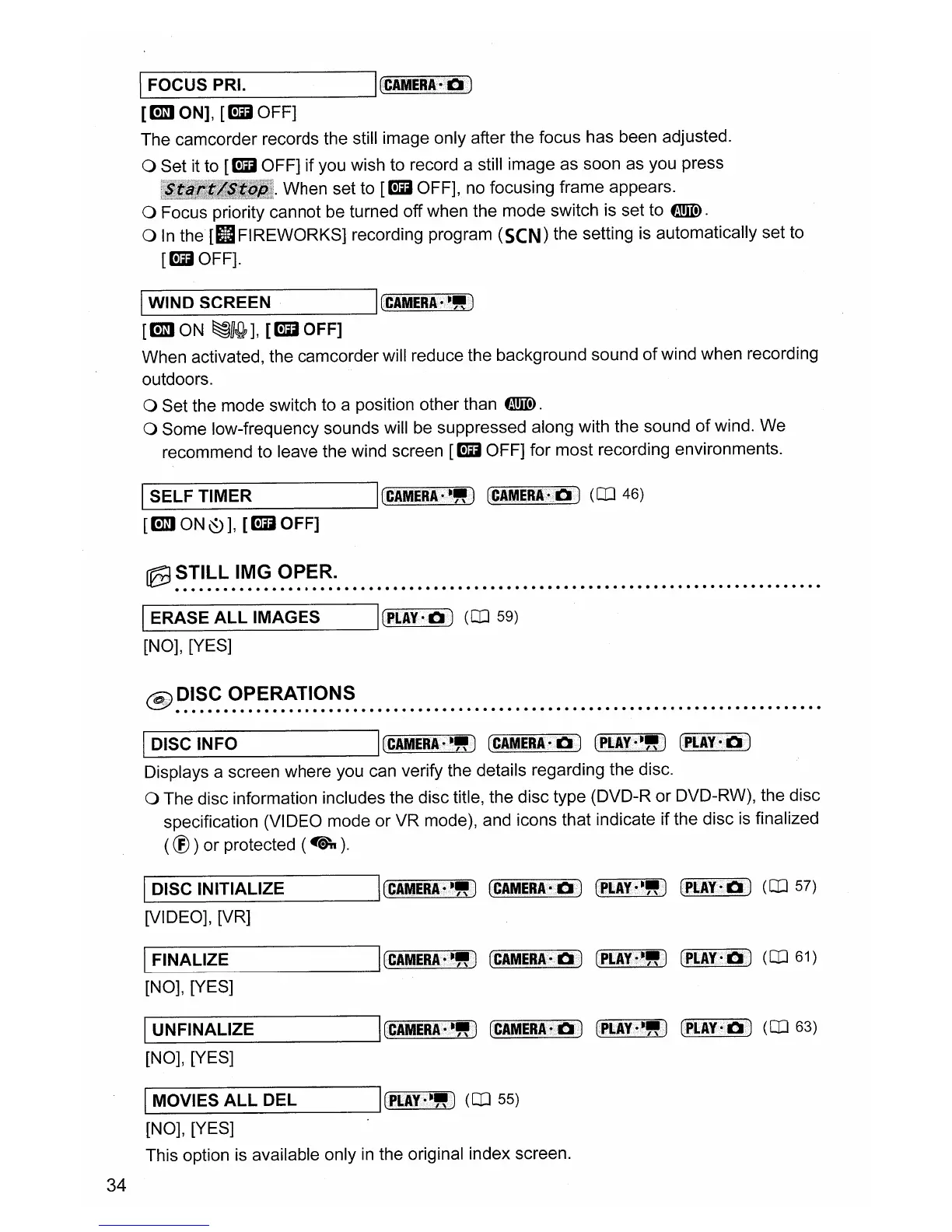
The camcorder records the still image only after the focus has been adjusted.
o Set it to
[rm
OFF] if you wish to record a still image as soon as you press
,illl!il!I.lliiIIlJI!ll.
When set to
[rm
OFF],
no
focusing frame appears.
o Focus priority cannot be turned off when the mode switch is set to
filllID.
o
In
the
[IIFIREWORKS] recording program (SeN) the setting is automatically set to
[rmOFF].
IWIND SCREEN I(CIMERA-'''J
[mJ
ON
~U{b],
[rm
OFF]
When activated, the camcorder will reduce the background sound
of
wind when recording
outdoors.
o Set the mode switch to a position other than
filllID.
o Some low-frequency sounds will be suppressed along with the sound
of
wind. We
recommend to leave the wind screen
[rm
OFF] for most recording environments.
L..-I
S_E_L_F_T_IM_E_R
----II
(CAMERA·""V)
(eIMERI~II)
(CD 46)
[mJON~],
[rmOFF]
~
~!!~.~
.I~.~.
~~.~~
.•••
_
••
_•••••••••••••••••••••••••••••••••••••••••••••••••••••
1.-'
E_R_A_S_E_A_LL_IM_A_G_E_S_---'lrpI.AY
••
J
(CD
59)
[NO], [YES]
@
~~~~
.~~~~~~I~~~
••••••••••••••••••••••••••••••••••••••••••••••••••••••••••
IDISC INFO I[CAMERA''''') [CAMERA-.) (PLAY''''')
(PLAY·.)
Displays a screen where you can verify the details regarding the disc.
o The disc information includes the disc title, the disc type (DVD-R or DVD-RW), the disc
specification (VIDEO mode or VR mode), and icons that indicate if the disc
is
finalized
(®)
or protected
(4\.).
L..-
1
D_I_S_C_IN_I_T_IA_L_IZ_E
lrCAMEn-~")
(CAMER.A.~.)
(PLA¥S~")
(PI.AY·ll
i
)
(CD
57)
[VIDEO], [VR]
IL..-
F
_
I
N_A_L_IZ_E
----II
(CAME8A·~")
(CAMERA-IIi)
(PI.I¥!""j
(PCAY·II)
(CD
61)
[NO], [YES]
IL..-U_N_F_IN_A_L_I_Z_E
----JI(CAMERA.~."t)
(CAMER.A.~II)
(PLIY·""V) (PLAY-II) (CD 63)
[NO], [YES]
IMOVIES
ALL
DEL ICPLIY·"")
(CD
55)
[NO], [YES]
This option is available only
in
the original index screen.



 To Next Page