IDEMO MODE I
CCIMERI'~!!)
CC.~Rli.)
[mON],
[mil
OFF]
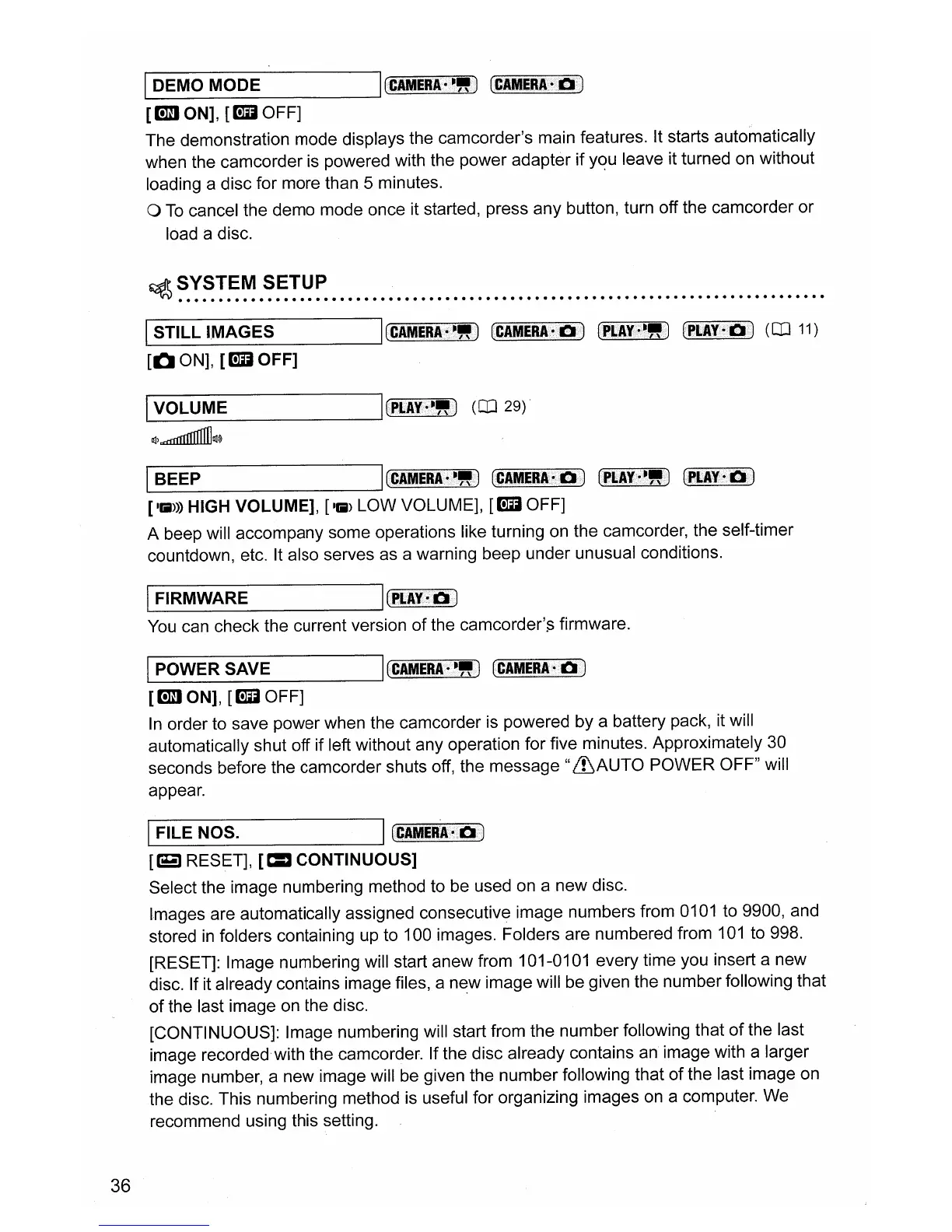
The demonstration mode displays the camcorder's main features. It starts automatically
when the camcorder
is
powered with the power adapter if yqu leave it turned on without
loading a disc for more than 5 minutes.
o
To
cancel the demo mode once it started, press any button, turn off the camcorder or
load a disc.
~
SYSTEM SETUP
,',
.
1-1
S_T_IL_L_I_M_A_G_E_S
----',
(CIM~RA.
••.
~
•••••
~!!
••••
)
CCIME8.A
i
)
(P~A¥;
••
·~!!
••
)
[OON],
[mil
OFF]
I_V_O_L_U_M_E
---'I
(~LIY+~!!)
(OJ
29)
1l1)~1l1~
(OJ
11)
36
IBEEP I
(CAMERI·i~!!)
(CAMERI·Ii)
tPLAI·i~
.•
)
[1111»)
HIGH VOLUME],
[1111>
LOW VOLUME],
[mil
OFF]
A beep will accompany some operations like turning on the camcorder, the self-timer
countdown, etc. It also serves as a warning beep under unusual conditions.
IFIRMWARE I
(el..l¥~.)
You
can check the current version of the
camcorder'~
firmware.
IPOWER SAVE
ICCAMERA.·!!)
(CAMERA-°Di)
[m
ON],
[mil
OFF]
In
order to save power when the camcorder is powered by a battery pack, it will
automatically shut off if left without any operation for five minutes. Approximately 30
seconds before the camcorder shuts off, the
message"
&AUTO
POWER OFF" will
appear.
IFILE NOS. I
(CAIVIERA~Eli)
[E3
RESET],
[=
CONTINUOUS]
Select the image numbering method to be used
on
a new disc.
Images are automatically assigned consecutive image numbers from
0101
to 9900, and
stored
in
folders containing
up
to 100 images. Folders are numbered from
101
to 998.
[RESET]: Image numbering will start anew from 101-0101 every time you insert a new
disc. If it already contains image files, a new image will be given the number following that
of
the last image
on
the disc.
[CONTINUOUS]: Image numbering will start from the number following that
of
the last
image recorded with the camcorder. If the disc already contains an image with a larger
image number, a new image will be given the number following that of the last image on
the disc. This numbering method is useful for organizing images
on
a computer. We
recommend using this setting.



 To Next Page