Manually
Adjusting
the
Exposure
Adjust the exposure when a subject
is
underexposed (for example, when backlit subjects
appear too dark
in
the image) or overexposed (for example, when recording subjects
IEl
under very strong light and they appear too bright or glaring
in
the image). '-=J
I
To
change the operating mode, refer to About the Operating Modes
(CD
11).
Mode switch:
P,SCN
(except for the
[II
FIREWORKS] recording program).
1.
Press
(.).
~i-'?/DISP(qJ-
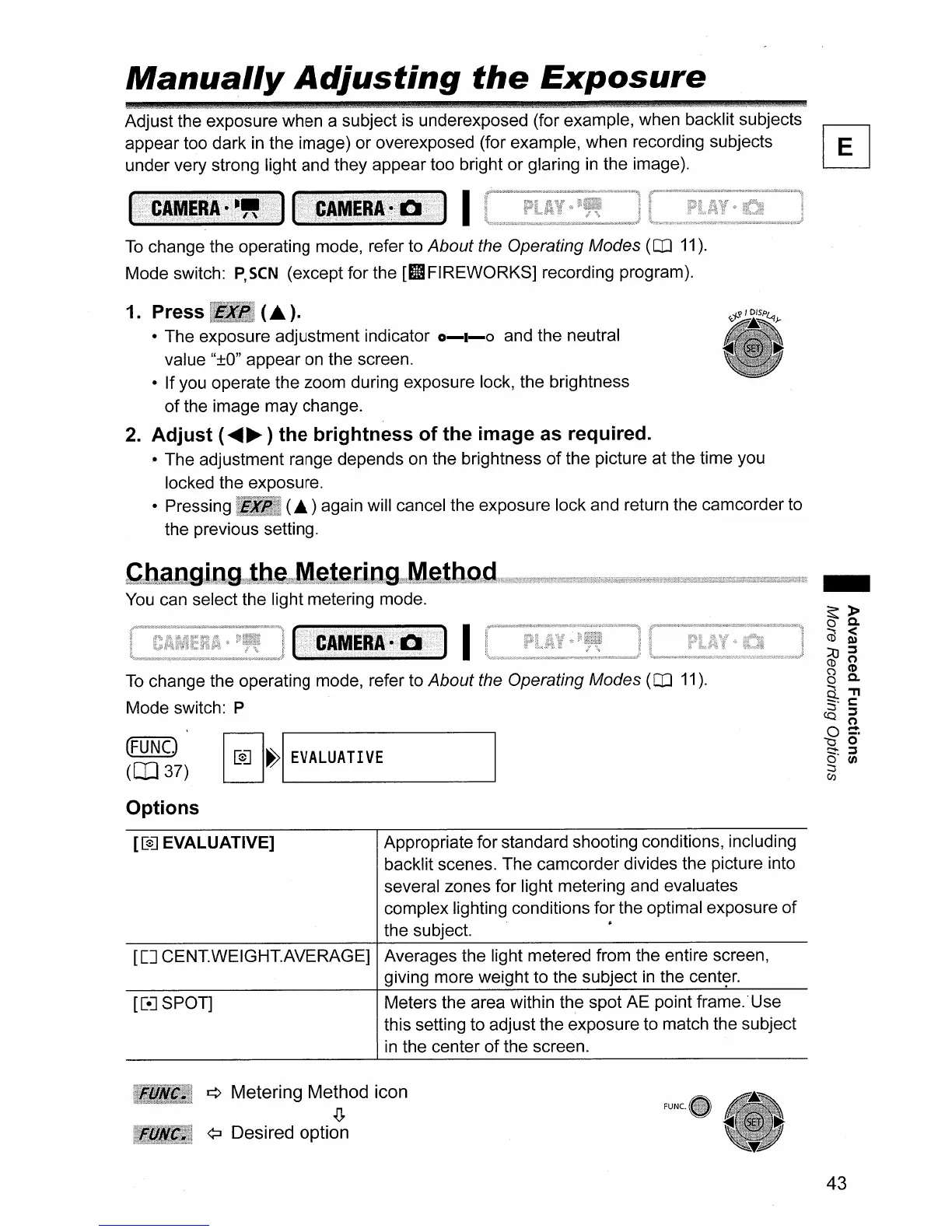
• The exposure adjustment indicator
0-1-0
and the neutral
value
"±O"
appear
on
the screen.
• If you operate the zoom during exposure lock, the brightness
of
the image may change.
2.
Adjust
(
.....
~
)
the
brightness
of
the image as required.
• The adjustment range depends
on
the brightness
of
the picture at the time you
locked the exposure.
• Pressing
(£.)
again will cancel the exposure lock and return the camcorder to
the previous setting.
You
can select the light metering mode.
To
change the operating mode, refer to About the Operating Modes
(CD
11).
Mode switch: P
I
I[e]
I~I
EVALUATIVE
(FUNC.)
(aJ37)
Options
[[0J
EVALUATIVE] Appropriate for standard shooting conditions, including
backlit scenes. The camcorder divides the picture into
several zones for light metering and evaluates
complex lighting conditions for the optimal exposure
of
the subject. •
[[J
CENT.WEIGHT.AVERAGE] Averages the light metered from the entire screen,
giving more weight to the subject
in
the
cent~r.
[[eJ
SPOT] Meters the area within the spot AE point frame. 'Use
this setting to adjust the exposure to match the subject
in
the center of the screen.
¢ Metering Method icon
.lJ.
¢:J
Desired option
43



 To Next Page