Manually
Adjusting
the
Focus
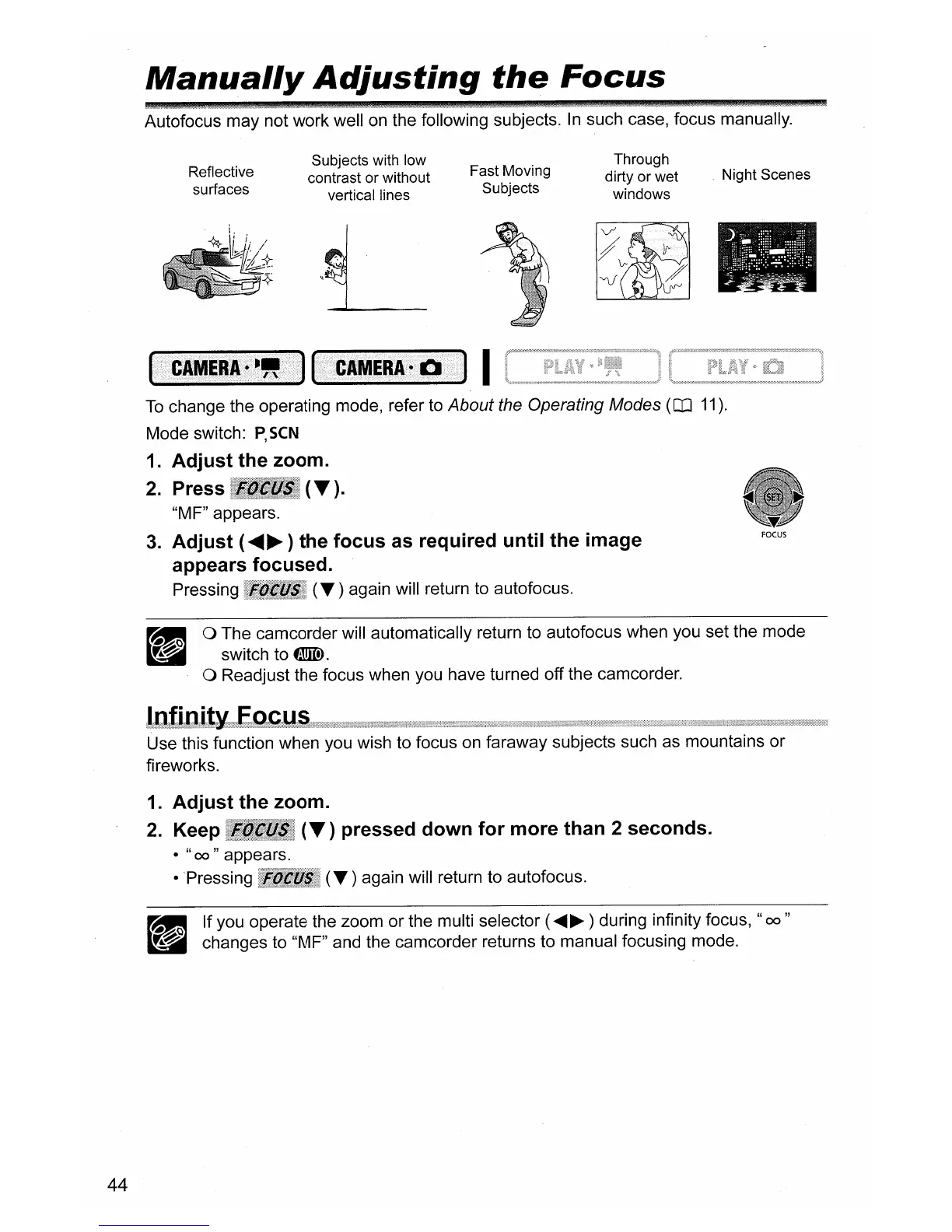
Autofocus may not work well
on
the following subjects.
In
such case, focus manually.
Reflective
surfaces
Subjects with low
contrast or without
vertical lines
L
Fast Moving
Subjects
Through
dirty or wet
windows
Night Scenes
I
44
To
change the operating mode, refer to About the Operating Modes (OJ
11).
Mode switch:
P,
seN
1.
Adjust
the
zoom.
2.
Press
(T).
"MF" appears.
3.
Adjust
(
.....
~
) the
focus
as required
until
the
image
appears focused.
Pressing
(.
) again will return to autofocus.
o The camcorder will automatically return to autofocus when you set the mode
switch to
tmID.
o Readjust the focus when you have turned off the camcorder.
this function when you wish to focus
on
faraway subjects such as mountains or
fireworks.
1.
Adjust
the
zoom.
2.
Keep
(T)
pressed
down
for
more
than 2 seconds.
•
"00"
appears.
• Pressing
(.)
again will return to autofocus.
_ If you operate the zoom or the multi selector (
.....
~
) during infinity focus,
"00"
~
changes to "MF" and the camcorder returns to manual focusing mode.



 To Next Page