Selecting
the
Recording
Data
Display
The camcorder keeps a data code containing the recording date and time and other
camera data such as shutter speed and exposure (f-stop).
I
To
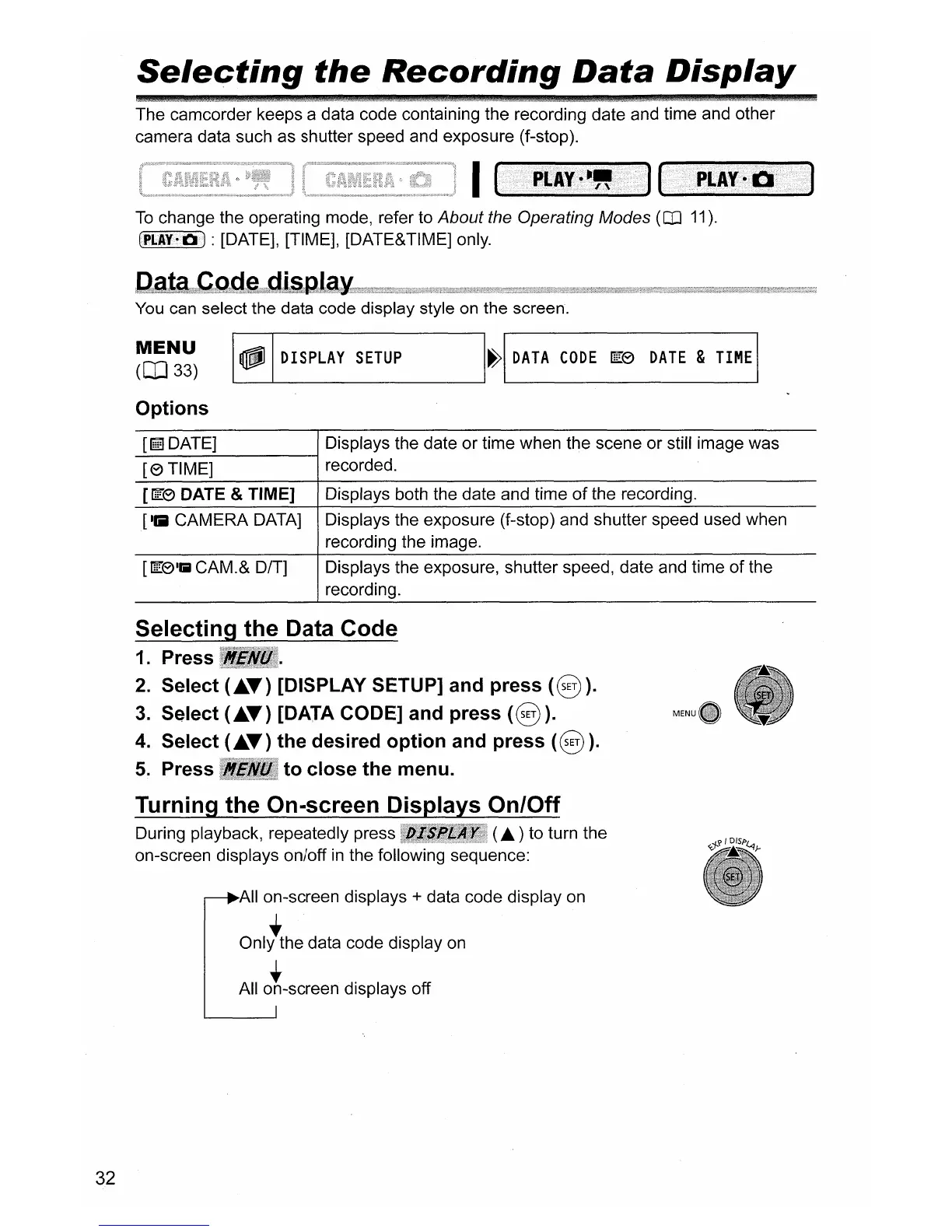
change the operating mode, refer to About the Operating Modes (iI1
11).
CPI.:A¥~Oi)
: [DATE], [TIME], [DATE&TIME] only.
You
can select the data code display style
on
the screen.
MENU
(lIl33)
Options
~
DISPLAY
SETUP
H
DATA
CODE
IEeJ
DATE
&
TIME
I
[llifl
DATE] Displays the date or time when the scene or still image was
-[-e-T-I-M-E-]
------;
recorded.
[ffi!'e DATE &TIME] Displays both the date and time
of
the recording.
[Ilil CAMERA DATA] Displays the exposure (f-stop) and shutter speed used when
recording the image.
[ffi!'e'IilCAM.& D/T]
Displays the exposure, shutter speed, date and time of the
recording.
32
Selecting the Data Code
1.
Press
2.
Select
(~
..
) [DISPLAY SETUP] and press
(§).
3.
Select
(~
..
) [DATA CODE] and press
(§).
4.
Select
(~
..
) the desired option and press
(§).
5.
Press to close the menu.
Turning the On-screen Displays On/Off
During playback, repeatedly press (
..
) to turn the
on-screen displays on/off
in
the following sequence:
Allan-screen displays
+ data code display
on
• •
Only the data code display
on
• •
All on-screen displays off
~i-'?fD/SP~}-



 To Next Page