;A~mUl&li;llg;;t1,bi~MAgl~,I:t'Uitg;;;'le;":,i1g,ti;t~r:J,A;EmlU:2Q"di~lmnAI%'+iM':;V"""'''''''''''':
hFnurVnnM;n;r'
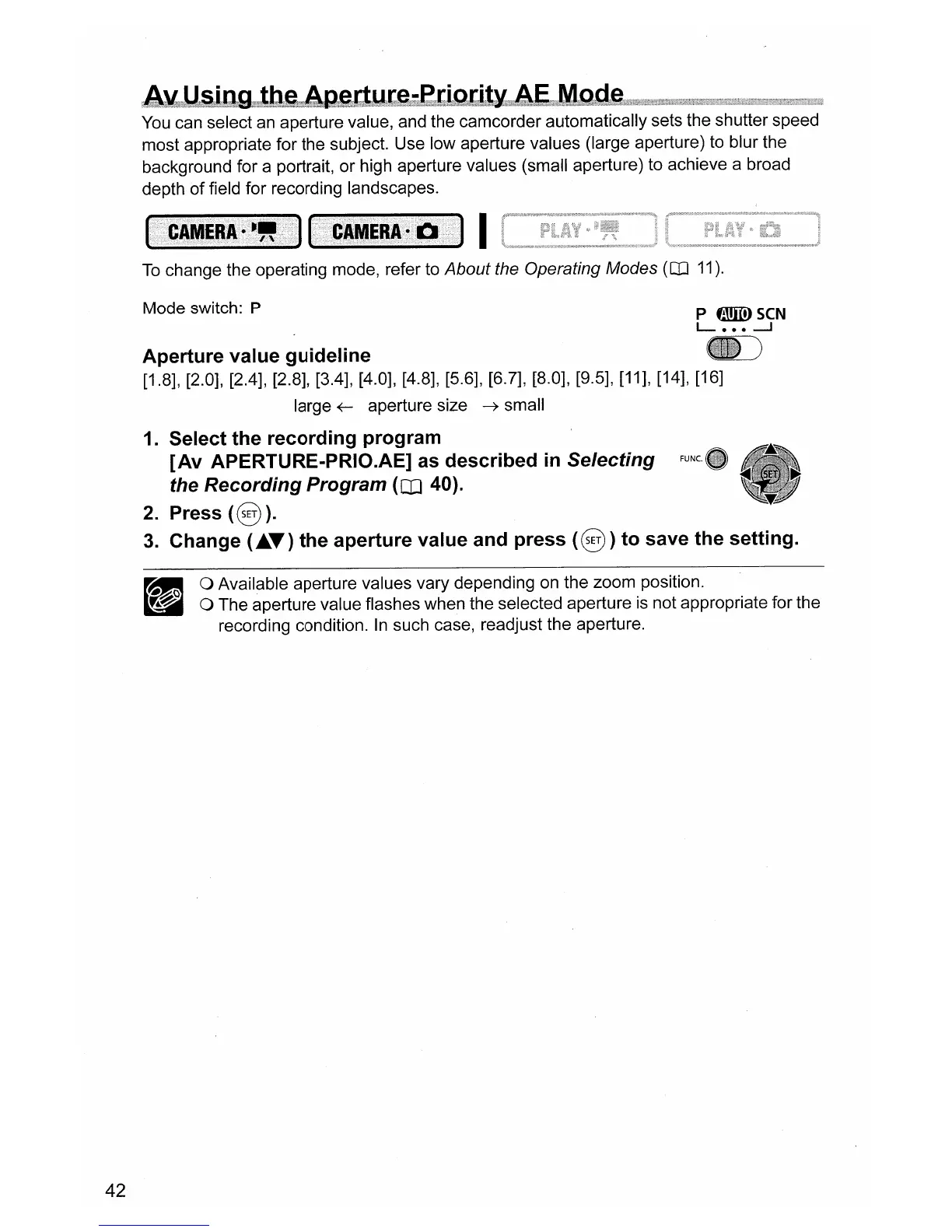
You
can select
an
aperture value, and the camcorder automatically sets the shutter speed
most appropriate for the subject. Use low aperture values (large aperture) to blur the
background for a portrait, or high aperture values (small aperture) to achieve a broad
depth of field for recording landscapes.
I
To
change the operating mode, refer to About the Operating Modes
(QJ
11).
Mode switch: P
P
flmID
seN
L
•••
---I
42
Aperture value guideline
[1.8], [2.0], [2.4], [2.8], [3.4], [4.0], [4.8], [5.6], [6.7], [8.0], [9.5], [11], [14], [16]
large
~
aperture size
~
small
1. Select the recording program
[Av
APERTURE-PRIO.AE] as described
in
Selecting
the Recording Program
(III 40).
2. Press
(§
).
3.
Change
("T)
the aperture value and press
(§)
to save the setting.
o Available aperture values vary depending
on
the zoom position.
o The aperture value flashes when the selected aperture
is
not appropriate for the
recording condition.
In
such case, readjust the aperture.


 To Next Page