108
Printing
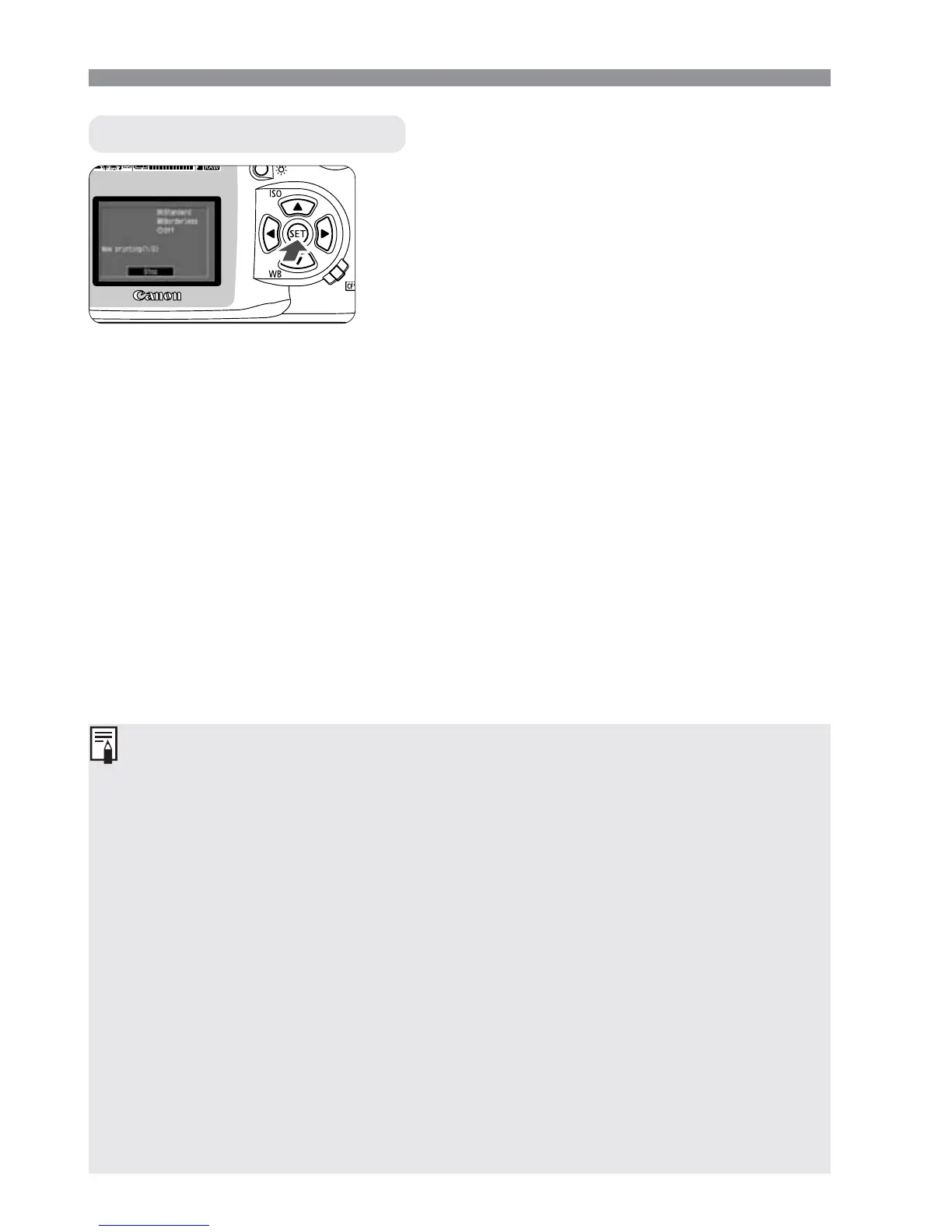
While [Stop] is displayed on the
LCD monitor, press <p>.
s
The printing will stop.
s
If the confirmation dialog appears,
press the <µ> keys to [OK], then
press <p>.
Stopping the Printing
When Stopping the Printing
With a card photo printer:
If only one print is being printed, you cannot stop the printing. If multiple
prints are being printed, the printing will stop after the current print is
finished printing.
With a BJ printer:
The printing will stop and the paper being printed will be discharged.
Resolving Printing Errors
If an error occurs during printing, an error message will appear on the LCD
monitor.
•
If [Resume] is displayed, correct the error, then select [Resume] and
press <p>. After you press <p> and “Stop printing?” appears, select
[Cancel] and press <p>. The printing will resume. With certain
printers, the printing may resume automatically.
•
If only [Stop] is displayed, press <p>. After correcting the problem,
start over again to print.













 To Next Page