4-17
Loading and Outputting Paper
4
Output Trays
•
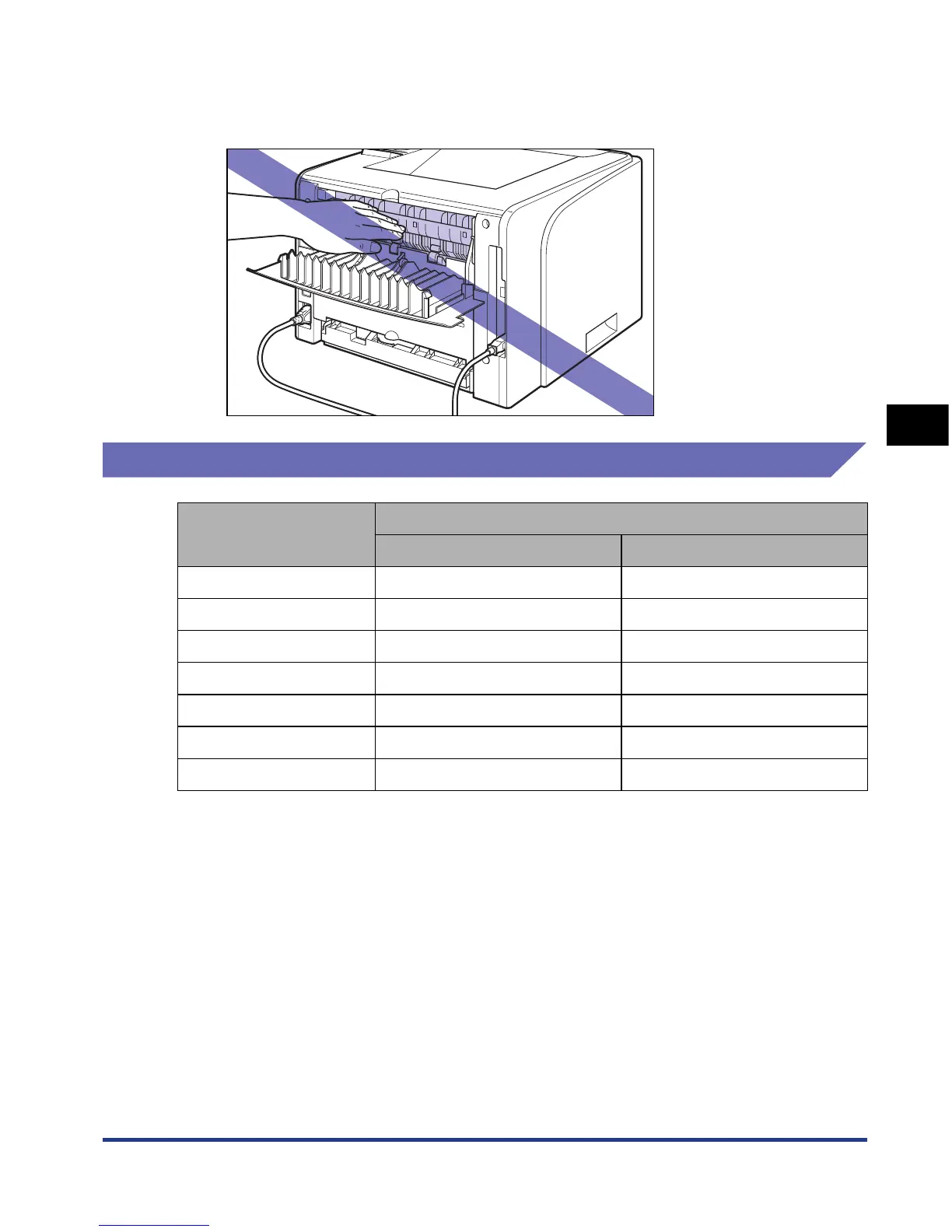
The surroundings of the face-up output slot are hot during printing or immediately after
printing. When taking out of the paper or removing jammed paper, be careful not to touch
the surroundings of the face-up output slot.
Paper Capacity of the Output Trays
*Actual paper capacity varies depending on the installation environment, paper type and paper size.
Paper Type
Output Tray*
Face-down Output Tray Face-up Output Slot
Plain paper (80 g/m
2
) Approx. 125 sheets x
Heavy paper (91 g/m
2
) Approx. 50 sheets x
Heavy paper (128 g/m
2
) Approx. 30 sheets 1 sheet
Transparency Approx. 10 sheets 1 sheet
Label Approx. 10 sheets 1 sheet
Index Card Approx. 10 sheets 1 sheet
Envelope Approx. 10 sheets 1 sheet













 To Next Page