4-51
Loading and Outputting Paper
4
2-sided Printing
3
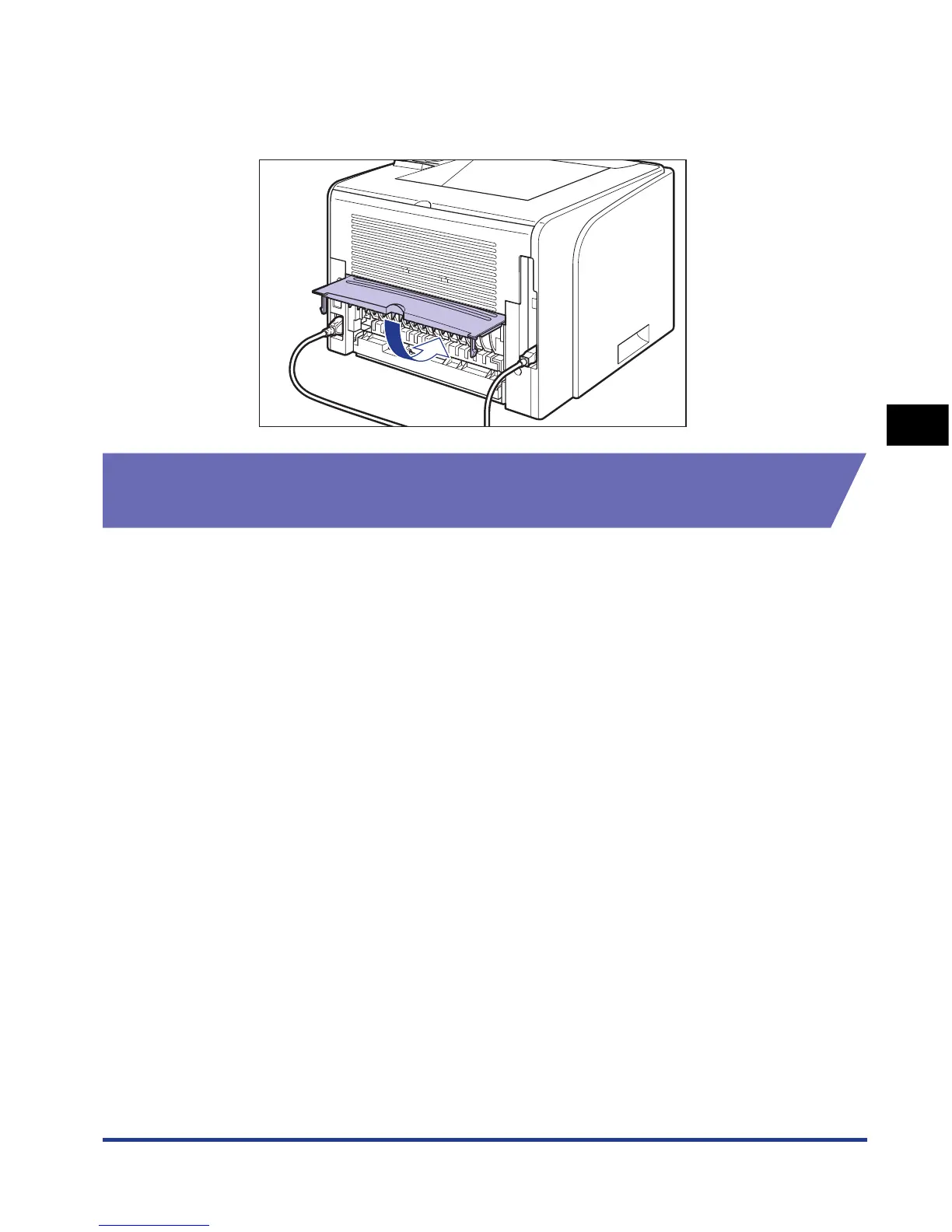
Close the duplex unit cover.
Holding the opening at the center of the duplex unit cover, close it gently.
Loading Paper When Performing Automatic 2-sided
Printing
In automatic 2-sided printing, the orientation of the paper you load is opposite to
that when performing 1-sided printing because the reverse side of paper is printed
first. When printing paper such as that with a letterhead in which faces and printing
orientation specified, load the paper using the following procedure:













 To Next Page