Installing the Paper Feeder
9-9
Installing the Optional Accessories
9
IMPORTANT
Make sure that the front cover and manual feed slot cover are closed before
carrying the printer.
Installing the Paper Feeder
The paper feeder is to be installed at the bottom of the printer unit.
CAUTION
• Put the printer or paper feeder down slowly and carefully. Be careful not to hurt
your hands.
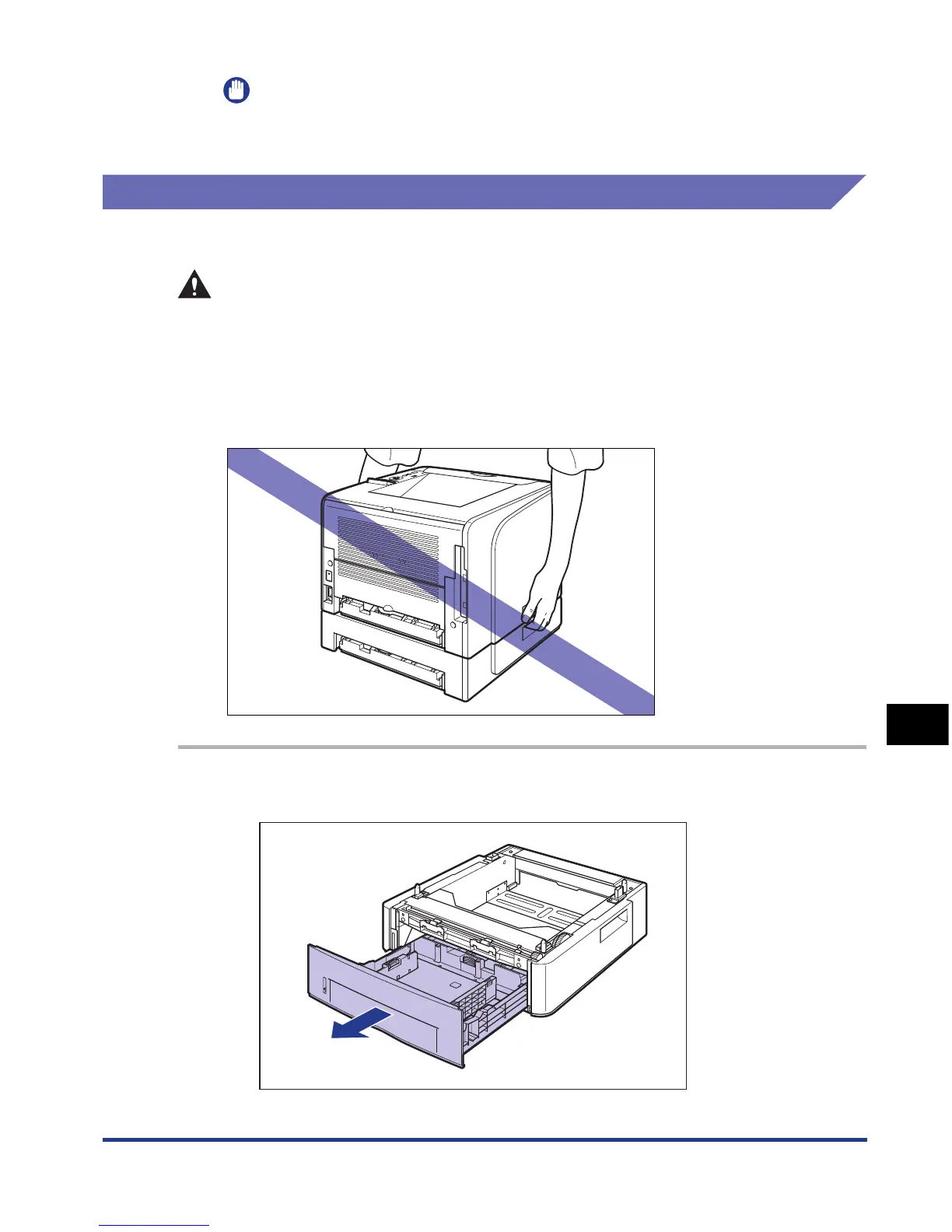
• Do not carry the printer with the paper cassette attached. If you do so, the paper
cassette may drop resulting in personal injury.
• Do not carry the printer with the paper feeder installed. If you do so, the paper
feeder may drop resulting in personal injury.
1
Pull out the paper cassette.













 To Next Page