5-4
The Printing Environment
5
Menu Functions
Printer Status to Enter the Menu Operation
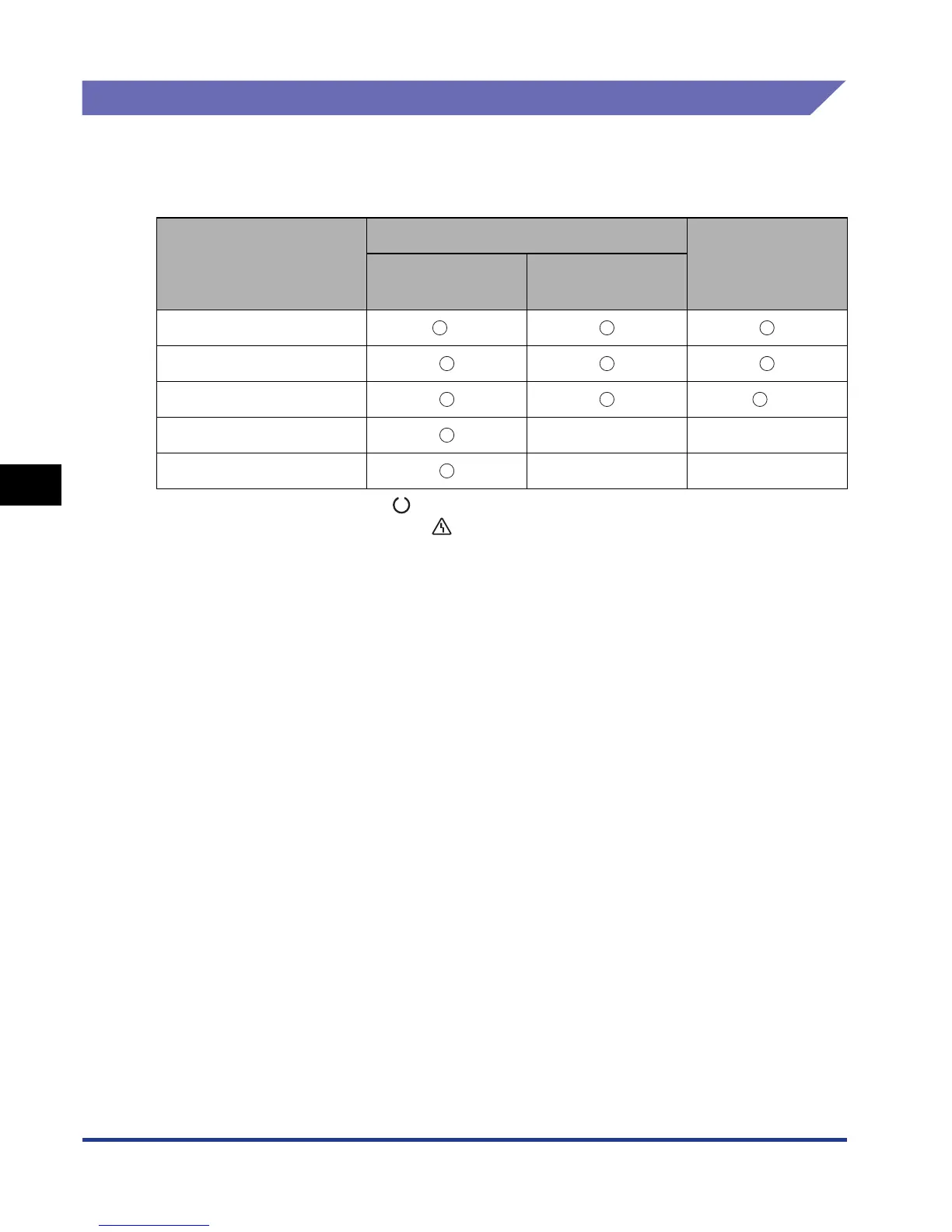
You can enter each menu when the printer is in the following status.
O: The status that you can enter the menu
X: The status that you cannot enter the menu
*
1
The printer is ready to print when the (Ready) indicator is on.
*
2
An error is occurring in the printer when the (Message) indicator is on.
*
3
You cannot specify the settings in the USER MAIN. options when the printer is in the online status.
*
4
You cannot specify the settings for FORM FEED.
When the printer is ready to print *
1
When an error is
occurring *
2
When the printer
is online
When the printer
is offline
SETUP Menu *
3
SELECT FEEDER Menu
RESET Menu *
4
Job Menu x x
UTILITY Menu x x













 To Next Page