2-5
Installing the Printer
2
Environments
IMPORTANT
Do not install the printer in the following locations, as this may result in damage to the
printer.
- An environment where the temperature and/or humidity can change dramatically, or
where condensation occurs
-A poorly ventilated room
-A location near products that generate magnetic waves or electromagnetic waves
- In rooms such as laboratories where chemical reactions occur
-A place where salt content, corrosive gases such as ammonia, or toxic gases are
contained
-A platform that may warp from the weight of the printer and optional accessories, or the
printer is liable to sink (such as a carpet or mat)
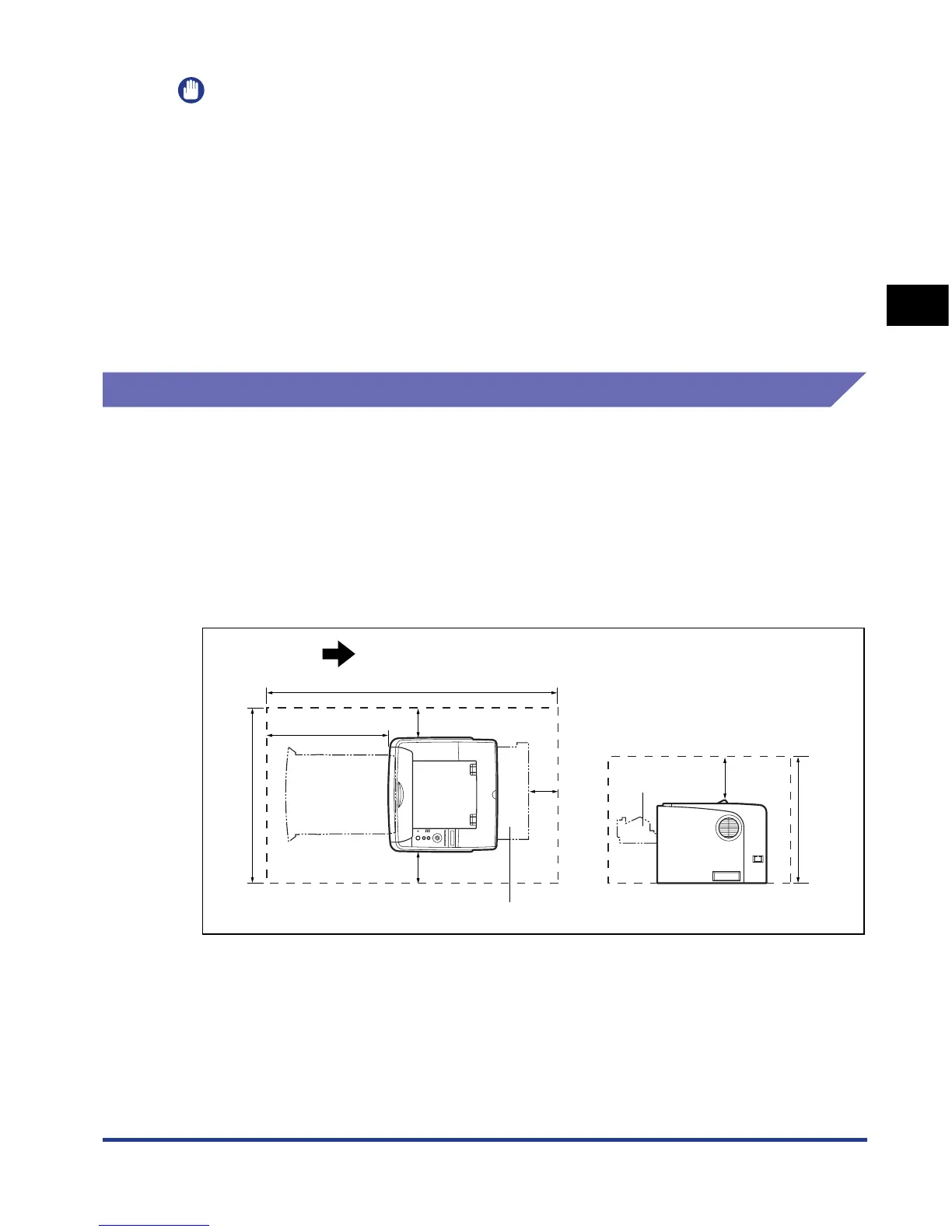
Installation Space
Select an installation location where you can secure the following amounts of free
space around the printer, and a surface that can support the weight of the printer.
The dimensions of the space required around the components and the positions of
the feet are as follows.
Required Peripheral Space
■ Standard state
Front Surface
(mm)
100
100 100
200
1063.7
500
599.7
Paper cassette
467
Output selection cover
Front cover













 To Next Page