8-8
Tr oubleshooting
8
Paper Jams
Procedure for Clearing Paper Jams
Remove the jammed paper using the following procedure.
1
Confirm all the messages that appear in the display.
Messages appear one at a time. Confirm all of them.
As the messages disappear when the cover is open, take a note of them if
required.
2
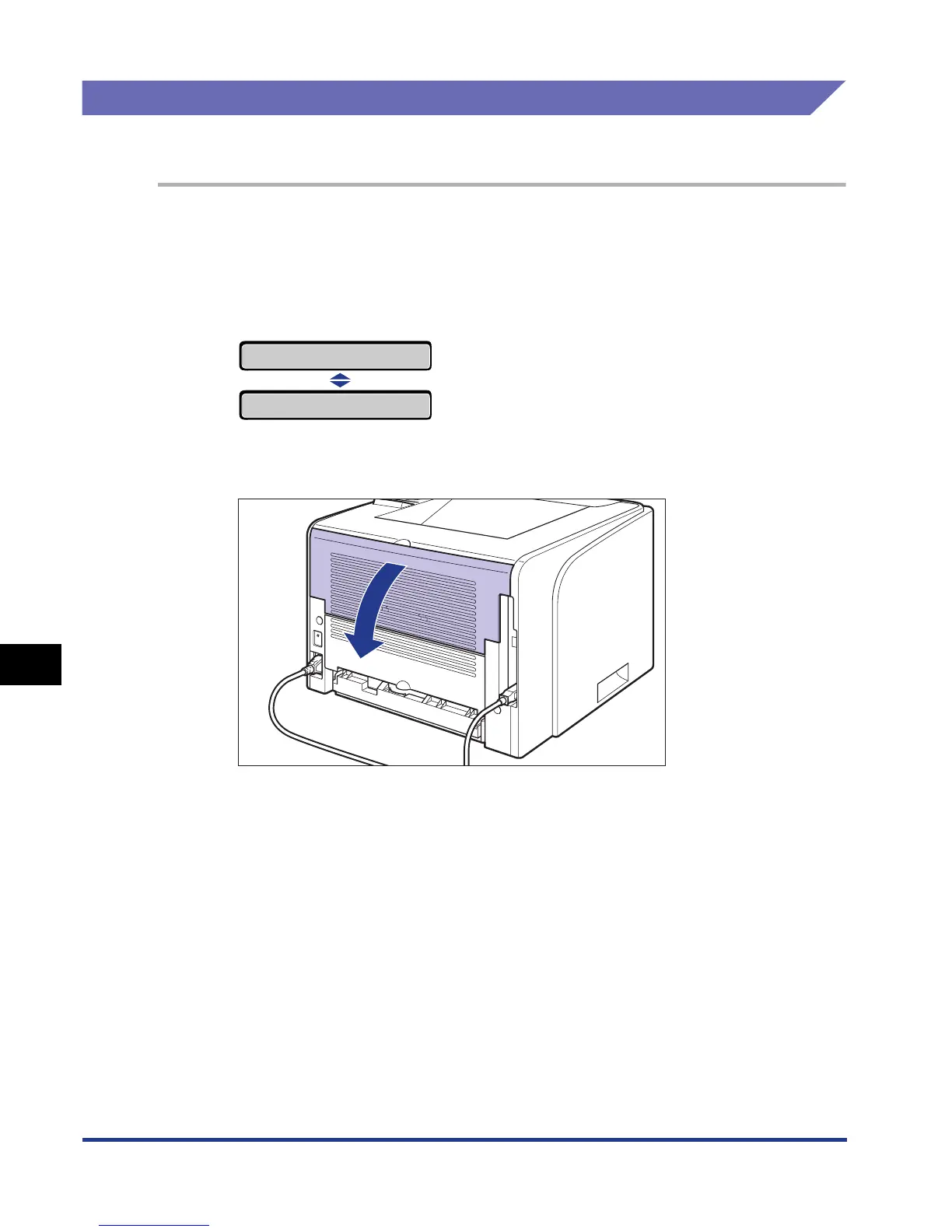
Open the output selection cover.
13 PAPER JAM
FRONT COVER













 To Next Page