4-21
Loading and Outputting Paper
4
Printing from the Paper Cassette
■ When the printer is OFF
Loading Paper in the Paper Cassette
Load paper in the paper cassette. The paper loading methods are different between
standard size paper and custom size paper.
• Standard Size Paper (See "When Loading Standard Size Paper," on p. 4-21)
• Custom Size Paper (See "When Loading Custom Size Paper," on p. 4-27)
When Loading Standard Size Paper
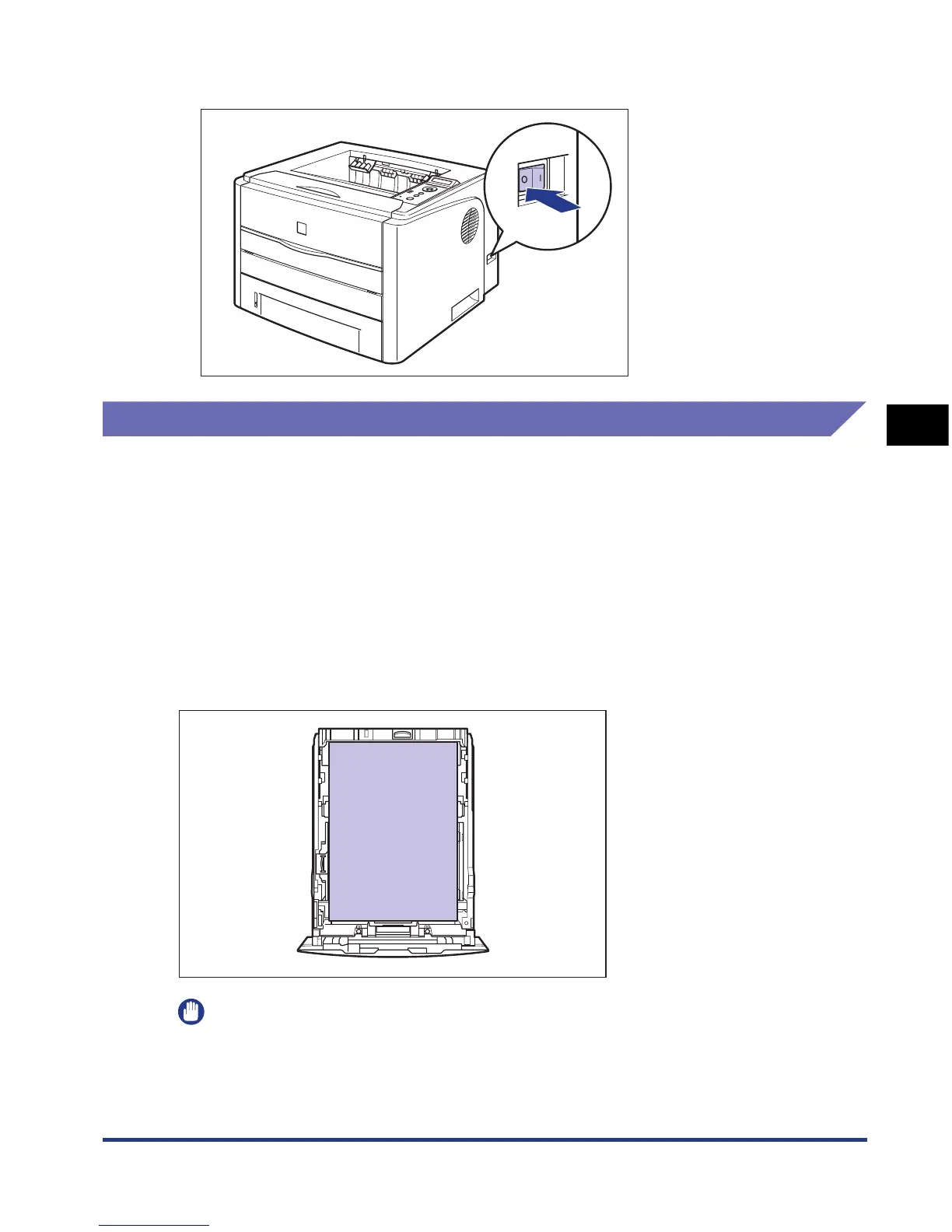
Load standard size paper in the paper cassette using the following procedure.
Be sure to load standard size paper in portrait orientation when loading it in the
paper cassette.
IMPORTANT
•
For more details on the usable paper, see "Usable Paper," on p. 4-2.
•
For details on handling the paper cassette, see "Precautions for Handling the Manual
Feed Slot or Paper Cassette," on p. 4-13.













 To Next Page