2-10
Installing the Printer
2
Carrying the Printer to the Installation Site
Carrying the Printer to the Installation Site
After securing an installation site, carry the printer unit to the installation site. When
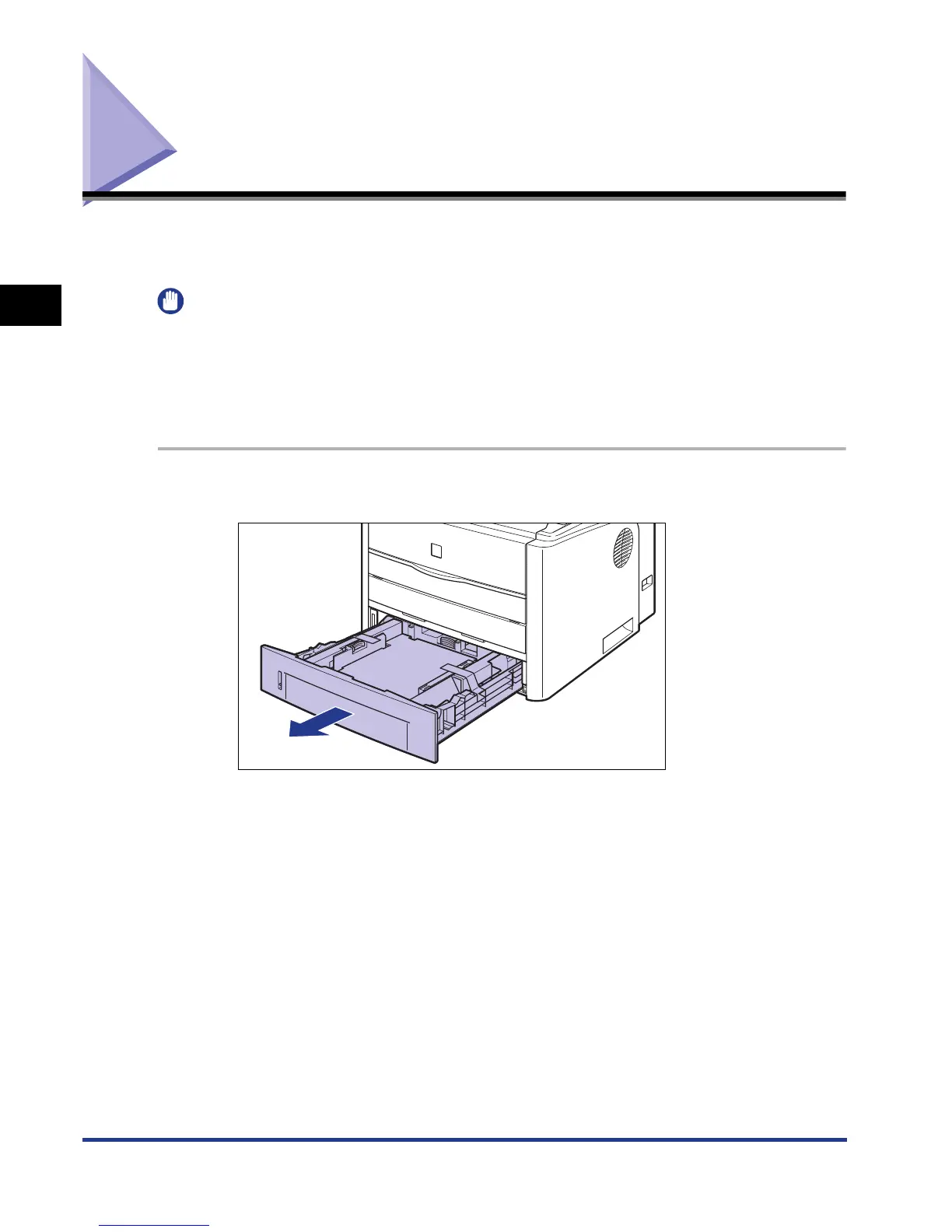
carrying the printer, carry it after pulling out the paper cassette.
IMPORTANT
•
When installing the optional paper feeder, install it at the installation site before carrying
the printer to the installation site. For details on installing the paper feeder, see "Installing
the Paper Feeder," on p. 9-2.
•
Secure sufficient space around the printer at the installation site so that you can install
the optional accessories and connect cables.
1
Pull out the paper cassette.













 To Next Page