8-37
Service Call Display
8
Tr oubleshooting
Service Call Display
When a problem has occurred and the printer does not work properly, the service
call shown in the figure appears:
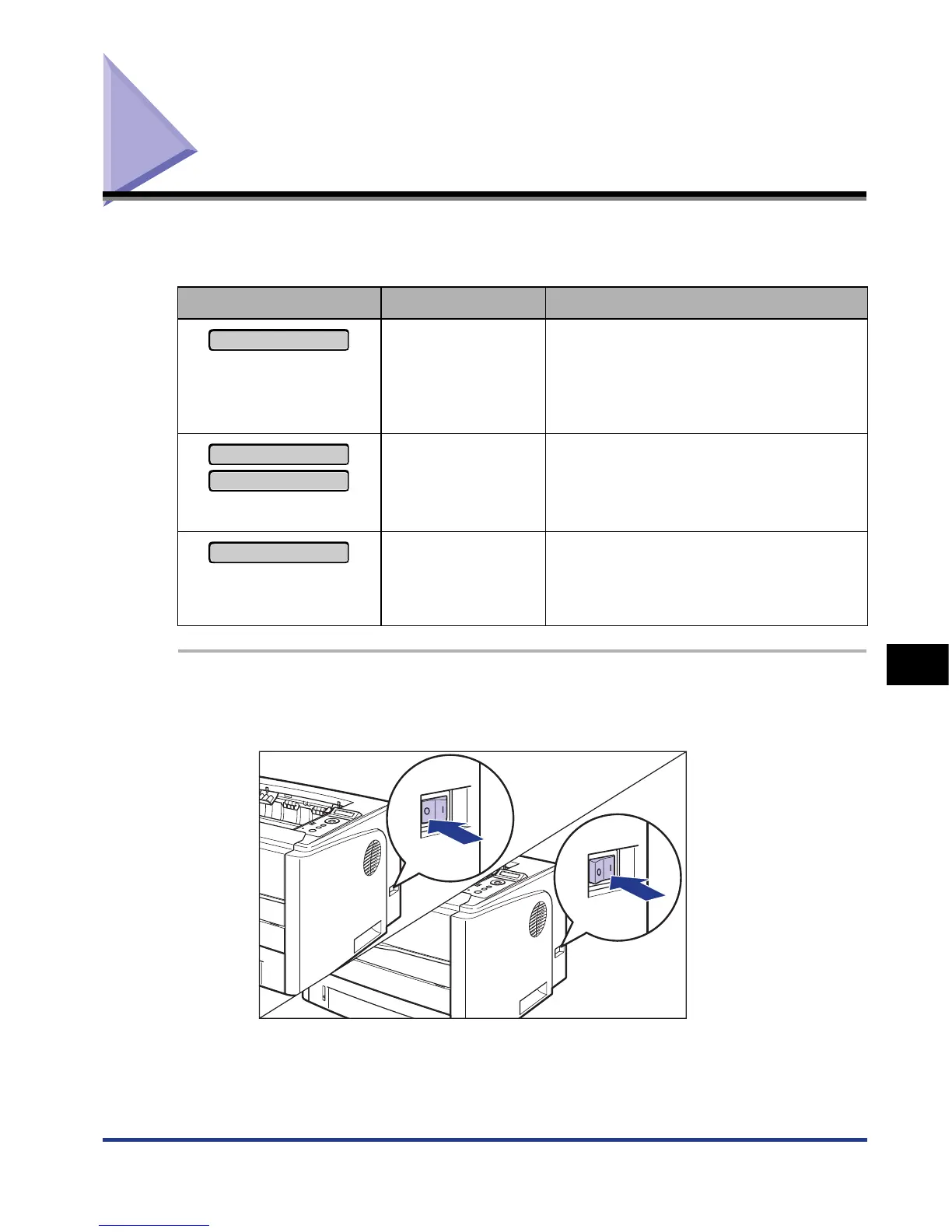
1
Turn the power OFF, wait for 10 seconds or longer, and then
turn it ON again.
If the message does not reappear, the printer can be used as normal. If the error
message still appears, proceed to the next step.
Message Cause Remedy
("n" represents a number)
A problem has
occurred inside the
printer.
Cycle the power of the printer using the
following procedure. If the message does
not disappear after cycling the power of
the printer several times, contact your
local authorized Canon dealer.
("n" represents a number)
A problem has
occurred with the
fixing unit of the
printer.
Perform the following procedures from
the Step 2 to contact your local
authorized Canon dealer.
("nn" represents two-digit
alphanumeric characters)
A problem has
occurred while the
printer is processing
print data.
Cycle the power of the printer using the
following procedure.
Ennn-nnnn
E001-nnnn
E003-nnnn
F9-nn PWR OFF>ON













 To Next Page