Installing the Paper Feeder
9-10
Installing the Optional Accessories
9
2
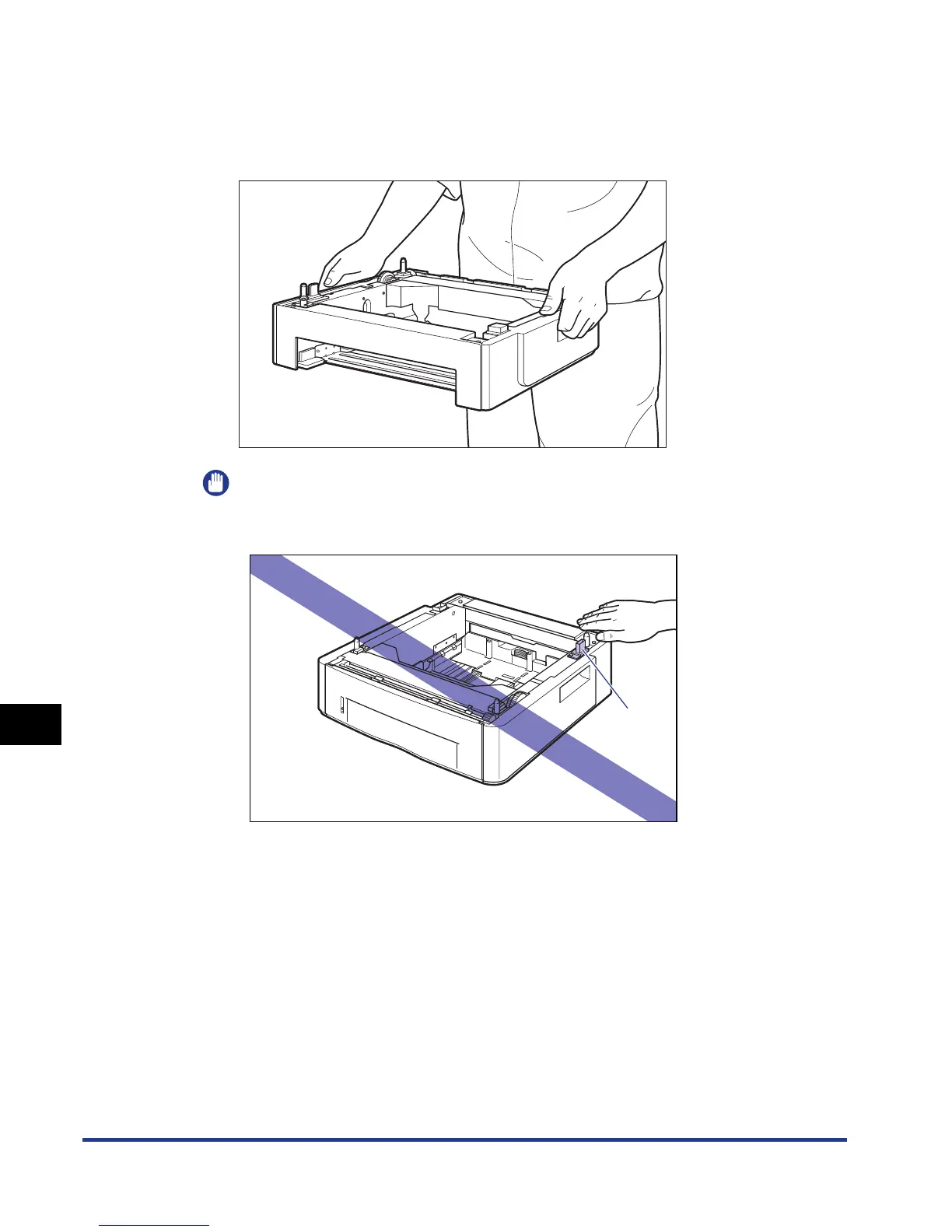
Place the paper feeder at the installation site.
When carrying the paper feeder, hold the lift handles on both sides with both
hands as shown in the figure.
IMPORTANT
•
Do not touch the connector (A) in the paper feeder. This may result in damage to
the printer or misfeeds.
•
Do not install the paper feeder on a platform that may warp from the weight of the
printer and optional accessories, or where the printer is liable to sink (such as a
carpet or mat).
•
Secure sufficient space around the paper feeder so that you can install the printer
and connect cords such as the power cord and interface cables.
(A)













 To Next Page