4-25
Loading and Outputting Paper
4
Printing from the Paper Cassette
IMPORTANT
•
Be sure to check if the paper guide is at the position of the size of the loaded paper.
If the paper guide is set at a wrong position, this may result in misfeeds.
•
If you use paper that has been poorly cut, multiple sheets of paper may be fed at
once. In this case, fan the paper thoroughly, and then align the edges of the stack
on a hard, flat surface.
NOTE
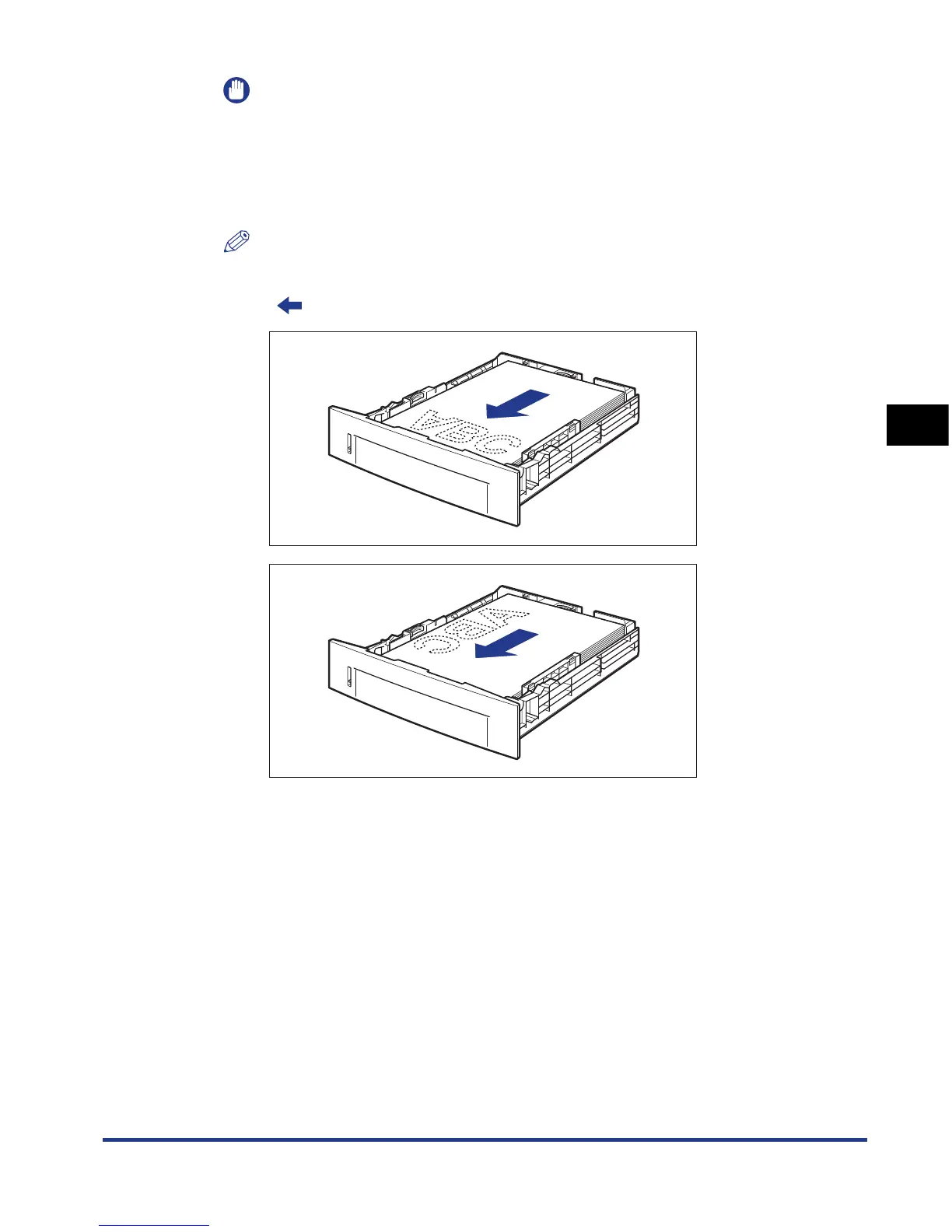
To print letterhead paper or paper printed with a logo, load the paper so that the
printing side is facing down, as shown in the following figures.
(: Feeding direction)













 To Next Page