7-8
Routine Maintenance
7
Replacing the Toner Cartridge
NOTE
•
For details on handling toner cartridges, see "Precautions for Handling Toner Cartridges,"
on p. 7-14.
•
The packing materials may be changed in form or position to be placed, or may be added
or removed without notice.
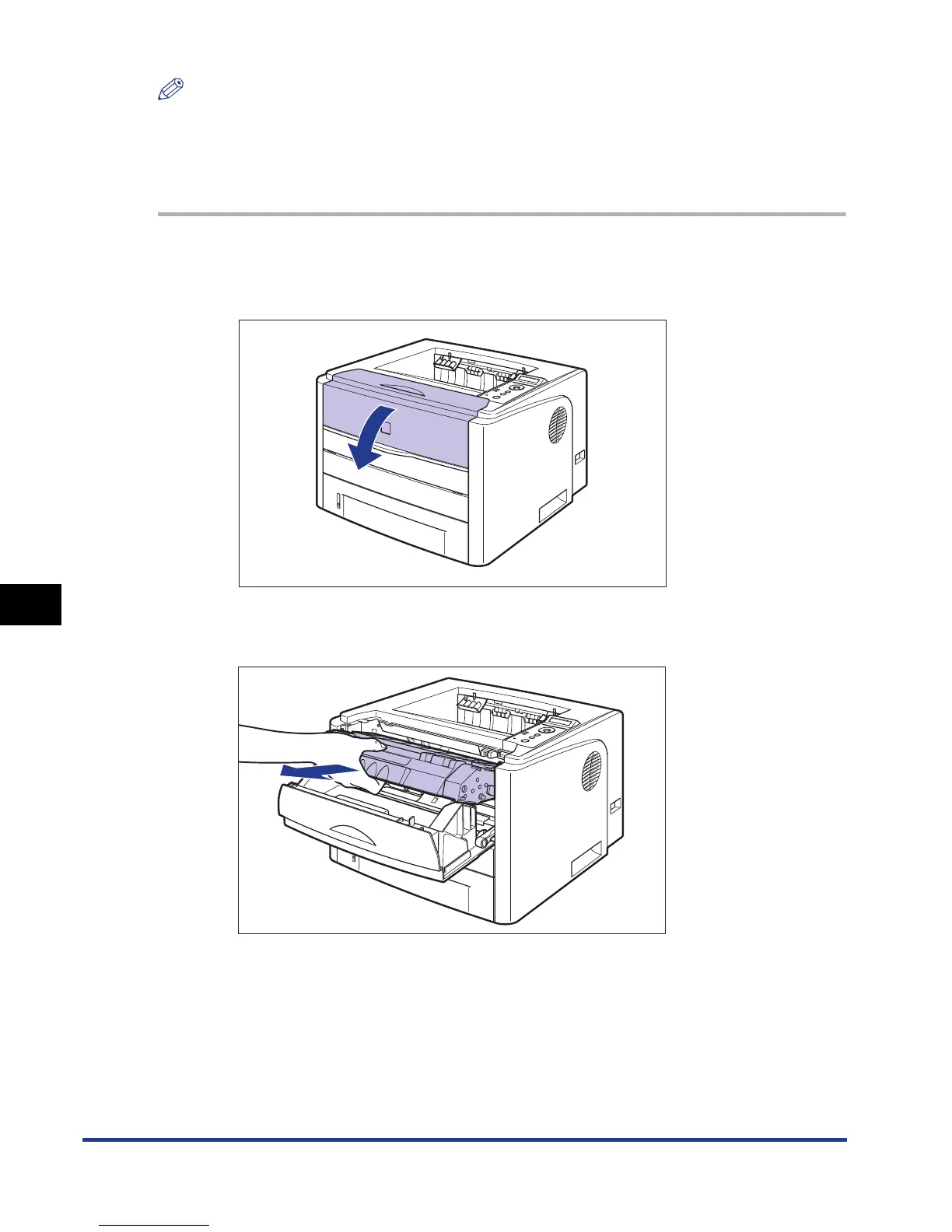
1
Open the front cover.
Holding the opening of the front cover, open it gently.
2
Remove the toner cartridge from the printer.













 To Next Page