Installing the Paper Feeder
9-6
Installing the Optional Accessories
9
1
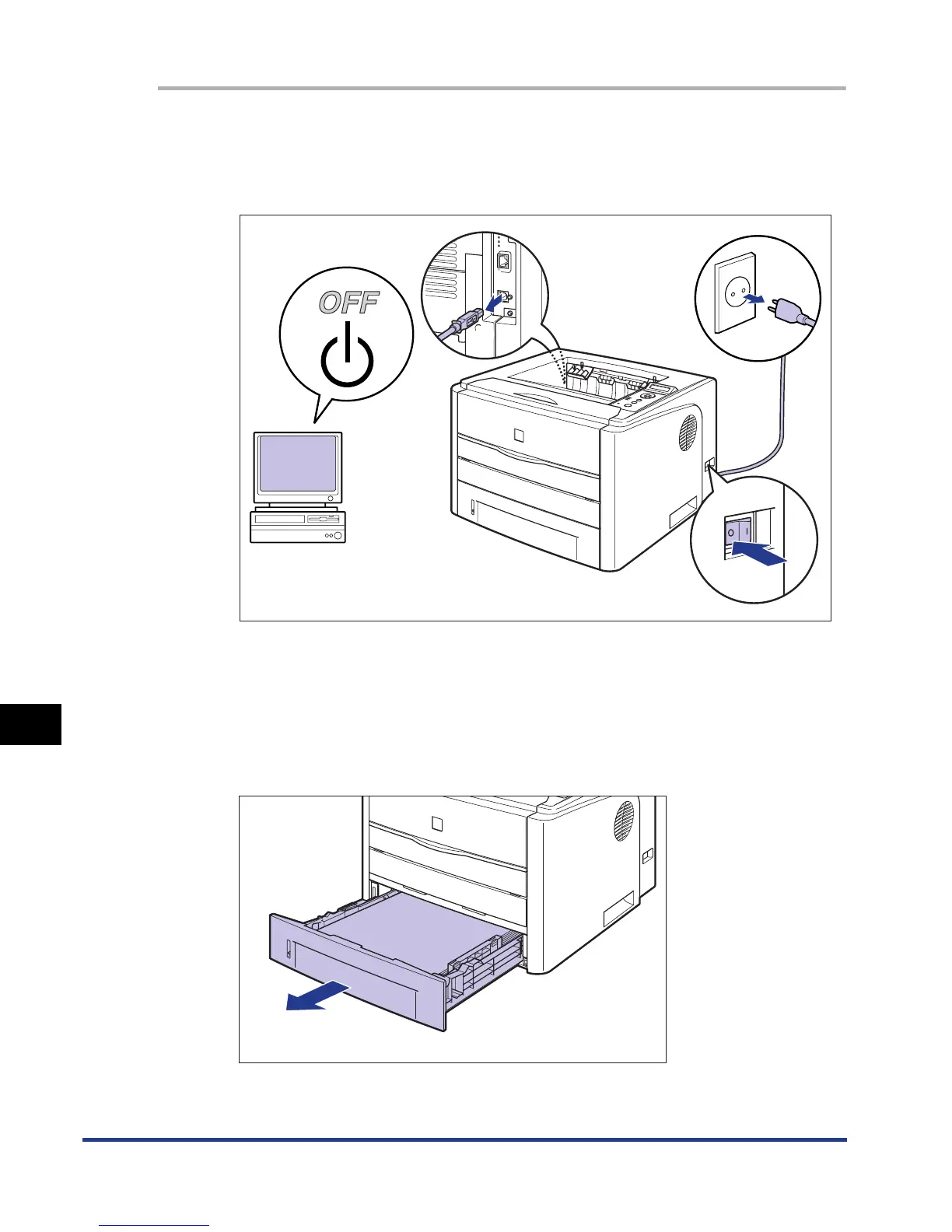
Turn the printer and computer OFF a, remove the USB cable
b, and then disconnect the power plug from the AC power
outlet c.
2
Remove all the interface cables and the power cord from the
printer.
3
Pull out the paper cassette.
a
a
c













 To Next Page