4-14
Loading and Outputting Paper
Paper Source
4
•
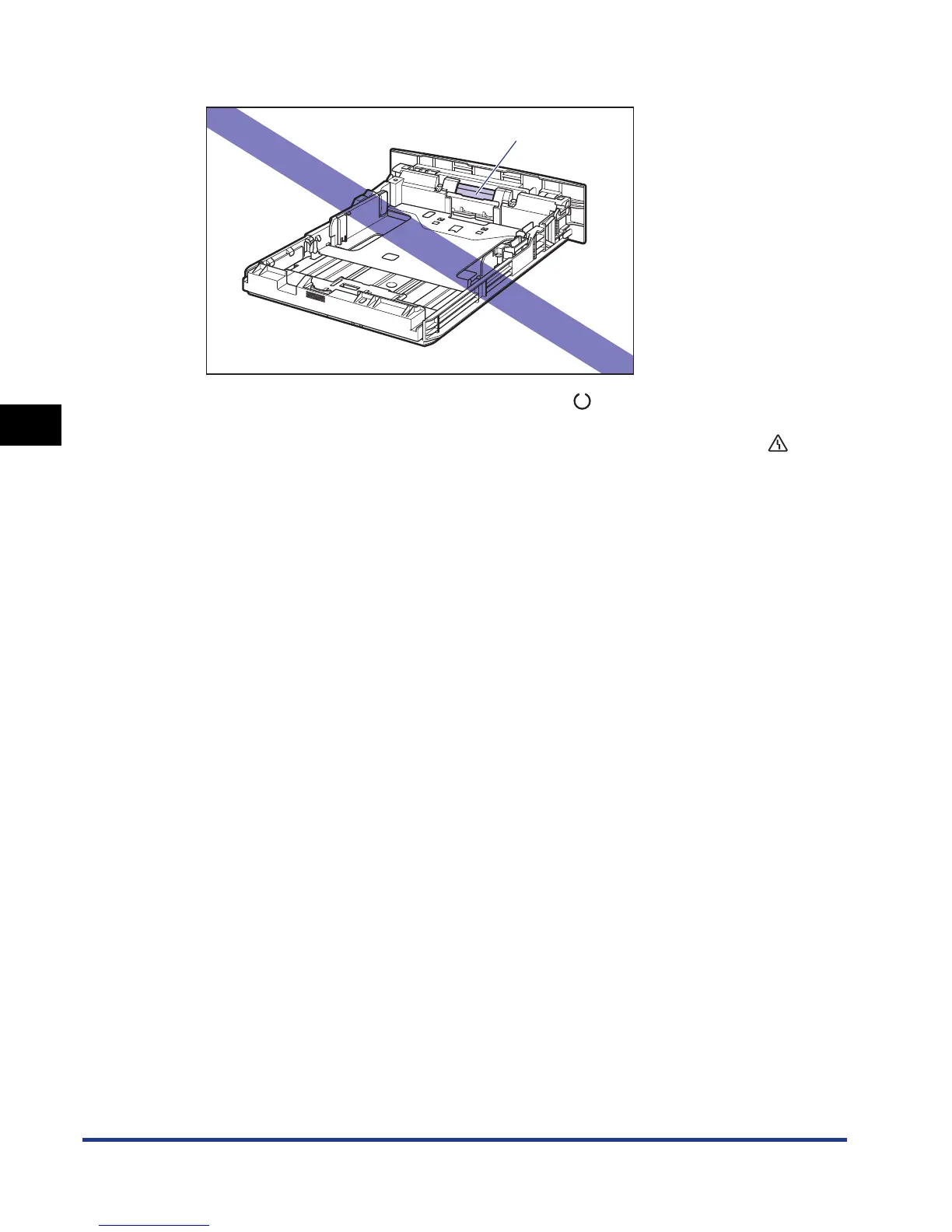
Do not touch the black rubber pad (A) in the paper cassette. This may result in misfeeds.
•
Make sure that the printer is not operating and the (Ready) indicator is on when
loading paper in the manual feed slot. When printing multiple copies or multiple pages
from the manual feed slot, make sure that the printer is not operating and the
(Message) indicator is on before loading the second and subsequent paper. If paper is
loaded in the manual feed slot while the printer is operating such as when the printer is
printing or immediately after outputting paper, the loaded paper may be output without
being printed, or this may result in paper jams.
•
If you are printing from Cassette 2, make sure that Cassette 1 is set before printing. If you
print from Cassette 2 when Cassette 1 is not set, this will cause paper jams.
(A)













 To Next Page