3-48
Printing from the Multi-purpose Tray
Loading and Outputting Paper
3
4
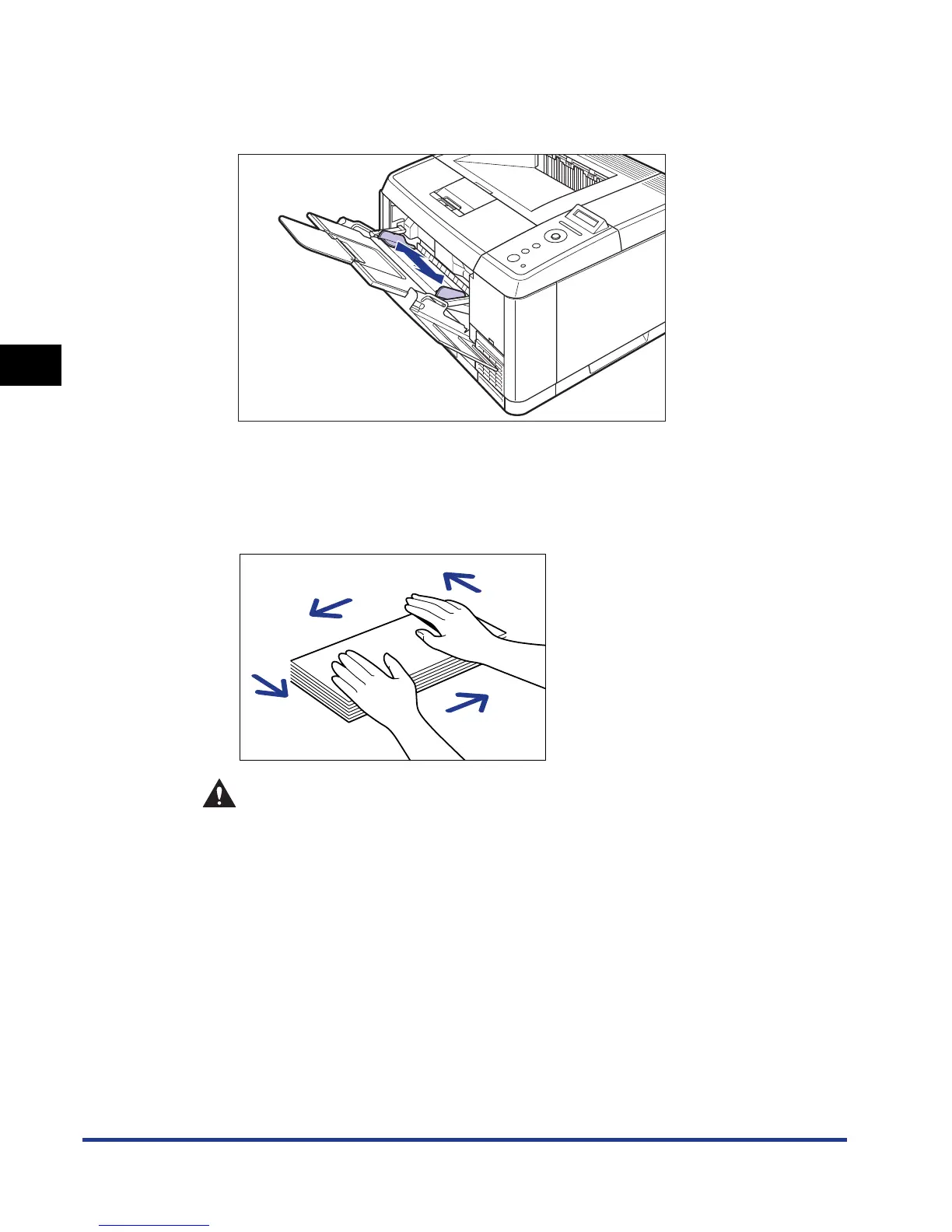
Spread the paper guides a little wider than the actual envelope
width.
5
Place the stack of envelopes on a flat surface, flatten them to
release any remaining air, and be sure that the edges are
pressed tightly.
CAUTION
When loading paper, take care not to cut your hands with the edges of the
paper.











 To Next Page