CHAPTER 1 GENERAL DESCRIPTION
COPYRIGHT
©
1999 CANON INC. CANON NP6512/6612/7120/7130/7130F REV.0 AUG. 1999 PRINTED IN JAPAN (IMPRIME AU JAPON)
1-14
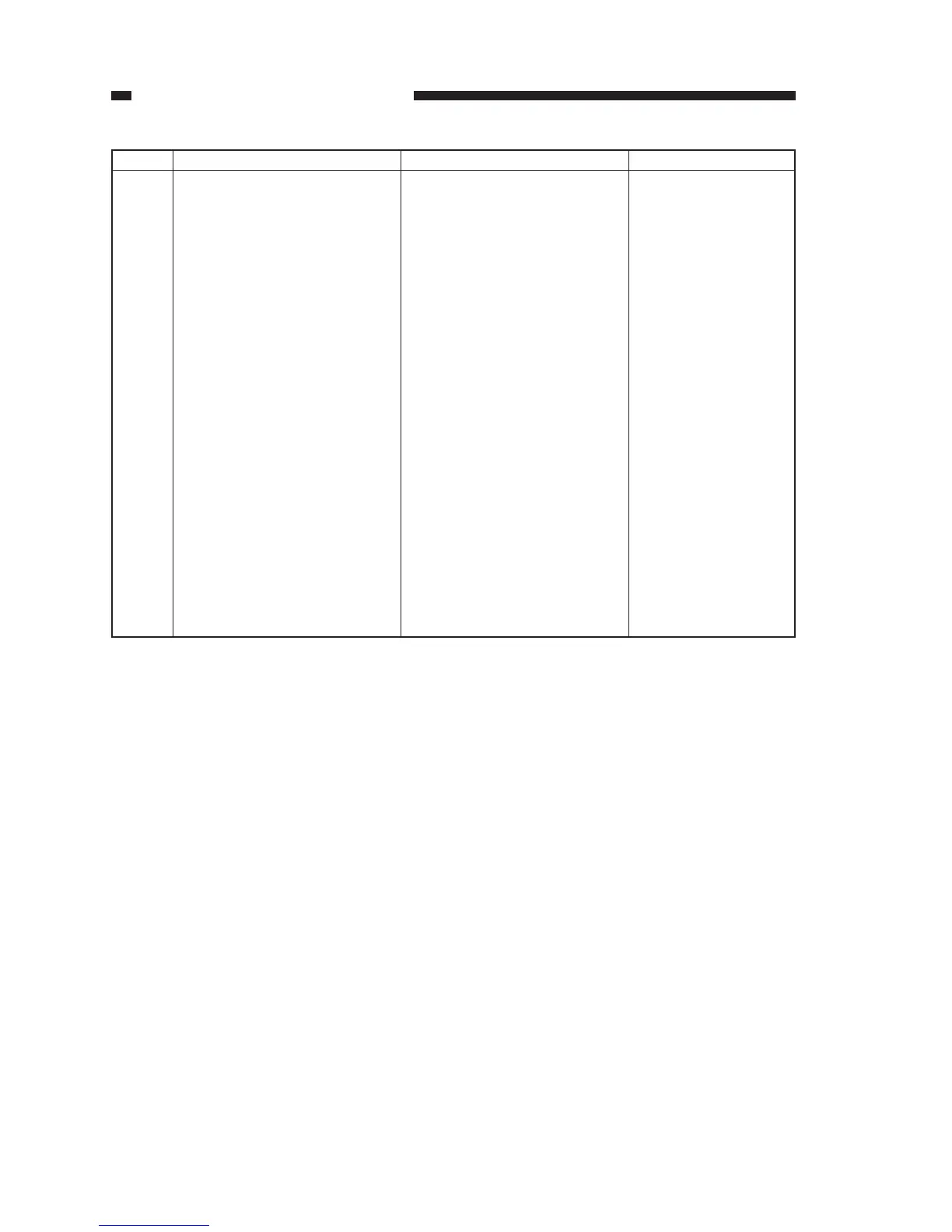
Description
Starts copying.
Turns on and off the power.
Sets the number of copies or a
zoom ratio.
Turns on when zoom mode is
selected.
Selects/deselects zoom mode.
Flashes in response to a jam.
Selects the cassette/ manual
feed tray.
Selects a default reproduction
ratio.
Selects copying density mode.
No.
9
10
11
12
13
14
15
16
17
Remarks
May be between 70%
and 141% in 1% incre-
ments.
Name
Copy start key
Power switch
Count/zoom set key
Zoom indicator
Zoom key
Jam indicator
Paper selection key
Default ratio key
Copy density mode selection
key
Table 1-401




 To Next Page