Step Action Remarks
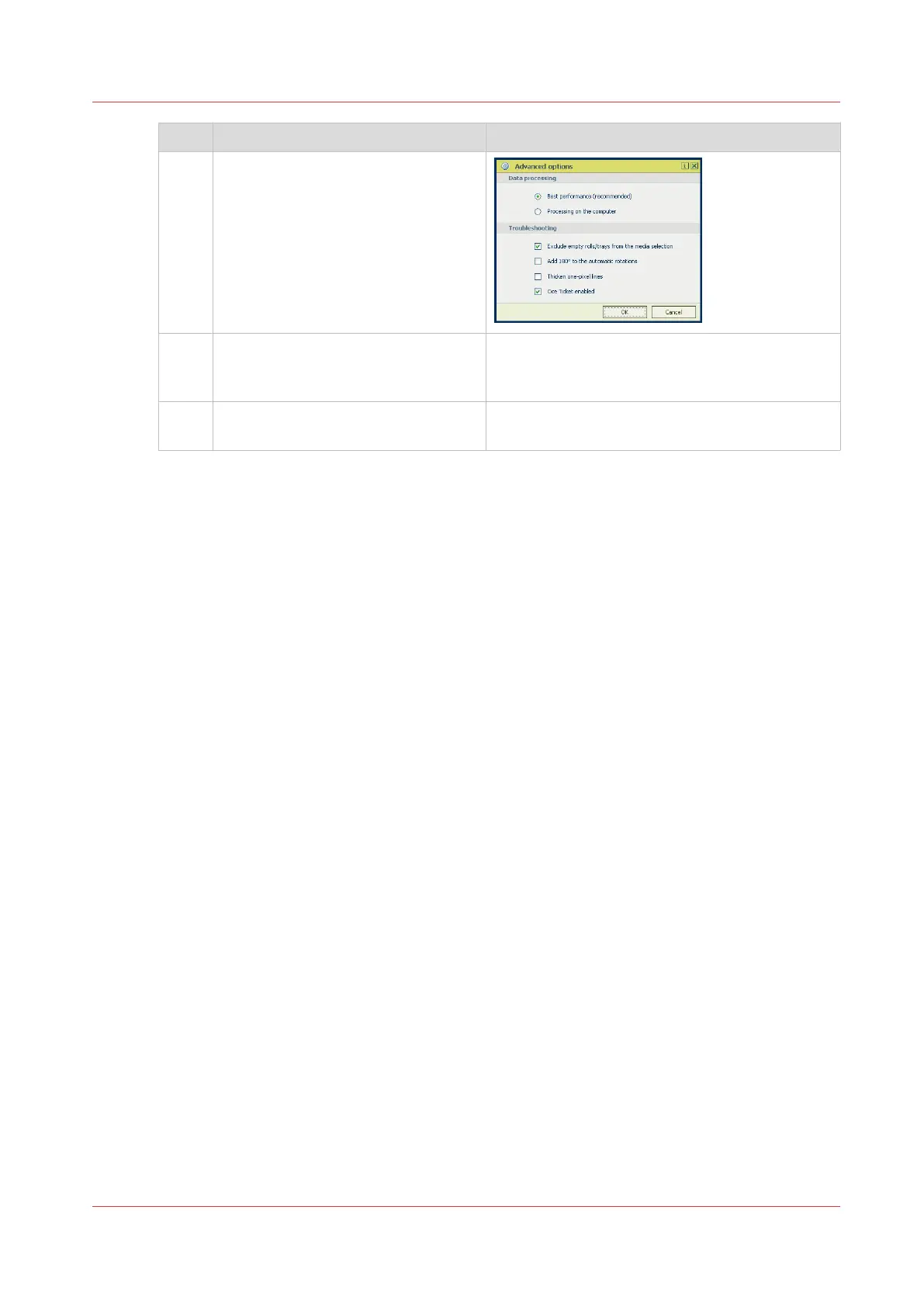
5 In the [Options] menu in the upper
right hand corner of the screen
choose [Advanced options]. Make
sure a checkmark is placed in the
[Océ Job Ticket enabled] box of the
[Troubleshooting] section to overrule
the default values for the job set-
tings.
6 Check all tiles in the printer driver
and change the settings, if necessa-
ry.
7 Click [OK] to send the print job to the
[Smart Inbox] or the print queue.
Use Océ Wide format Printer Driver 2 for Microsoft® Windows® to send a print job
Chapter 4 - Use the Printing System
153









 To Next Page