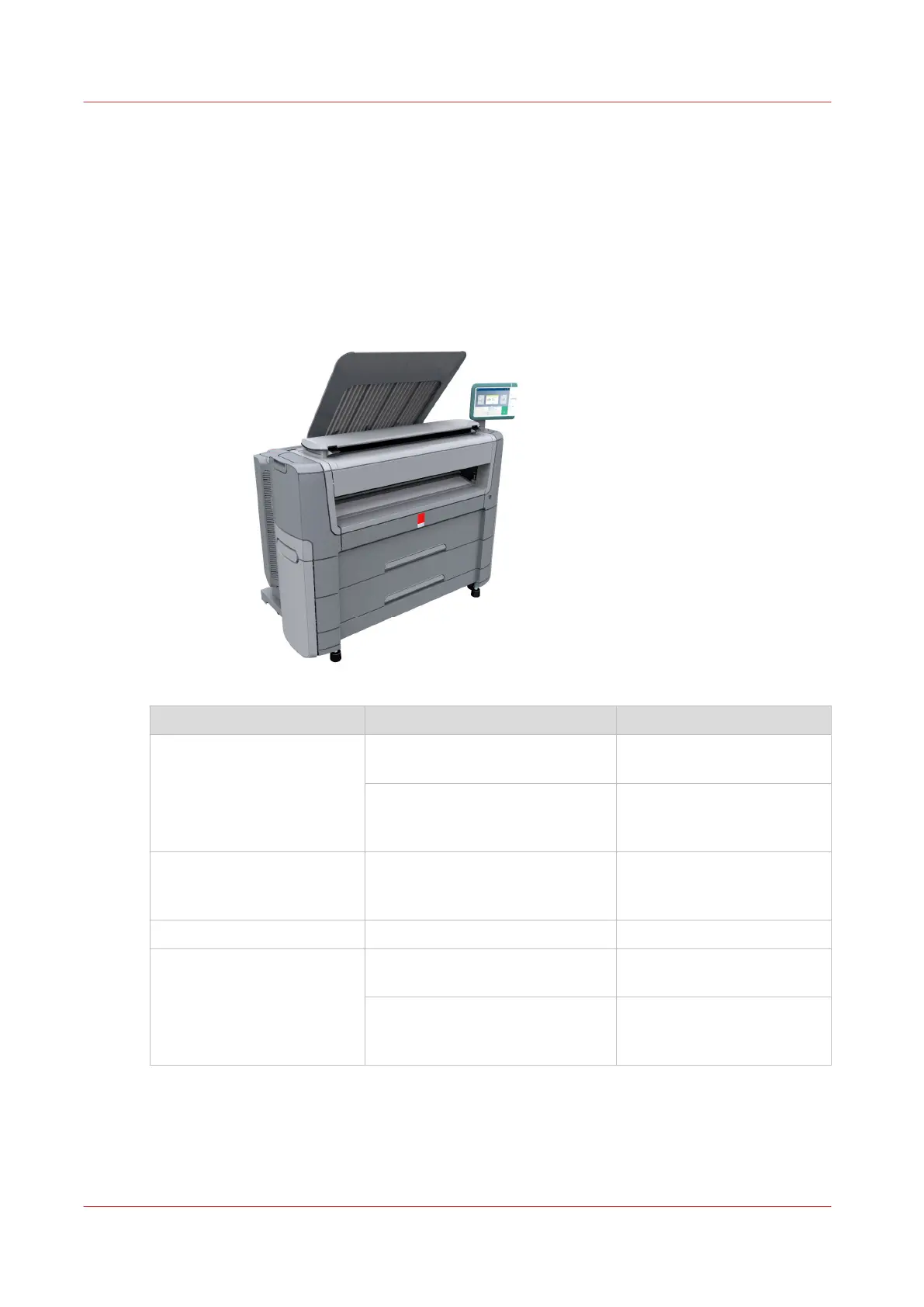
The Océ PlotWave 450/550
Introduction
The Océ PlotWave 450/550 is a black and white, all-in-one wide format print, copy and scan
system with a multi-touch user panel and an optional color scanner.
Workflow of the Océ PlotWave 450/550
Process Actions Reference
Before using the system
Connect the printer
Connect your Printing Sys-
tem
on page 19
Define and configure the settings
Define your Workflow with
Océ Express WebTools
on
page 43
Daily use
Use the printer for copy, print,
and scan jobs
Print Jobs
on page 163
Copy Jobs
on page 172
Scan Jobs
on page 195
Optionals
Use the Océ PlotWave folder
Use the Folder
on page 215
Maintenance and support
Maintain the system
Maintain the Printing Sys-
tem
on page 227
Get support to solve problems
Solve Problems
on
page 281
Support
on page 309
The Océ PlotWave 450/550
18
Chapter 2 - Get to Know the Printing System









 To Next Page