Insert a new tape roll
Introduction
When you have removed the old tape (
Remove an empty tape roll
on page 257), you can insert a
new roll.
IMPORTANT
Only use Océ reinforcement strips, to prevent damage to the reinforcement unit.
Procedure
1.
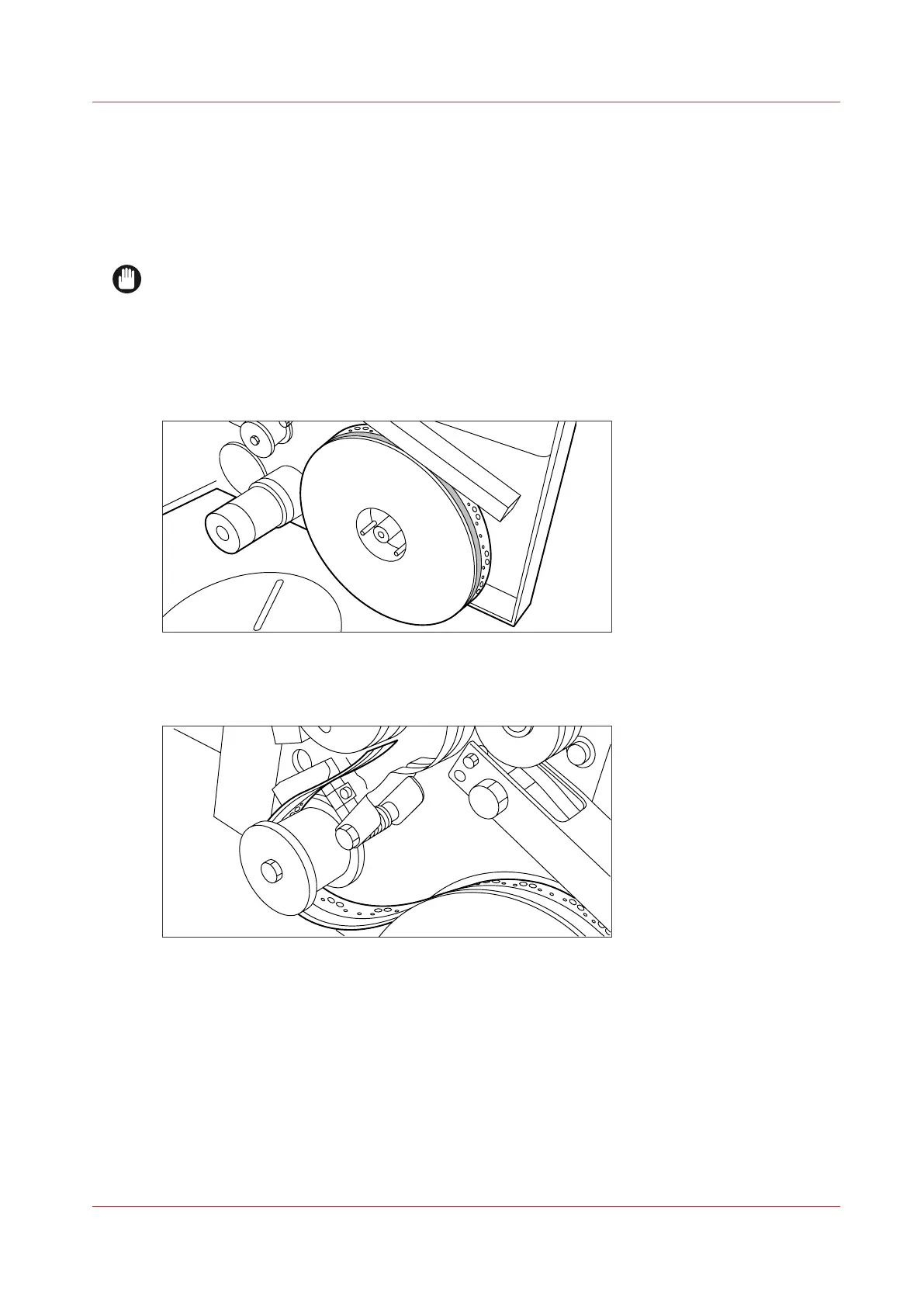
Place the new roll and close the side plate. Make certain that the roll is placed with the holes to
the back and the protection sheet to the front, see the illustration below.
[7] Positioning the new roll
2.
Loosen the end of the roll and lead the tape over the large guide roller.
[8] Guiding the tape around the guide roller
Insert a new tape roll
Chapter 6 - Maintain the Printing System
259









 To Next Page