The folder configuration options
Introduction
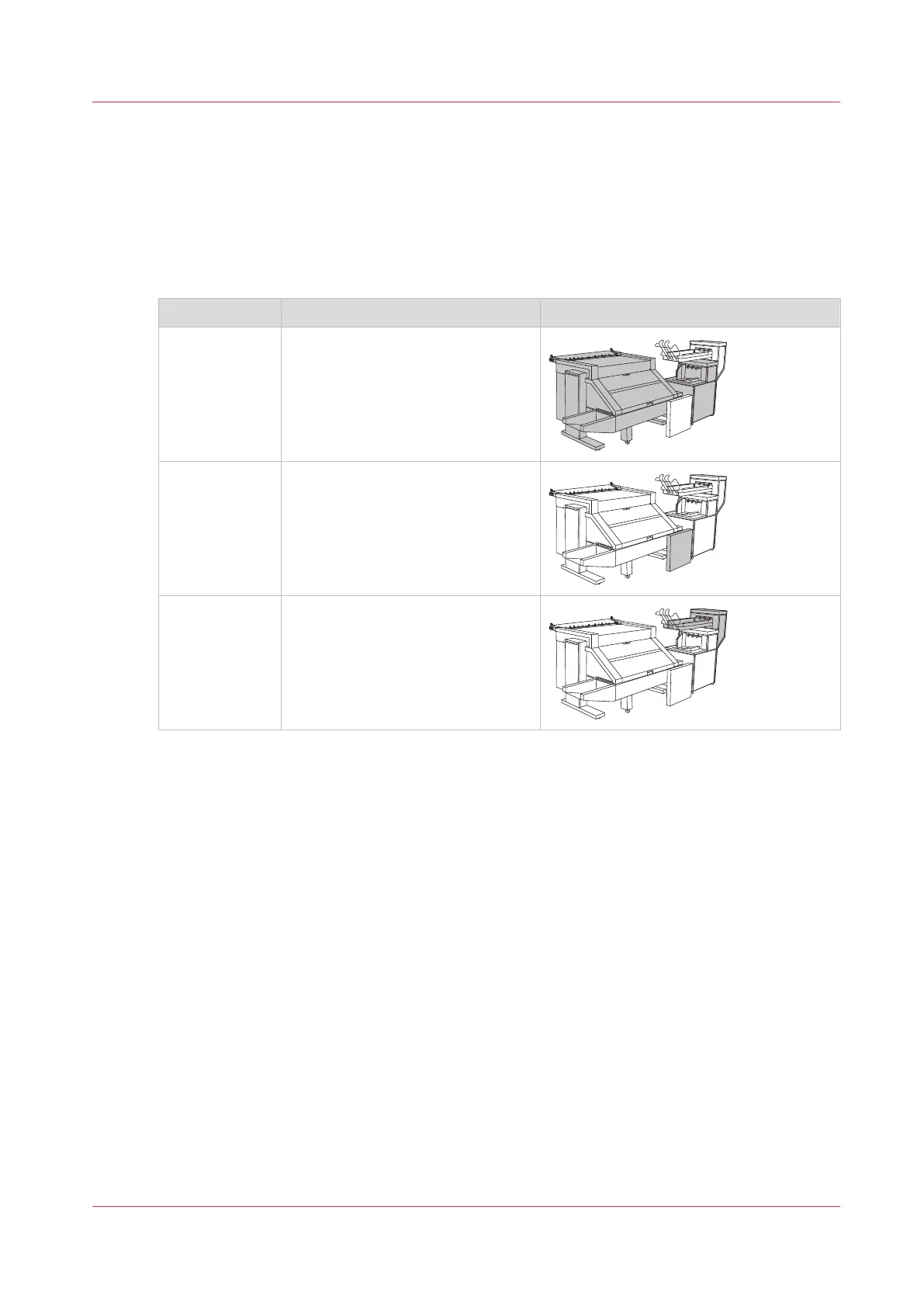
The Océ PlotWave 450/550 can be configured with the following folder options.
Configuration options of the folder
Component Function Position of the component
Folder Folds and stacks the output.
Reinforcement
unit
The optional reinforcement unit
adds reinforcement strips to the
folded output.
Belt unit The optional belt unit transports
the folded output and provides
high capacity stacking.
The folder configuration options
Chapter 5 - Use the Folder
217









 To Next Page