Use the circuit breaker
Introduction
A circuit breaker is used for the protection against electrical leakage in the circuit. A leakage can
appear after a lightning strike, but also with a permanent short circuit. When the printer does not
have a power connection while all power cables are connected and the machine is on, you can
check the circuit breaker.
Procedure
1.
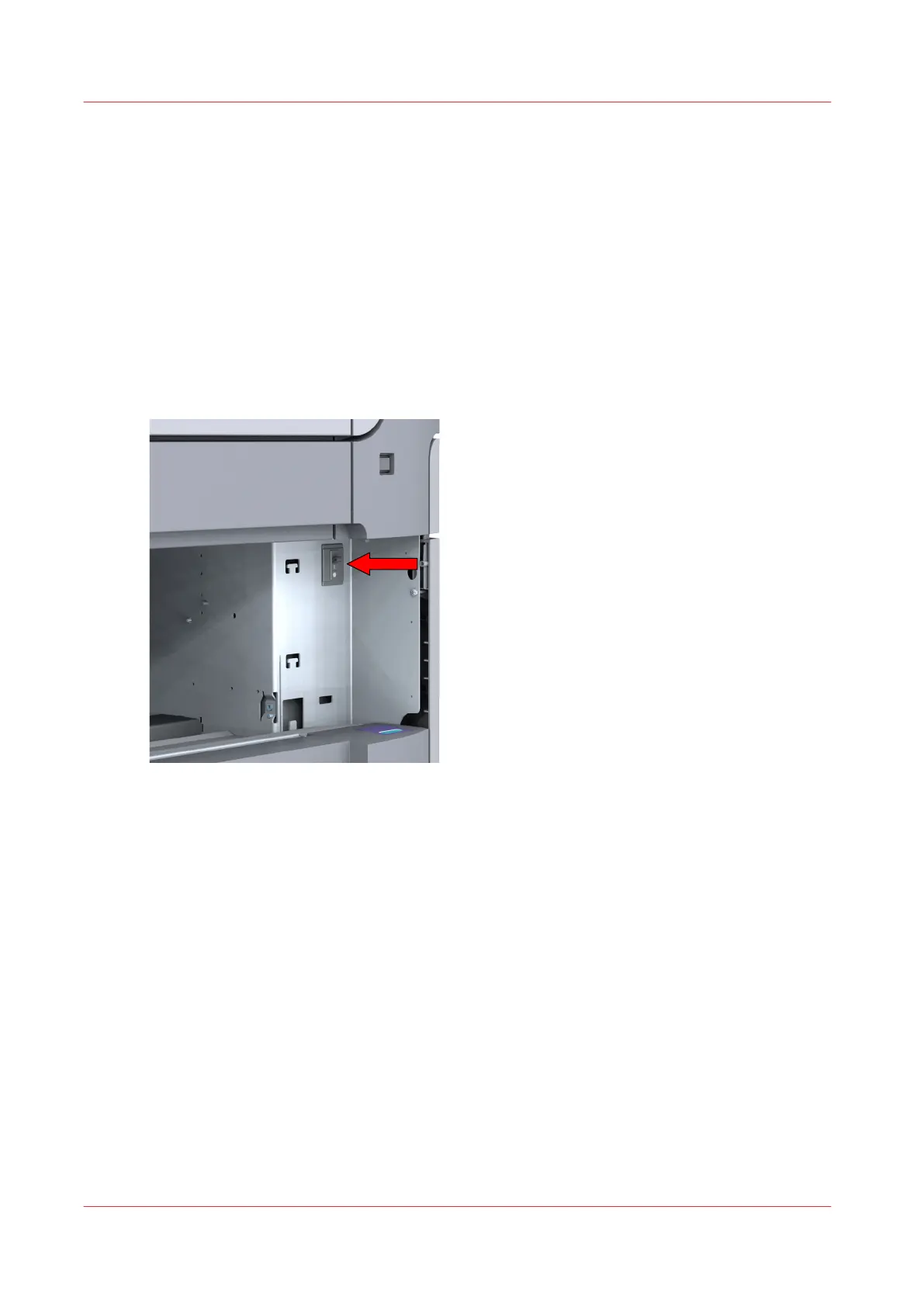
Open the upper media drawer.
Make sure you completely pull out the drawer, so that you can see the back of the inside of the
printer. On the right side of the back panel, you can see the circuit breaker switch.
2.
Flip the switch.
After you finish
When using the circuit breaker does not work and your problem is not solved, please contact
Service for support.
Use the circuit breaker
300
Chapter 9 - Solve Problems









 To Next Page