Clear a media jam in the folder transport section
Procedure
1.
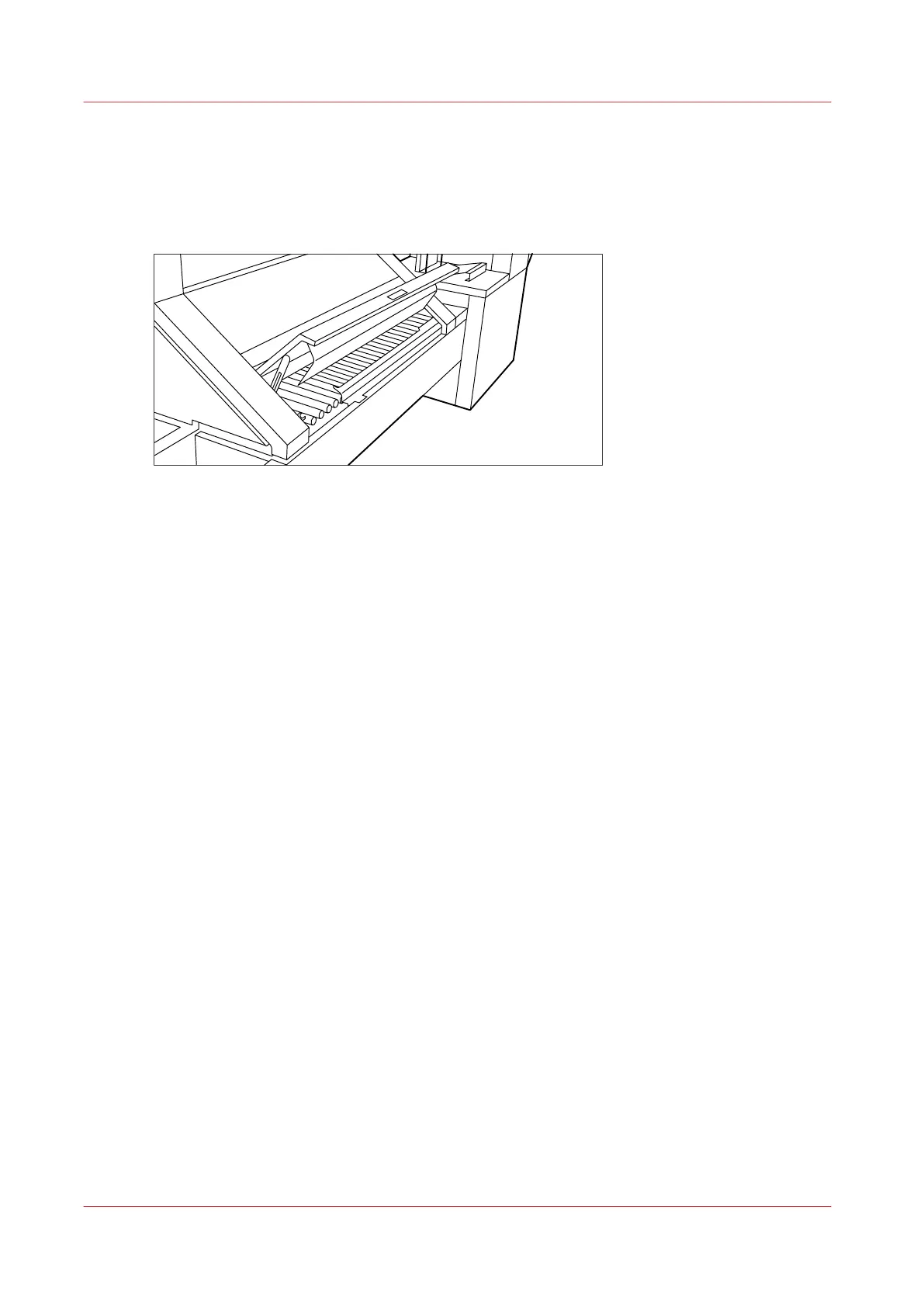
Open the cover of the transport to the first fold delivery.
[32] Opening the cover of the folder transport section
2.
Remove any jammed printing material.
3.
Close the cover of the folder transport section from the left side by lifting it up and pushing the
hinge away from you.
Clear a media jam in the folder transport section
294
Chapter 9 - Solve Problems









 To Next Page