Use the reinforcement unit
Introduction
When you install a reinforcement unit, output can be delivered with a pre-punched, self-adhesive
strip.
When to do
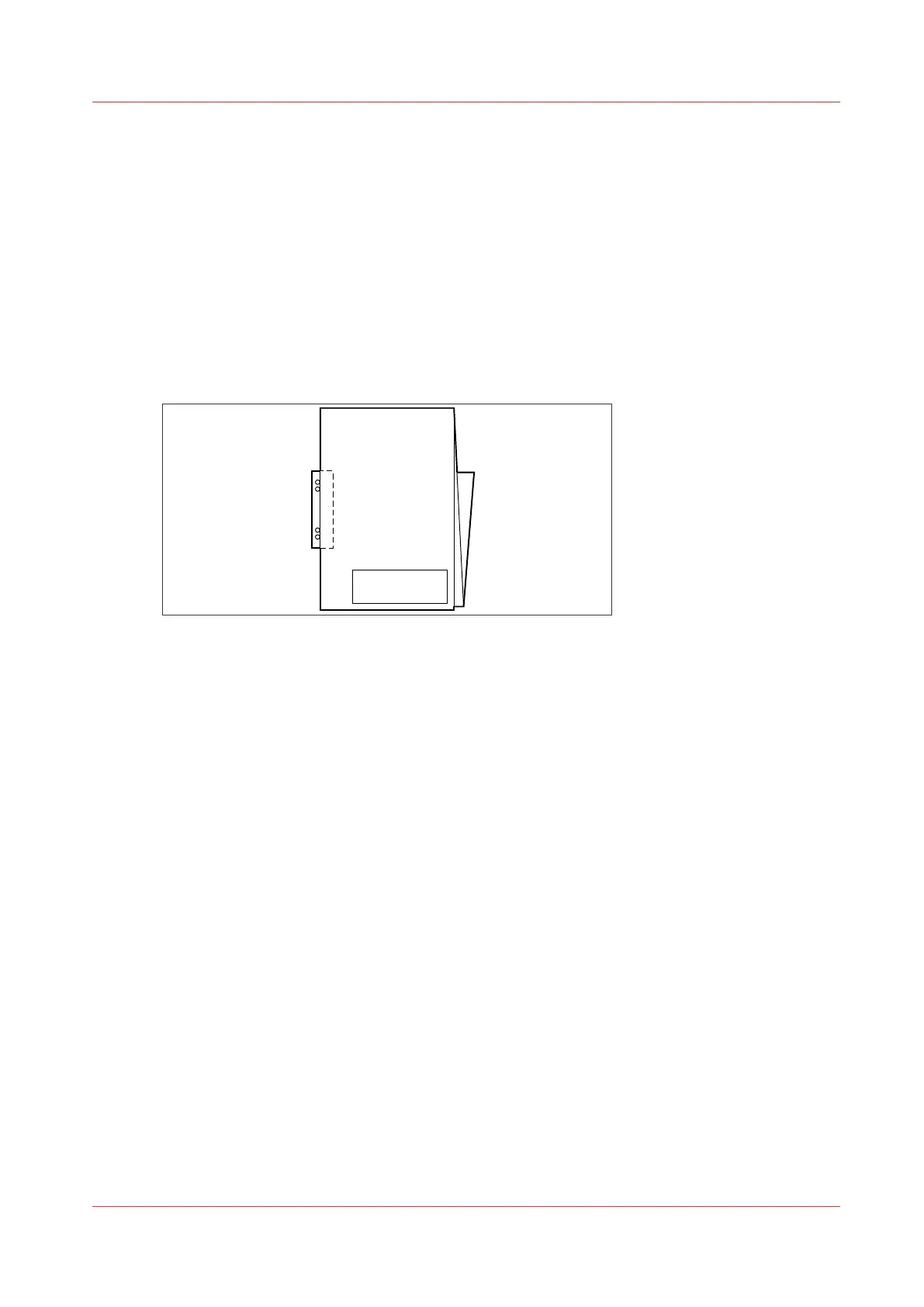
The reinforcement unit glues pre-punched strips to the back of the folded package. You can:
• Store the folded package in a binder, without the risk of torn-out punching holes.
• Unfold a folded map in a binder without opening the binder mechanism.
[3] Example of a folded map
See
Maintain the Reinforcement Unit (Optional)
on page 257 for more information about
inserting a new tape roll and other maintenance issues.
Enable and use reinforcement
Procedure
1.
Open Océ Express WebTools.
2.
Open the [Preferences] - [Fold] tab.
3.
Click on the edit icon to change an existing template, or click on the create new icon to create a
new template.
The template window opens.
4.
Set the [Folding method] setting to [With same size back].
5.
Set the [Reinforcement] setting to [Enabled].
6.
Make any additional settings and save the template.
7.
Send a job to the printer, or submit one locally.
8.
On the user panel of the printer, select the fold template you created for reinforcement.
Your output will be delivered with a reinforcement strip.
Use the reinforcement unit
Chapter 5 - Use the Folder
223









 To Next Page