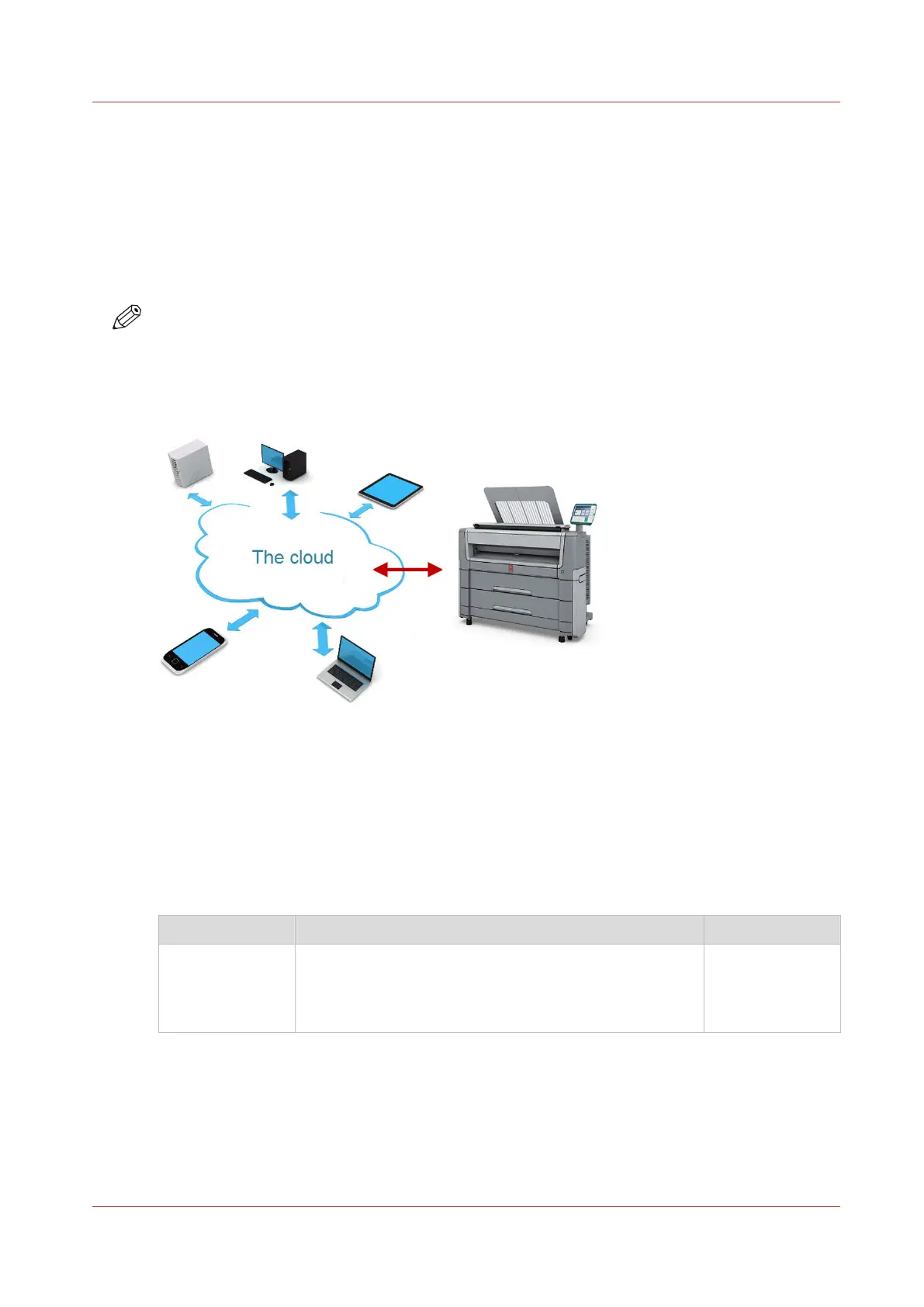
The cloud
Introduction
The multi-touch user panel gives the user the opportunity to print from and scan to various
locations. One of these locations is the cloud.
You can enter the cloud via WebDAV and use it as a network drive. This way, the cloud
application of your choice is accessible.
NOTE
• For more information on how to configure the cloud as an external location, see
Create an
external location
on page 111.
• Note that WebDAV is the type selected when creating a cloud location. For more information
on how to use the cloud for print jobs, see
Use the cloud to send a print job
on page 160.
Concept of the cloud
The cloud can be seen as a virtual network drive you use to send files to, but also to save and
share files on.
There are general cloud applications, such as SharePoint or applications via a HTTP URL, but
companies can also use their own private and internal clouds.
Working with the cloud on the Océ PlotWave 450/550 is very easy:
Procedure Description Via
Connection
Make a connection between your preferred cloud appli-
cation and the printer.
To do this, create an external location in Océ Express
WebTools via WebDAV .
Océ Express
WebTools
4
The cloud
Chapter 2 - Get to Know the Printing System
41









 To Next Page