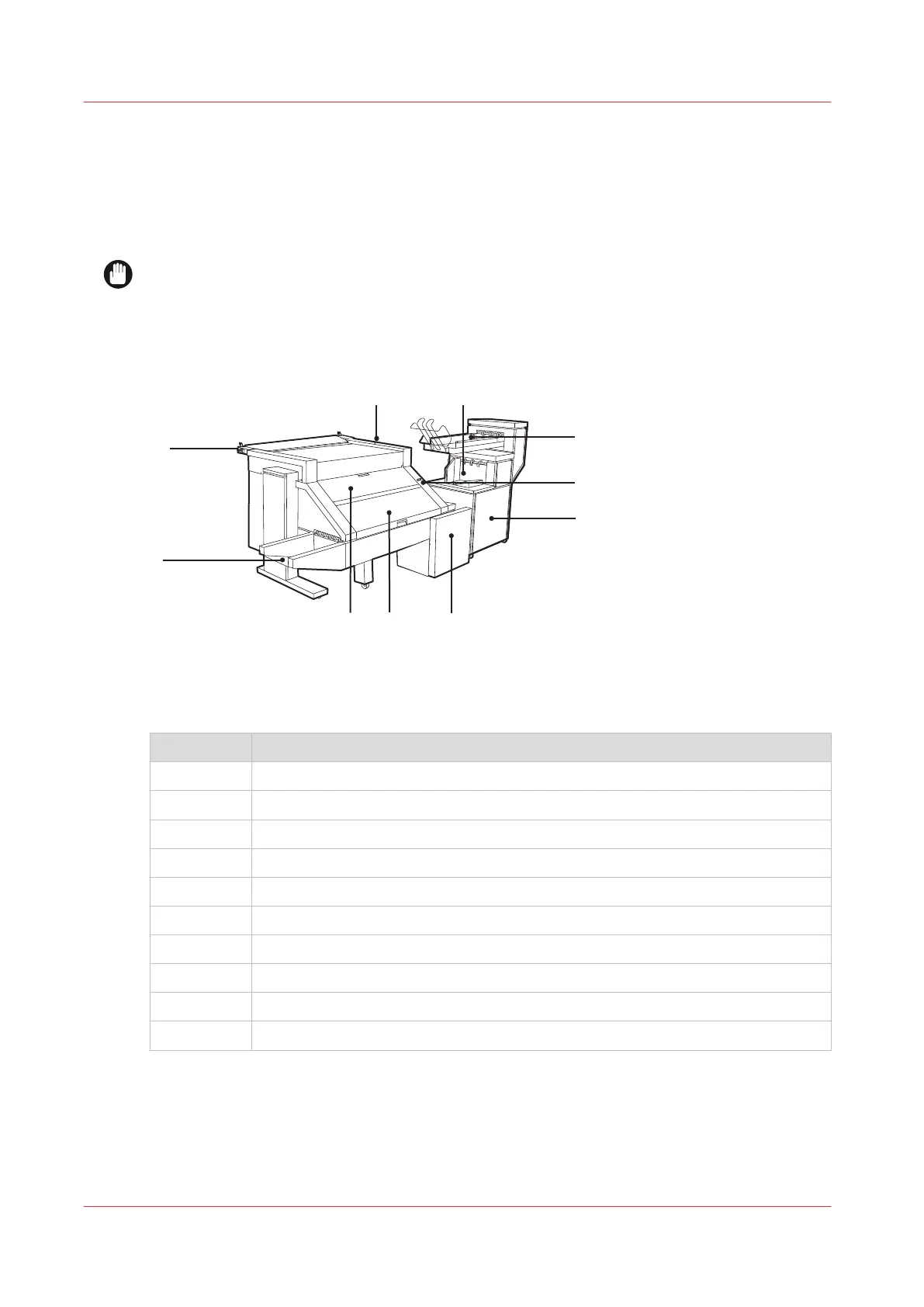
The components of the Océ PlotWave folder
Introduction
The Océ PlotWave folder can be connected to the printer to fold your output.
IMPORTANT
You can only fold paper. When you try to fold polyester, transparent or vellum media, a media
jam will occur.
Illustration
[2] The Océ PlotWave folder
Folder components
Component Function
1 LED light
2 Stacker
3 Belt unit
4 On/off switch
5 Second fold section
6 Reinforcement unit
7 Folder transport section
8 First fold section
9 First fold delivery
10 Lever
The components of the Océ PlotWave folder
216
Chapter 5 - Use the Folder









 To Next Page