EasyManua.ls Logo

Canon Oce PlotWave 550 - Page 164

Canon Oce PlotWave 550
330 pages
Print Icon
To Next Page IconTo Next Page
To Previous Page IconTo Previous Page
Loading...
2.
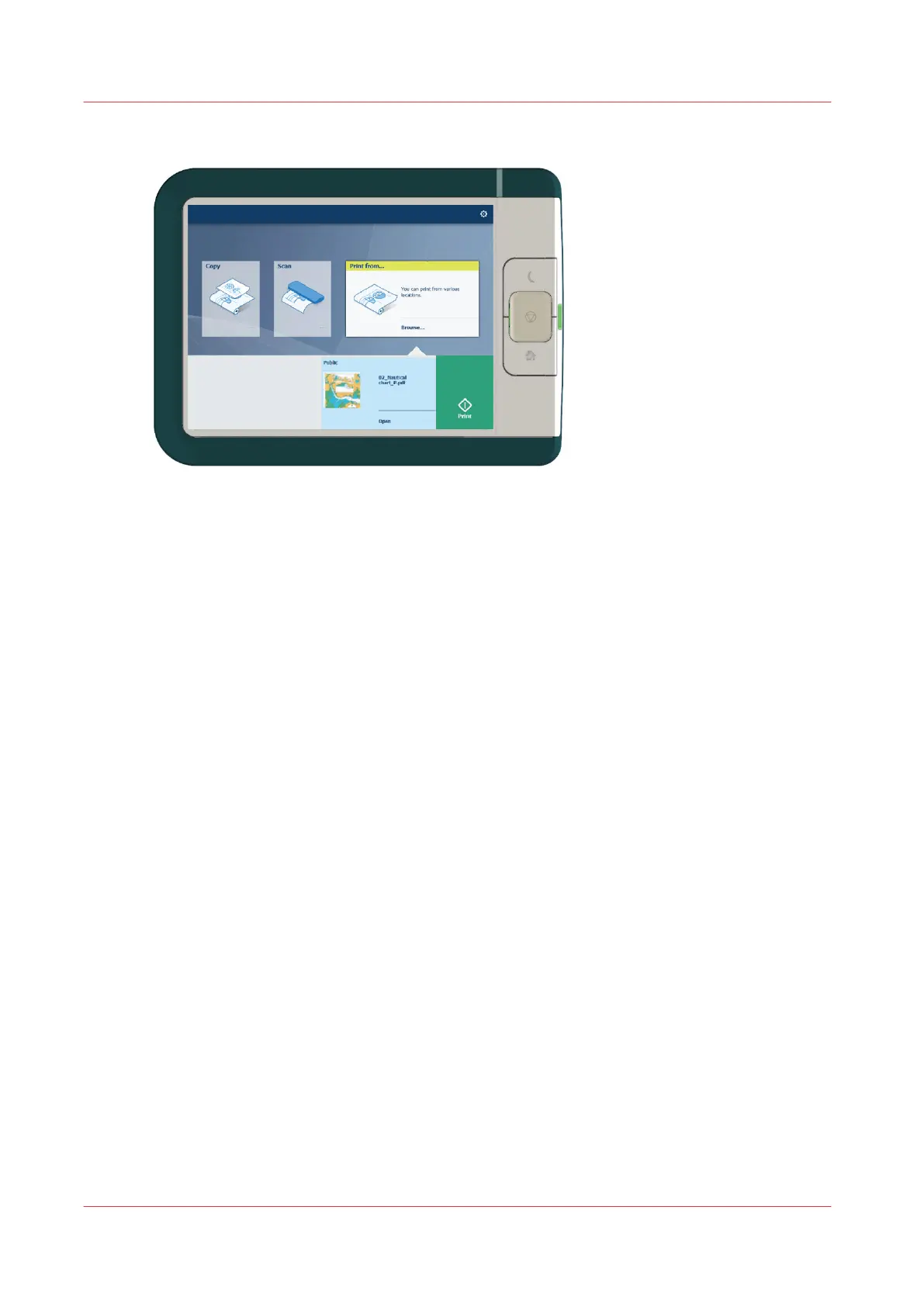
Select the location of your job. Default, the public Smart Inbox.
The jobs are listed in a new window.
3.
Select your job from the list.
4.
Tap the green button, next to the job settings.
Do a default print job
164
Chapter 4 - Use the Printing System


Table of Contents

Other manuals for Canon Oce PlotWave 550

Related product manuals