Preset category: [Image]
Setting Settings values Settings values Function
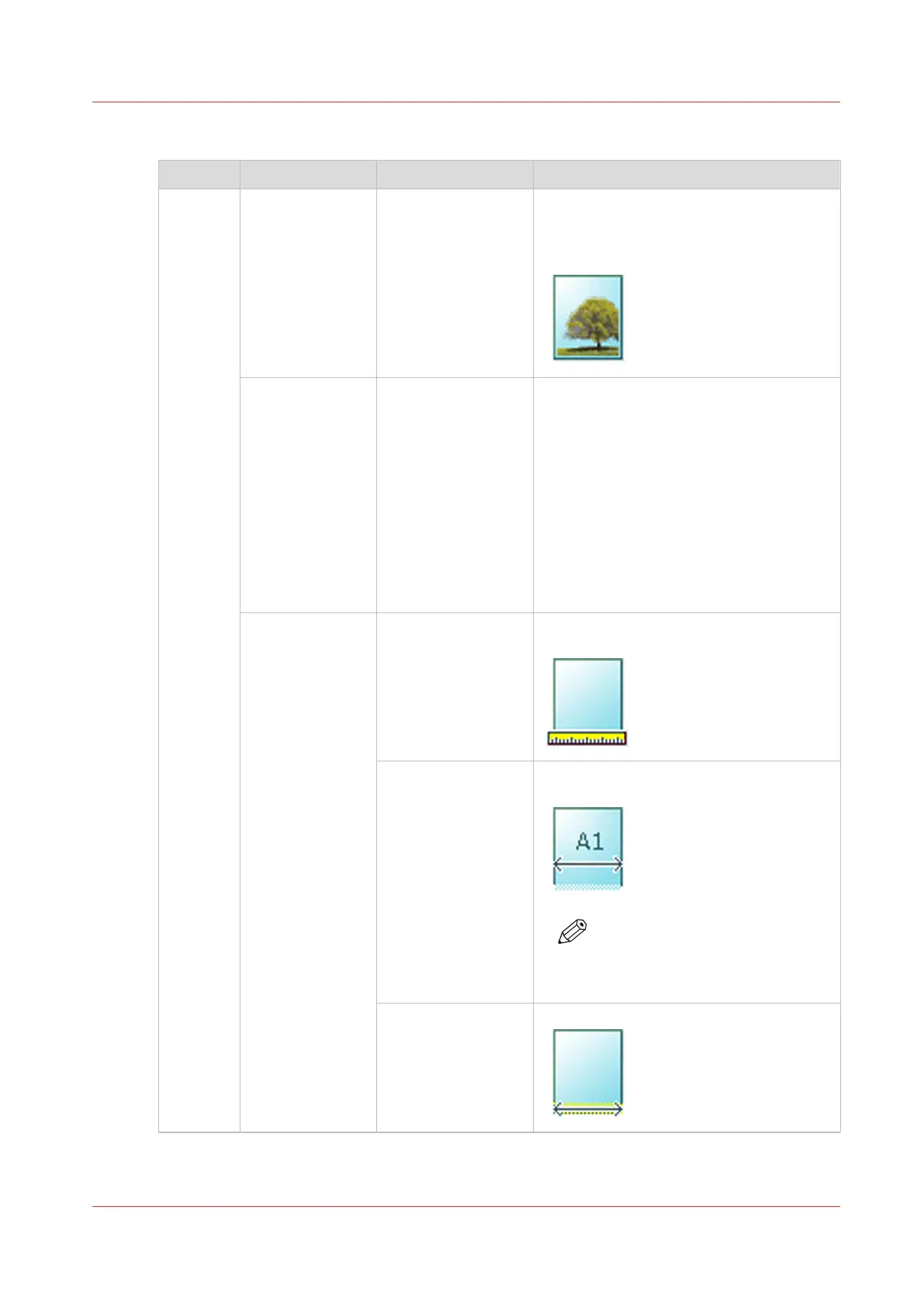
[Original] [Original type] [Lines/text standard]
[Lines/text draft]
[Colored original]
[Folded lines/text]
[Blueprint]
[Dark original]
[Photo]
Define the type of original you use. For
more information on choosing the correct
original type, see
The original type
on
page 183.
[Background
compensation]
[Auto]
[On]
[Off]
Reduce the background noise of the im-
age.
• Default is [Automatic]. Dependent of
the chosen [Original type], background
compensation is automatically applied
or not.
• Override [Automatic] by selecting [On]
or [Off].
The applied background compensation
method depends on the chosen original
type.
[Original width]
[Auto] The width of the original is automatically
detected by the scanner.
[Standard]
Select one of the
available standard
sizes from the list.
The width of the original is a standard
size.
NOTE
Depends on the media series
defined in Océ Express WebT-
ools
[Custom]
You can enter a size
within the range of
210 to 914 mm or
8.5 to 36".
The width of the original is a custom size.
4
Advanced settings for copy jobs
Chapter 4 - Use the Printing System
179









 To Next Page