Settings values Settings values Function
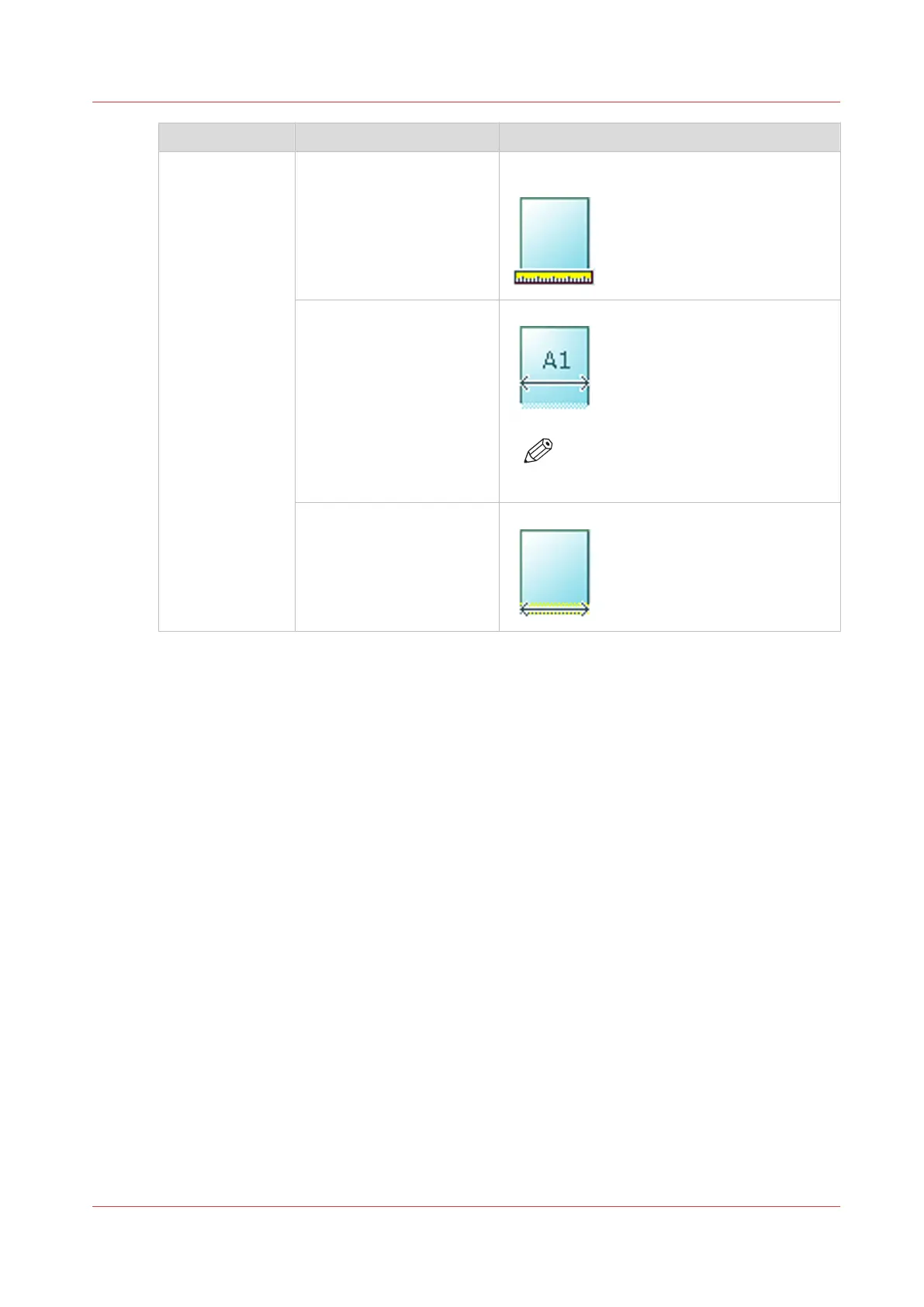
[Original width] [Auto] The width of the original is automatically de-
tected by the scanner.
[Standard]
Select one of the available
standard sizes from the list.
The width of the original is a standard size.
NOTE
Depends on the media series defined
in Océ Express WebTools
[Custom]
You can enter a size within
the range of 210 to 914 mm
or 8.5 to 36".
The width of the original is a custom size.
Advanced settings for scan jobs
Chapter 4 - Use the Printing System
199









 To Next Page